Day 1
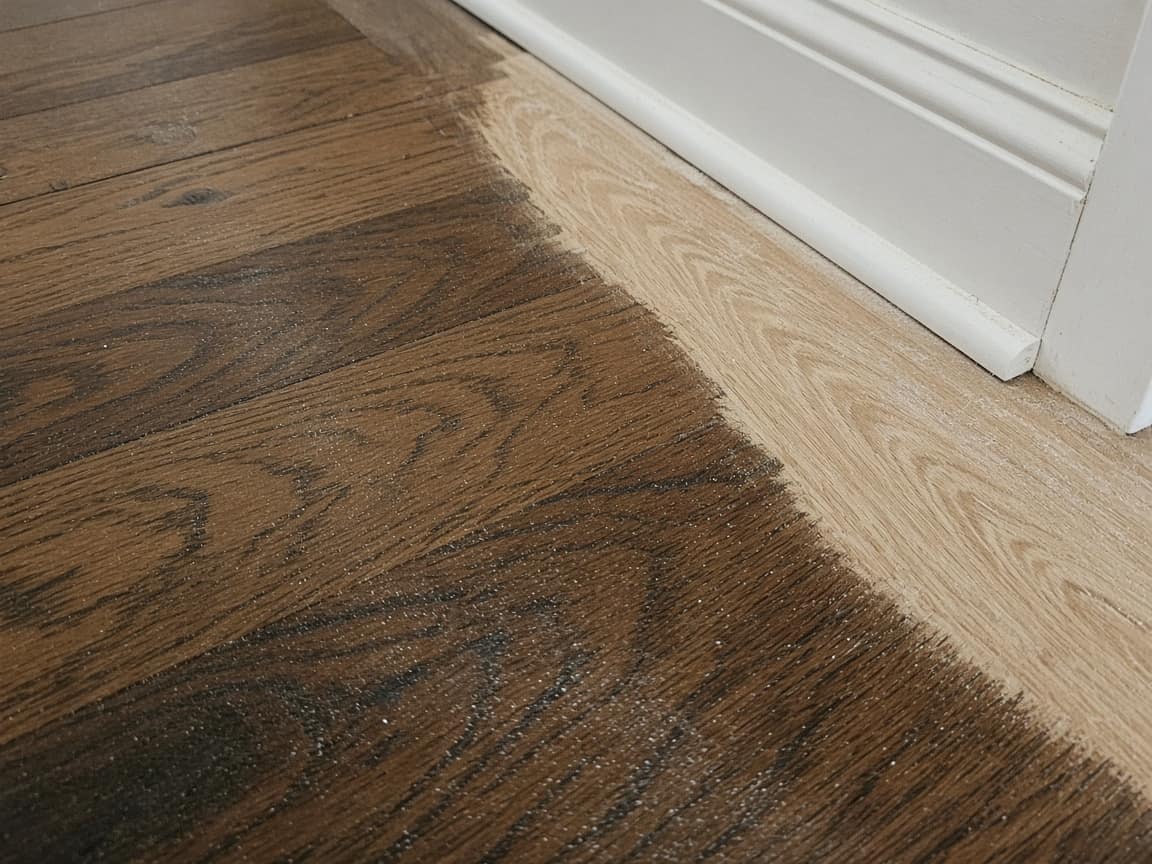
Baseboards, before the sander
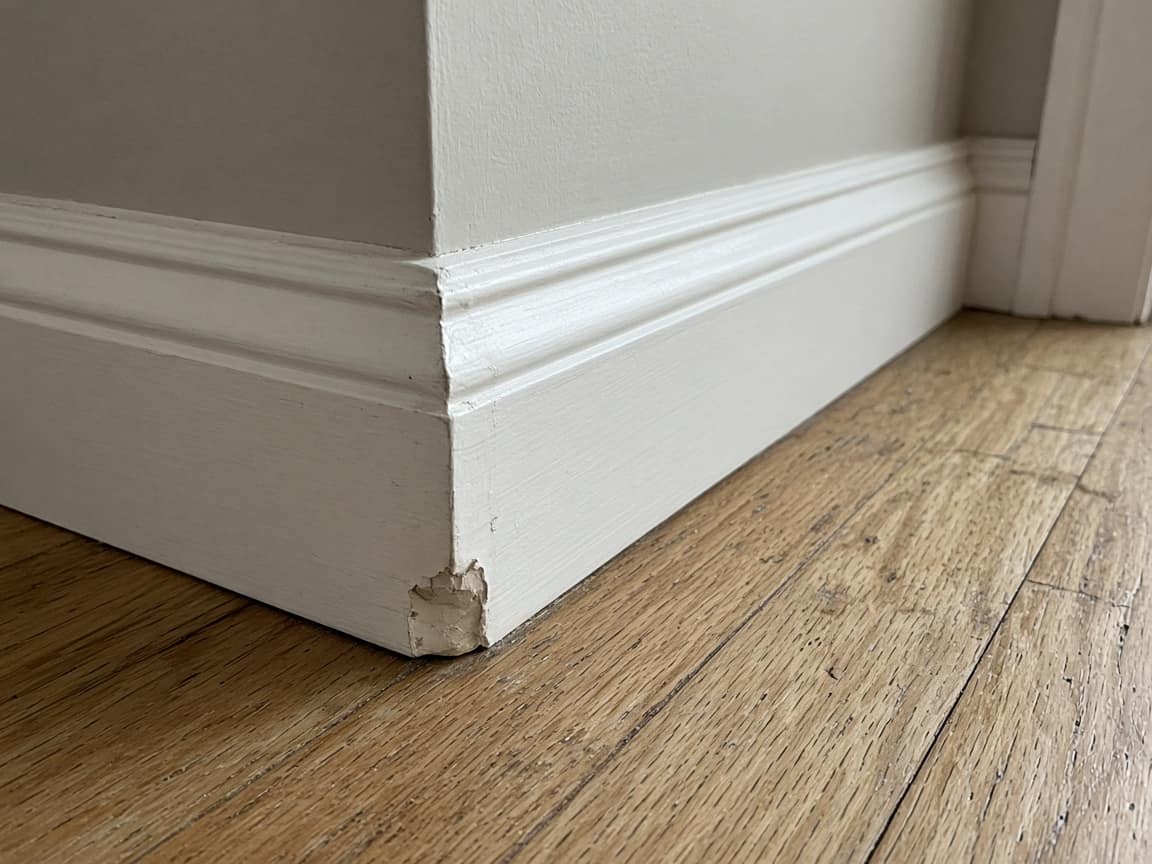
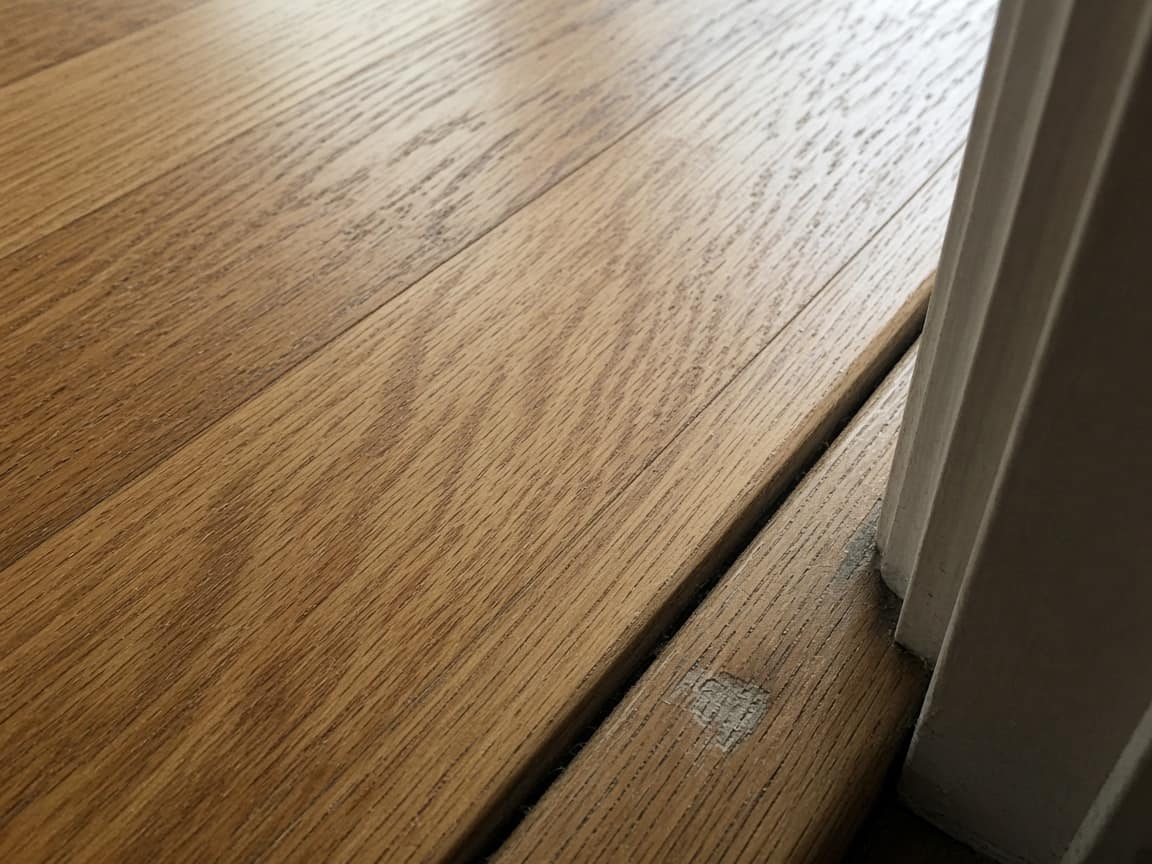
The chip, the scuff, the gap that was already at the doorway. It lives on the first step, with a time on the photo, while the furniture is still out.
Flooring
They are at work for two or three days while the floor is sanded or the click-lock goes down. When the furniture is about to come back, the message is “you scratched the baseboard” or “that gap was not there.” A flooring job link is the room before you start: the floor, the baseboards, the doorway. Then each day of the job, and the open floor before anything is moved back in. One URL. No account. You leave the link when you wrap the room — copy, QR, or a message draft on your phone. Opeo does not measure square footage, price the job, or count boxes of plank.
No credit card · customer needs no account
Send the link once, from your phone, before you leave for the day. Copy, QR, or a WhatsApp draft. Opeo does not message them.
Harbor & Grain
In progressLiving room, 88 Cedar St. Furniture has been out since Tuesday. Day-one photos of the baseboards and the threshold are on the second step. The first finish coat is down. The room stays empty until it can be walked on.
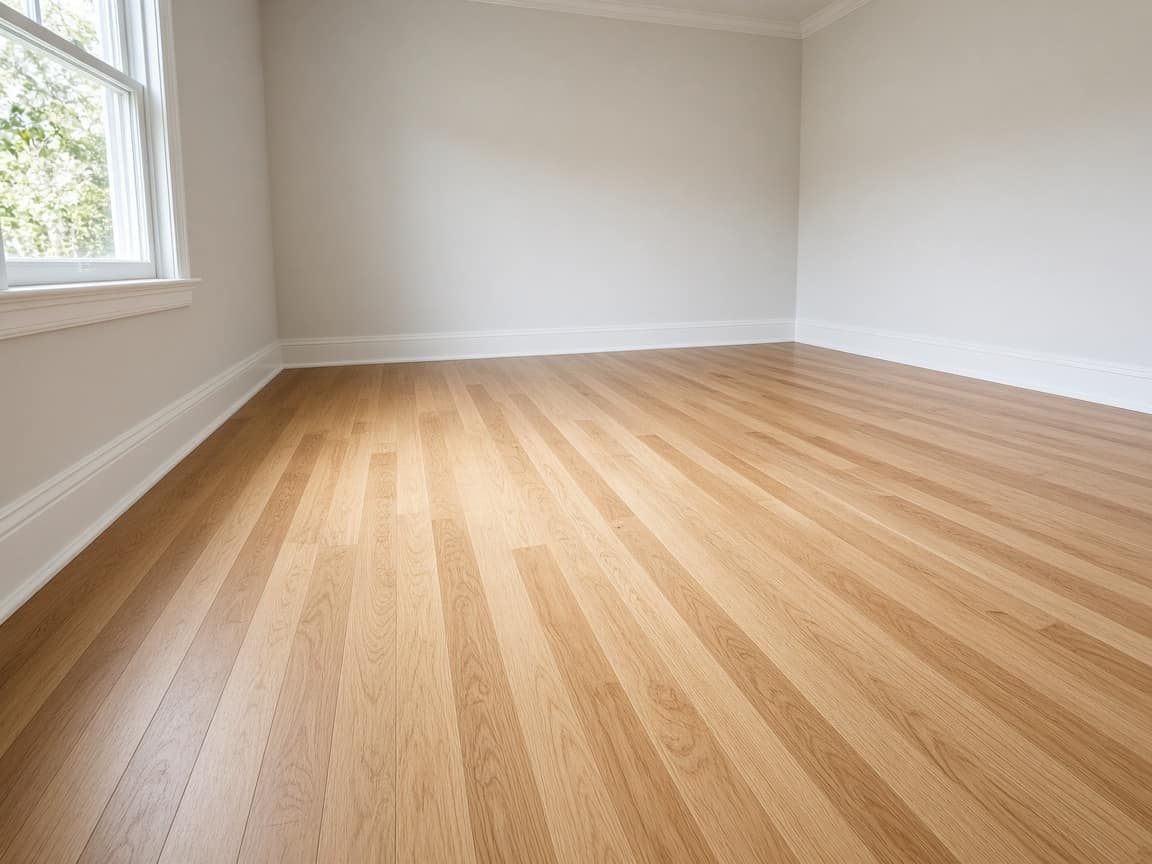
Room cleared
Furniture out Tuesday morning. Pads left a few marks. Nothing sanded yet.
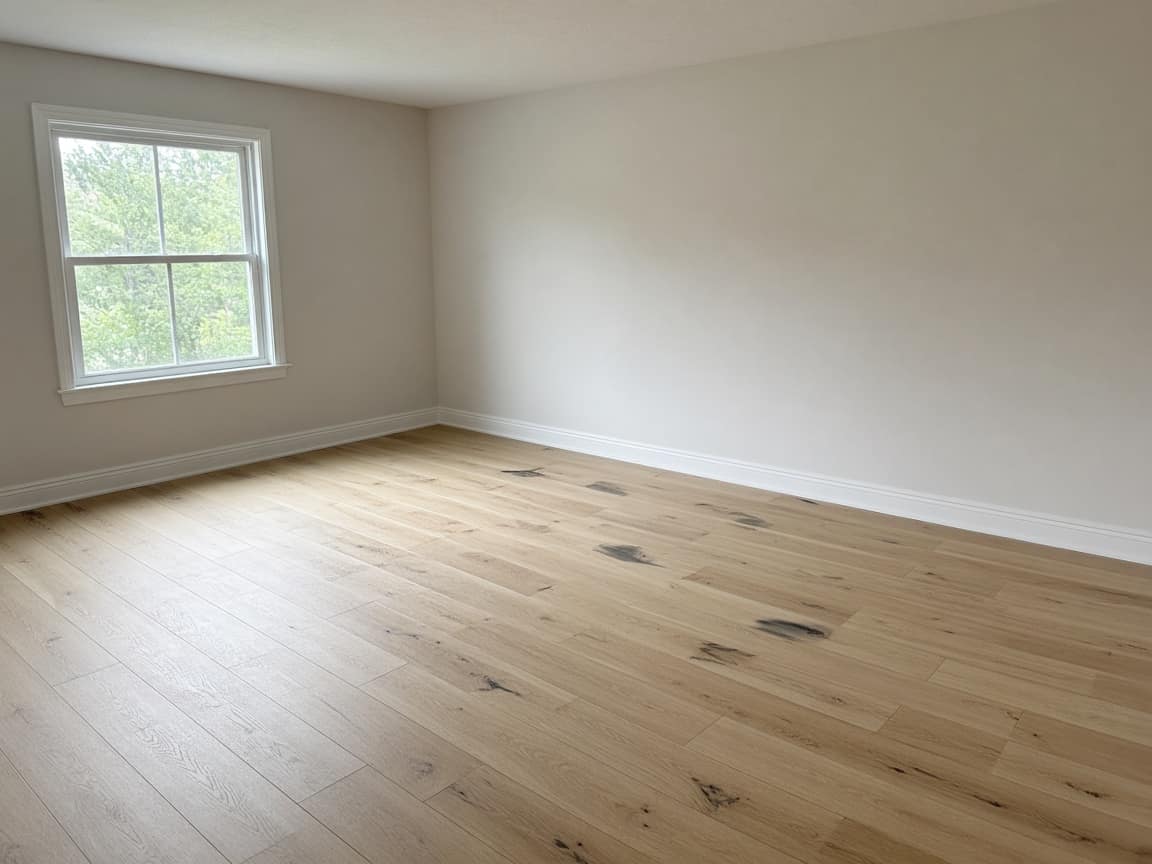
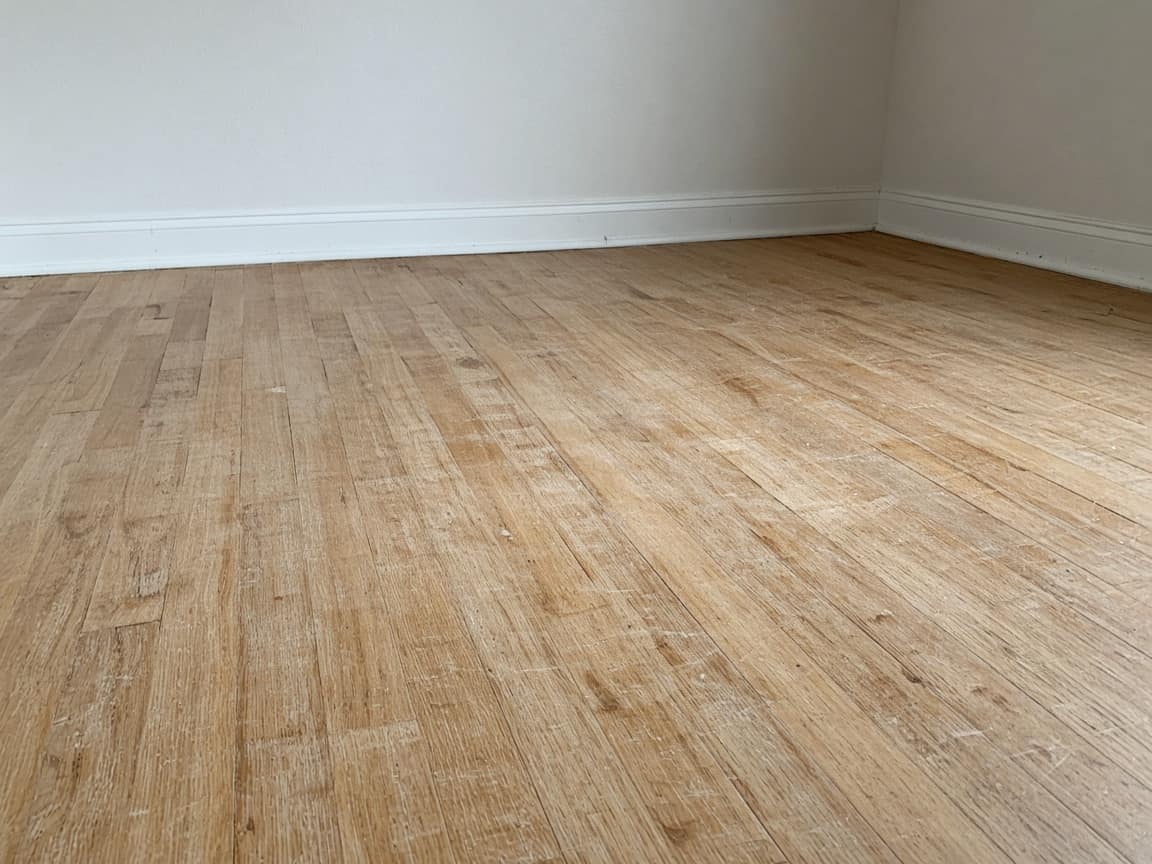
What was already there
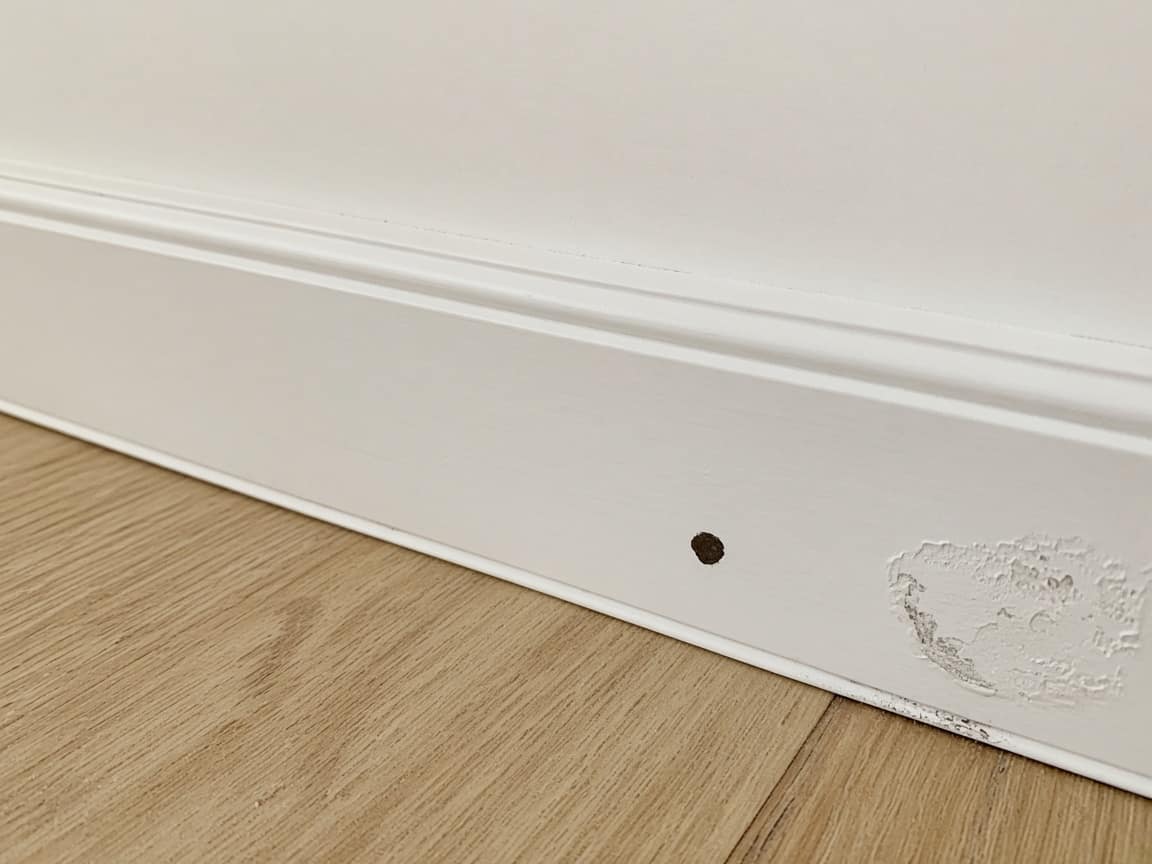
Baseboard chip by the door, a second scuff further along the wall, and the gap at the threshold. All of this is from before the sander came in.
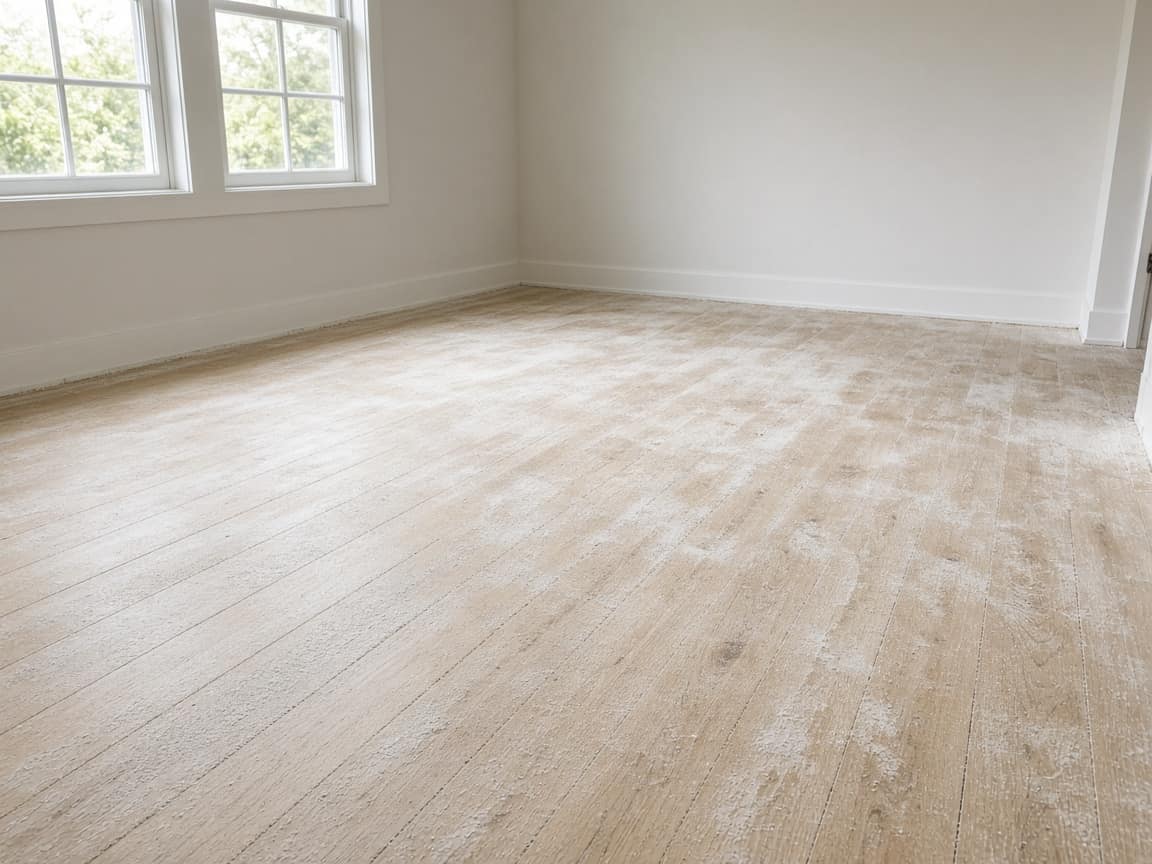
First cut
Wednesday. Field sanded once. Dust still on the floor in this photo, before we vacuumed.
Edges and second cut
Edges along the baseboard, then the second pass on the field. They were at work both days.
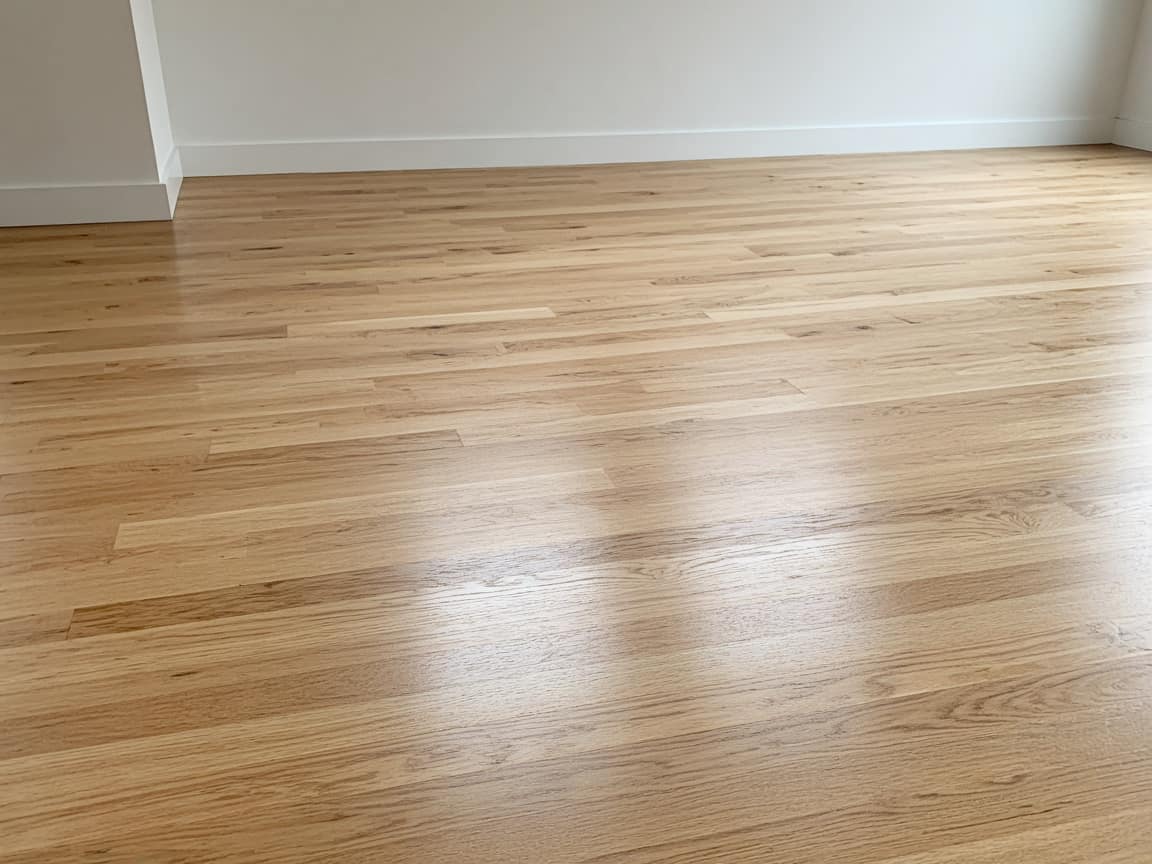
Finish coats
First coat went down this morning and is still tacky in the photo. Second coat is tomorrow. Do not walk on it.
Before the furniture comes back
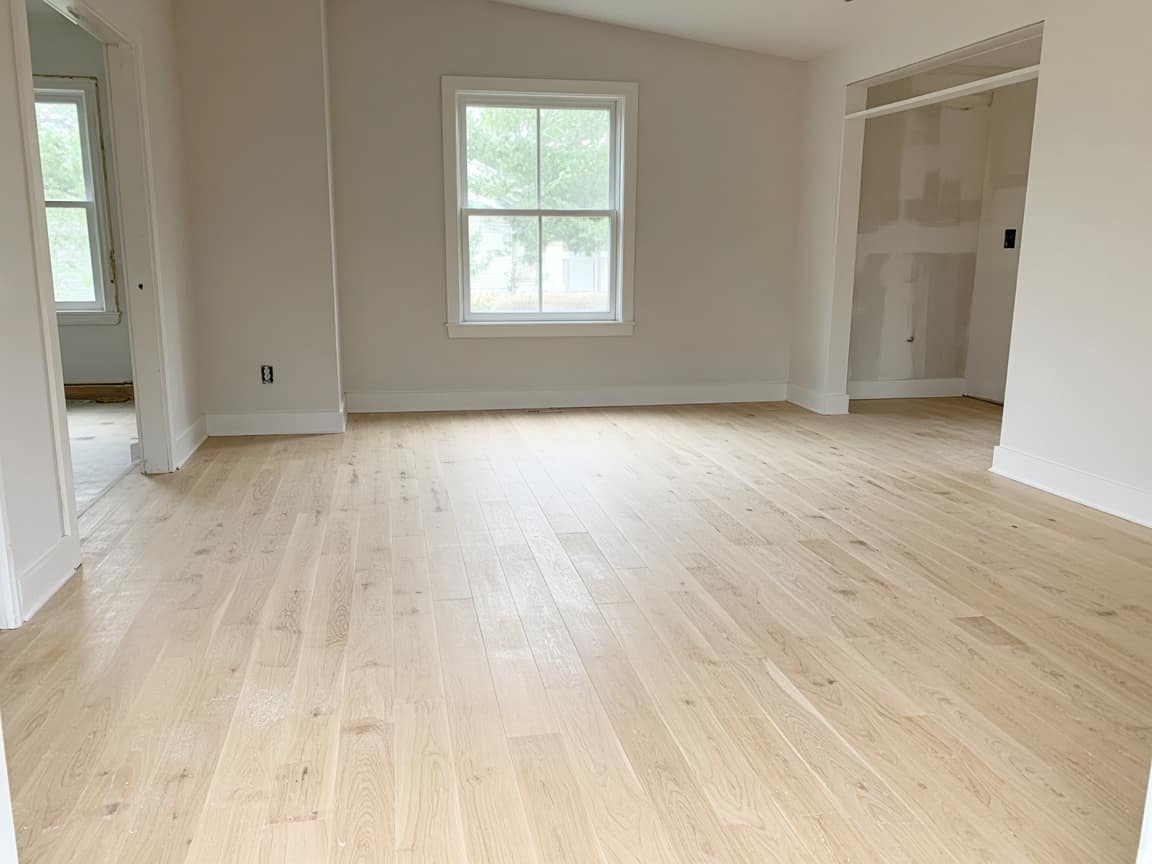
Final photos of the empty room once the floor can be walked on. Then the sofa can come in.
There is a chip on the baseboard by the door. That was not there.
It is the first photo on What was already there, taken Tuesday before the sander. There is a second scuff further down the same wall, in the next frame.
Can we put the rug back tomorrow?
Not tomorrow. First coat is down today, second coat is Friday. The room stays empty until the last step says it can be walked on.
The template
The room, the days on the tools, and the empty room at the end.
01
Baseboards, thresholds, the floor as you found it. Close enough that a chip is visible. This is the step that answers the text three days later.
02
Old floor out, or the first cut. Photos on that step. They check the link from work instead of driving home at lunch.
03
One step for the day you are actually in the room. A short clip of the floor if you take one. The earlier photos stay above it.
04
The finished floor with the room still empty. That frame is what they compare when the sofa goes down.
Day 1
The chip, the scuff, the gap that was already at the doorway. It lives on the first step, with a time on the photo, while the furniture is still out.
While they work
Sanding and finish coats take more than one visit. Each day is a step they can reopen from work.
At the end
They write it on the job. You point at Tuesday’s photo in the reply. The thread stays with the floor, not in a text they cannot find.
This is not a tape measure, a square-foot quote, or an inventory of plank boxes. Pricing the floor stays in whatever you use today.
Your logo and colors on the link are on Pro. A crew login and a work log are on Pro and Scale.
Run your service business from your pocket. Start strictly free. Upgrade when you need to scale your team.
No hidden fees or "contact us" for basic features.
Perfect for trying out Opeo.
No credit card required
For solo entrepreneurs.
About $0.97/day · less than one disputed job
For growing teams.
Equivalent to $17.80 / user · pays for itself after one repeat job
For large operations.
Granular breakdown of feature availability per tier.
| Feature | Free | Starter | Pro | Scale |
|---|---|---|---|---|
| Core Capabilities | ||||
| Monthly Jobs | 5 | 50 | 300 | 1000 |
| Status Job Pages | ||||
| Starter templates included | ||||
| Unlimited Job Templates | ||||
| Real-time Updates | ||||
| Search & Filters | ||||
| Customer CRM | ||||
| Team Members | 1 | 1 | 5 | Unlimited |
| Work Log & Audit | ||||
| Media & Storage | ||||
| Photos per Job | 15 | 30 | 60 | 150 |
| High-Res Downloads | ||||
| Branding & Customization | ||||
| Custom Logo | ||||
| Custom Branding | ||||
| Support & Security | ||||
| Secure Cloud Storage | ||||
| Daily Database Backups | ||||
| Encrypted Data Transfer | ||||
| Support Level | Priority | Priority | ||
| Priority Processing | ||||
Common questions about billing and features.
Baseboards on day one. The finished floor before the furniture comes back. Free to start.
Create the job link free