The leak
A photo before anything comes off
Hail, a stained ceiling, a soft deck. Those frames stay on the job after the new roof is on. The dispute does not depend on who remembers Tuesday.
Roofing
The call comes before anyone is on the ladder: when are you starting the roof? Later the argument is whether the ceiling stain was already there, whether hail did it, or why the crew stopped when the sky closed. One job link holds the photos from before the old shingles come off, then decking and flashing as they go on. If it rains, you mark the job Delayed and write the reason. They see that the next time they open the link. They do not need an account. You copy the link, show a QR, or send a text draft from your own phone. Opeo does not text them, and it does not write the insurance file or order the shingles.
No credit card · customer needs no account
Copy the link, show a QR at the truck, or open an SMS or WhatsApp draft on your phone. The message goes out from you. Opeo does not send it.
Northline Roofing
Delayed14 Birch Ave. The leak was photographed inside and on the roof before anything came off. Decking is patched and the dry-in is down. Shingles are on the roof, waiting on a dry day.
Delayed
Rain through Thursday. Dry-in stays covered. Shingles start Friday morning.
Inside, before anyone climbed
Ceiling stain in the bedroom and the wet deck in the attic. These frames are from Monday, before a shingle was touched.
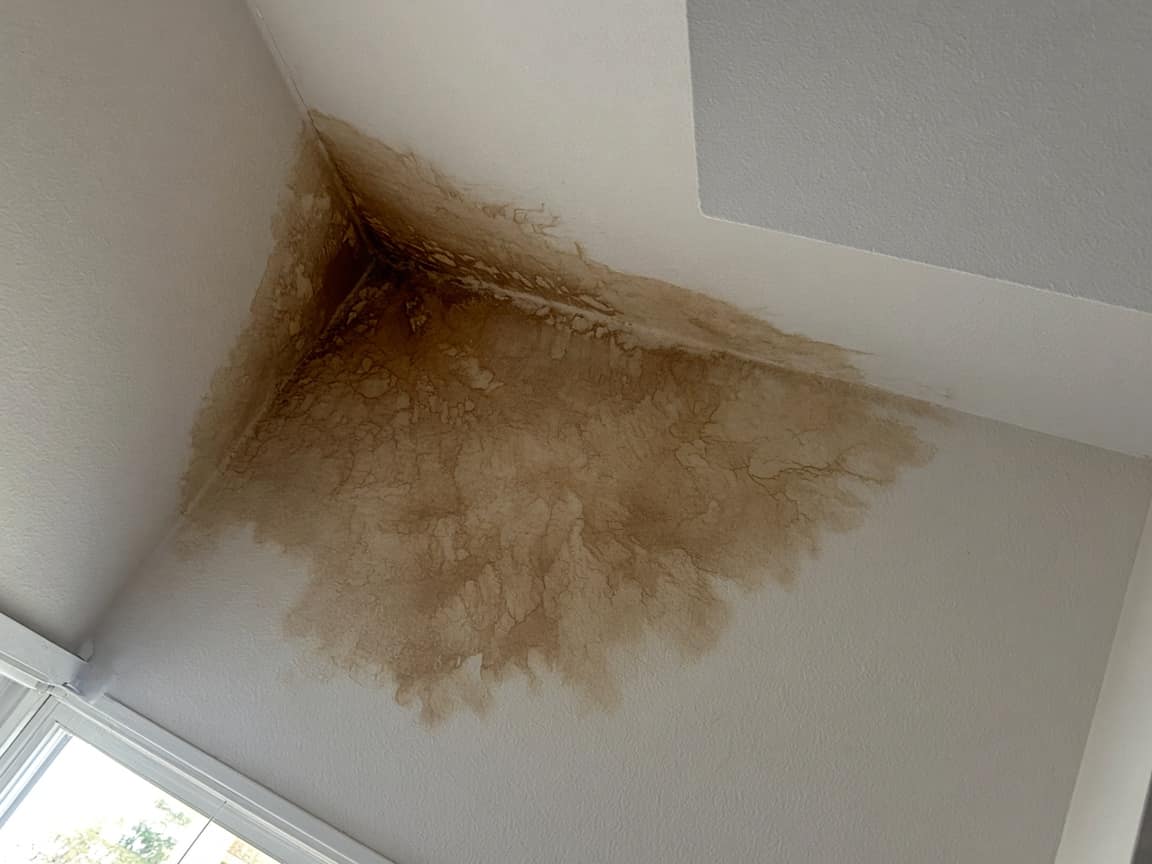
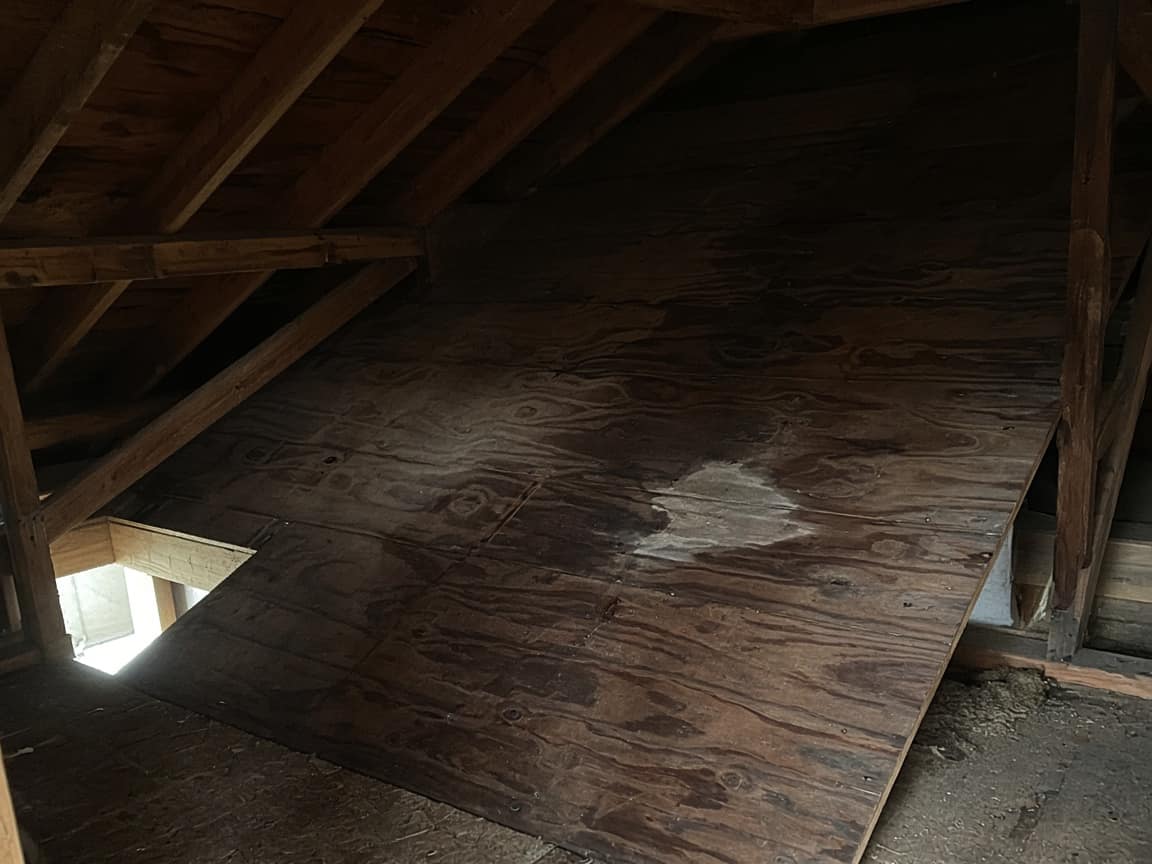
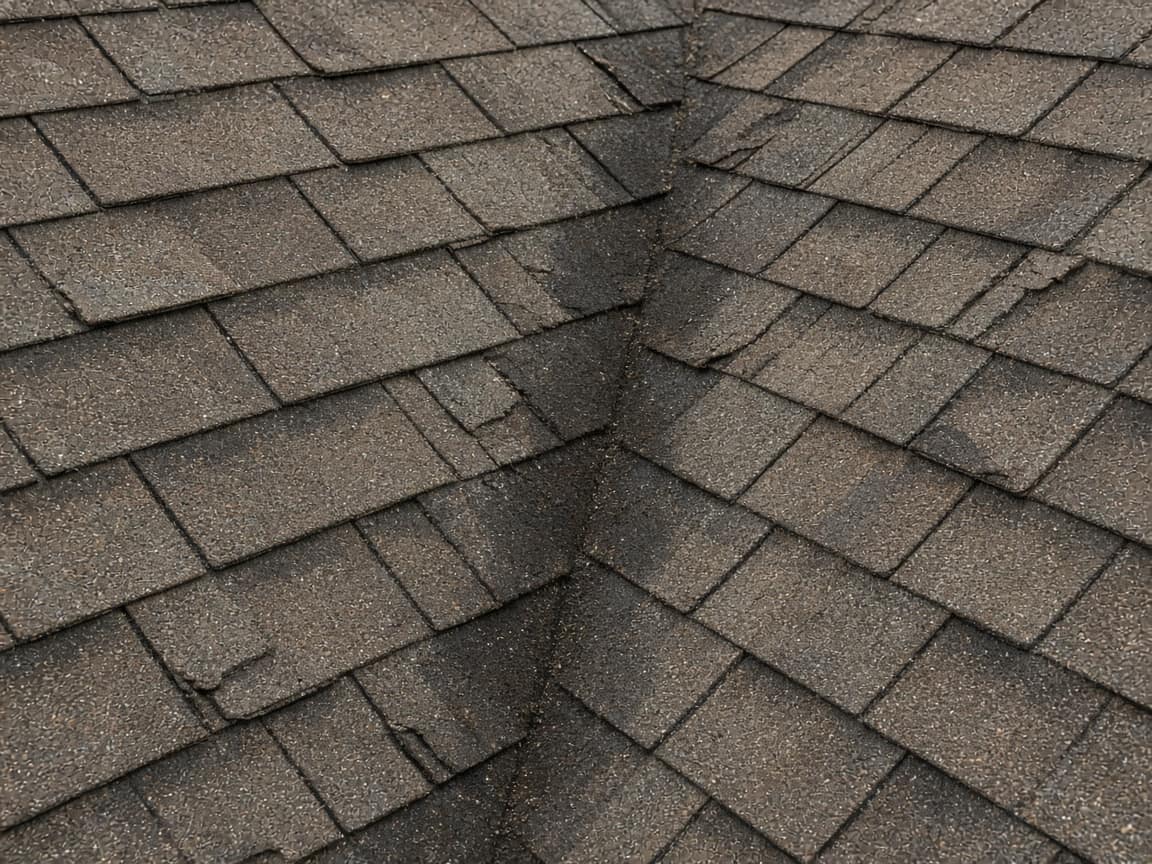
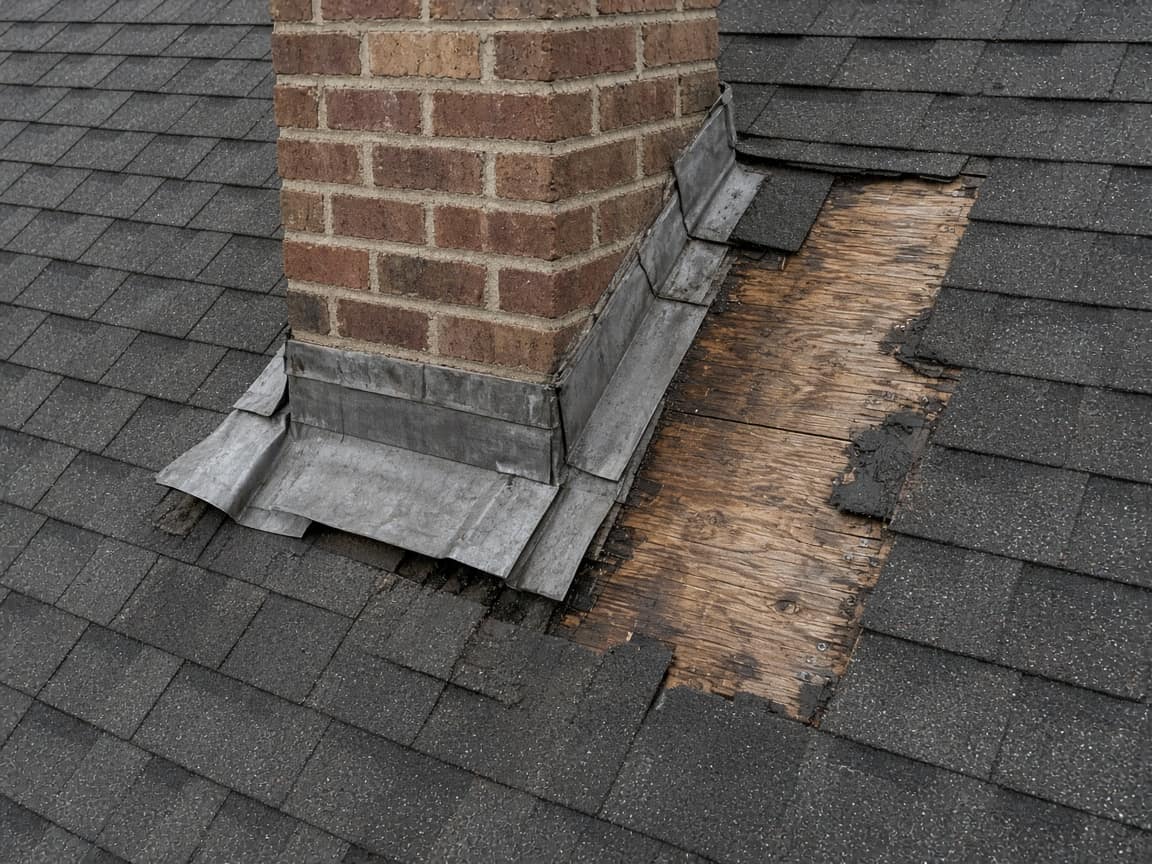
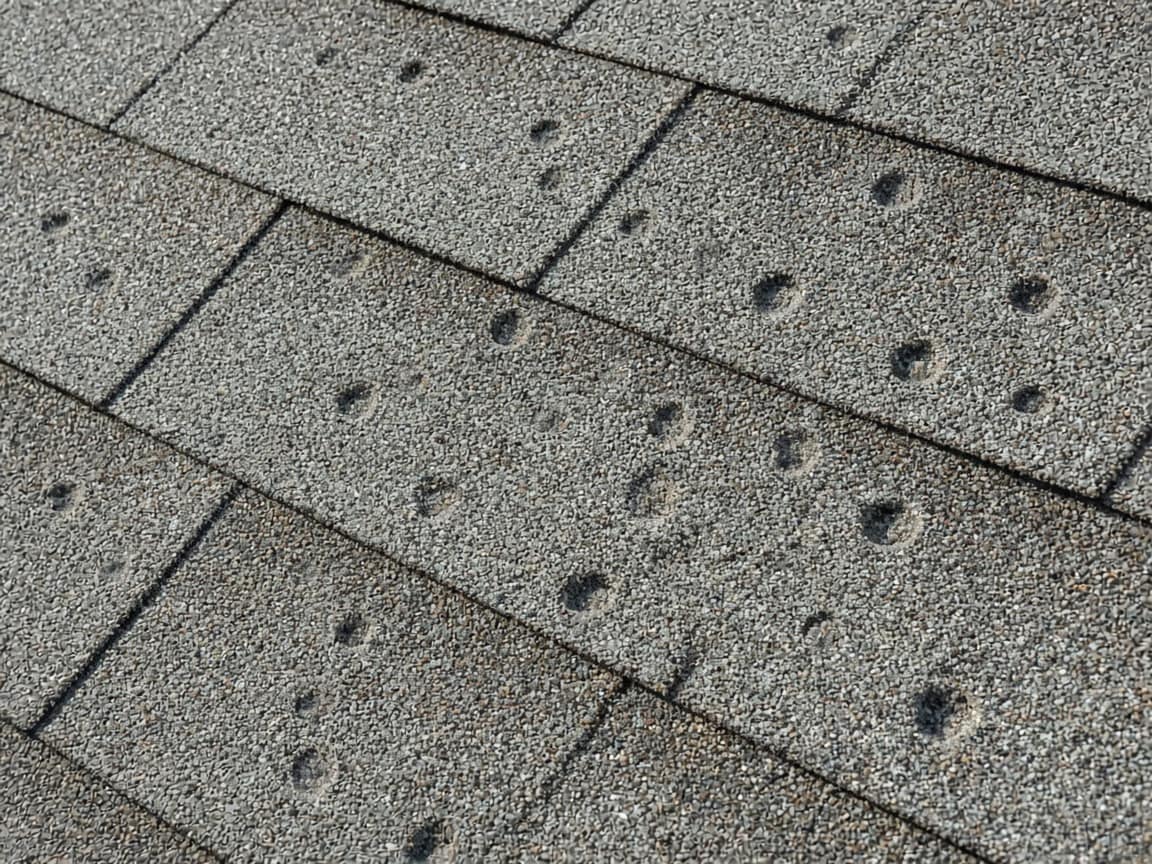
Before tear-off
Valley, chimney, and hail on the south slope while the old shingles were still on.
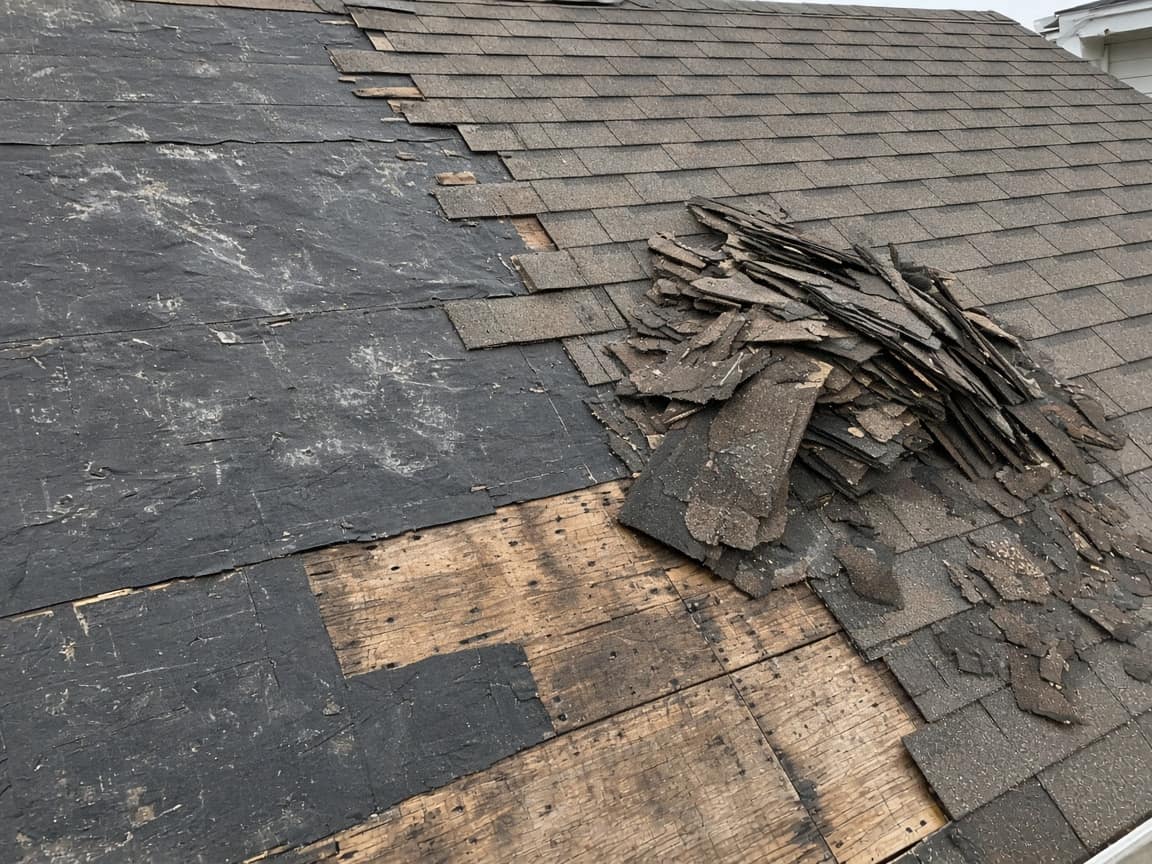
Tear-off
Tuesday morning, before the rain came back. South slope opened. Old shingles stacked for the trailer.
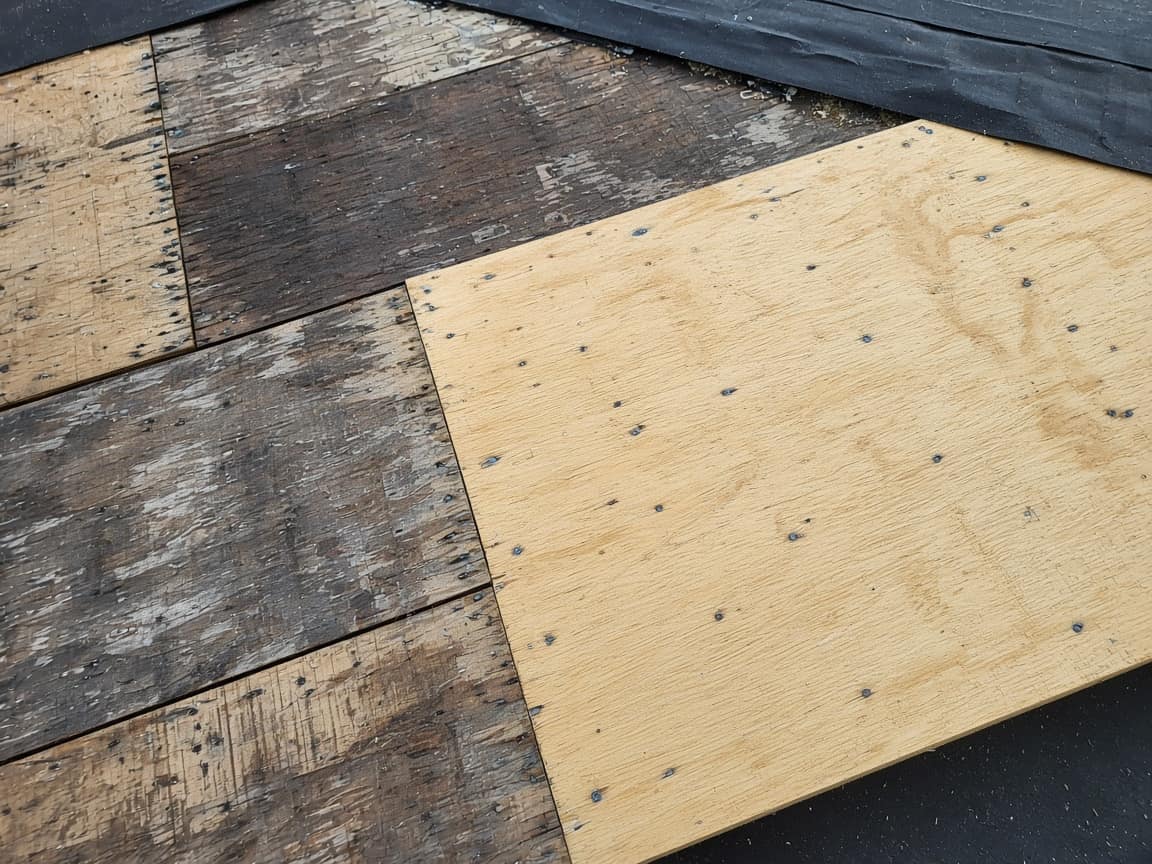
Decking
Soft plywood at the valley, about a sheet and a half. New plywood is down beside the older deck.

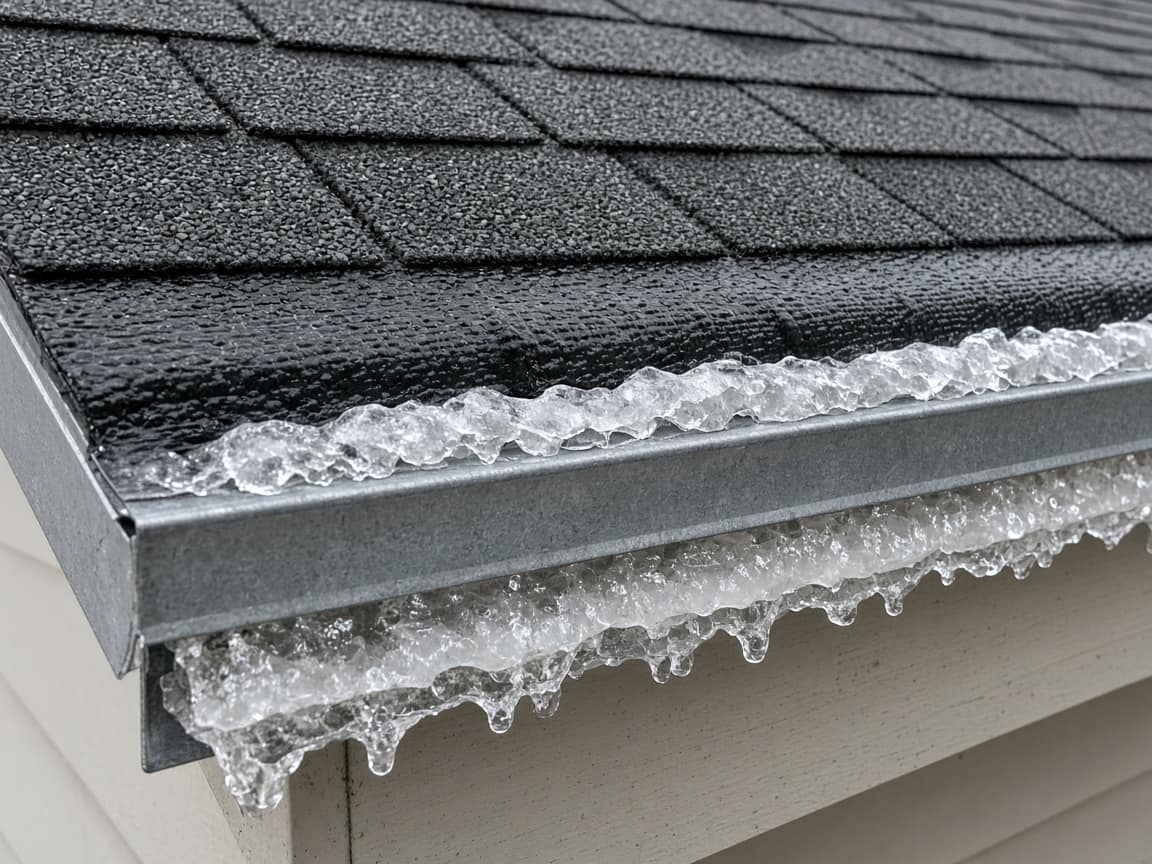
Dry-in
Drip edge, ice and water at the eave, synthetic underlayment across the open slope. This is what is keeping the house dry tonight.
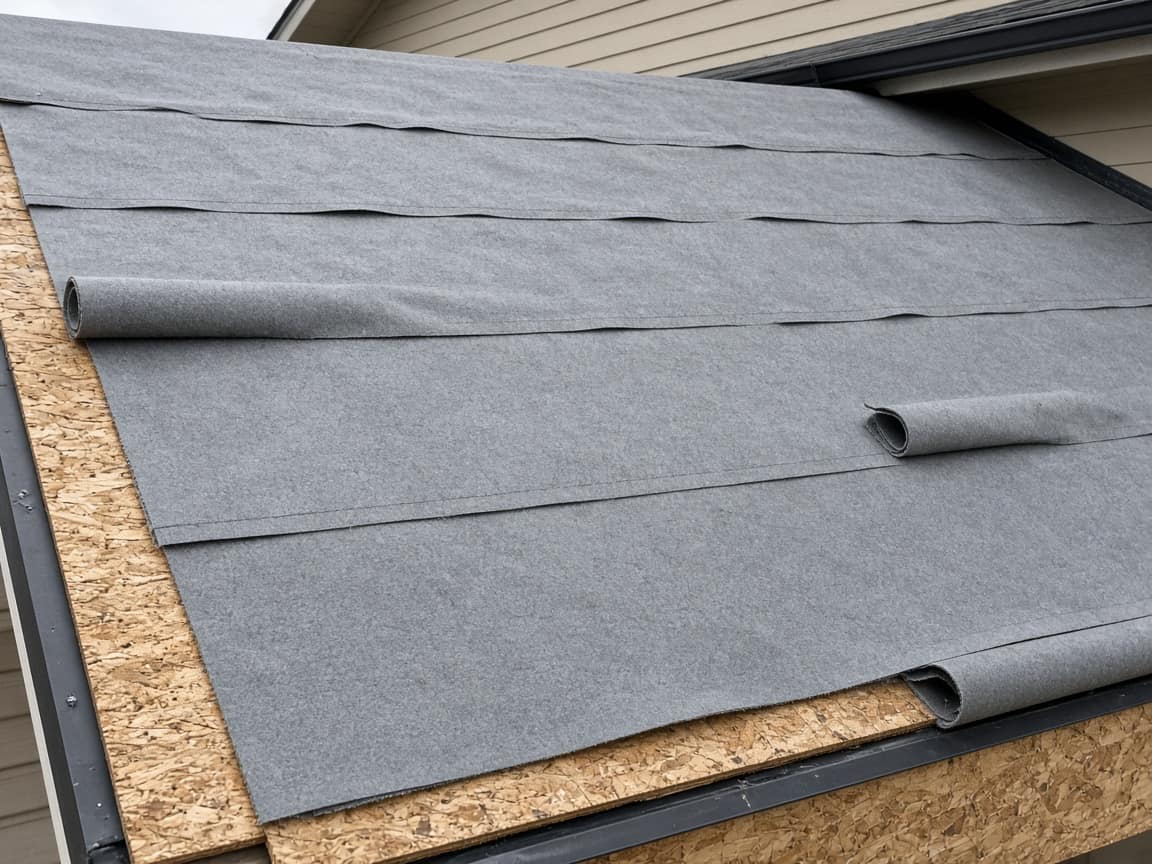
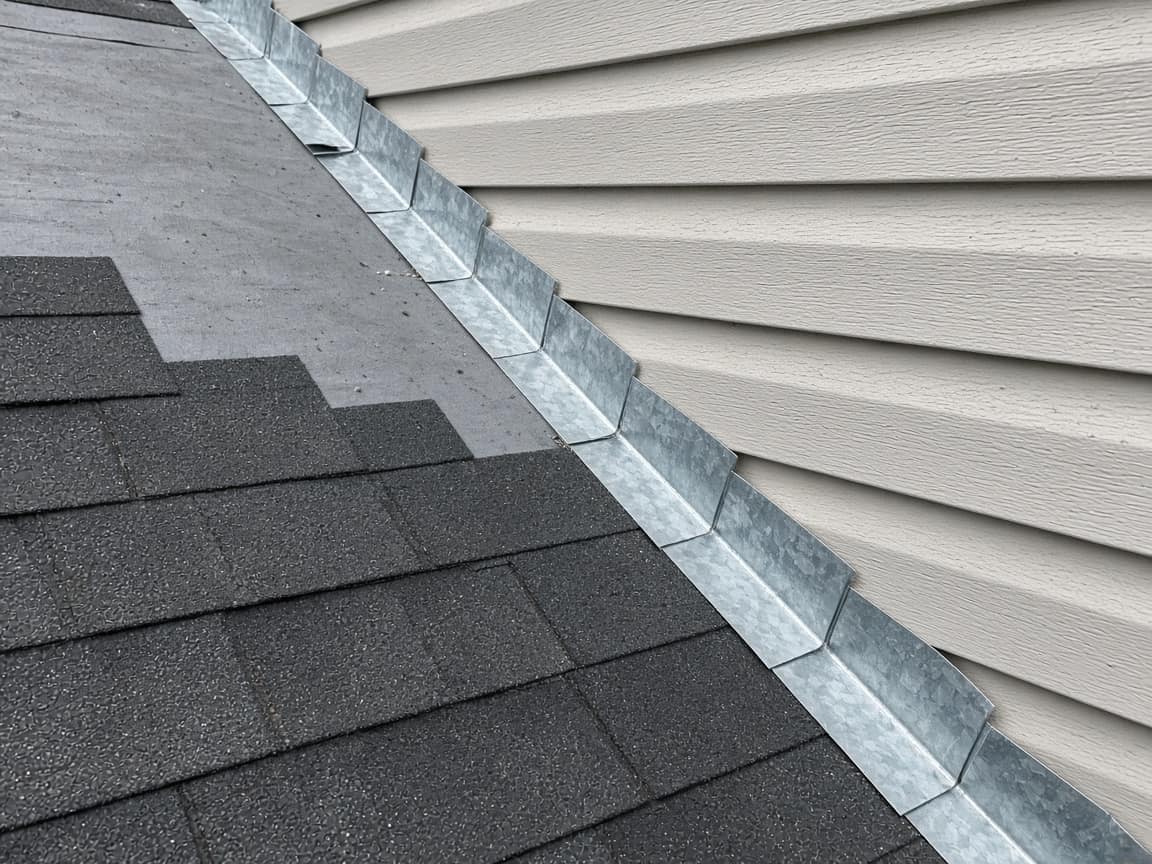
Flashing
Step flashing is started along the sidewall. Chimney counter-flashing waits until we are back on the roof.
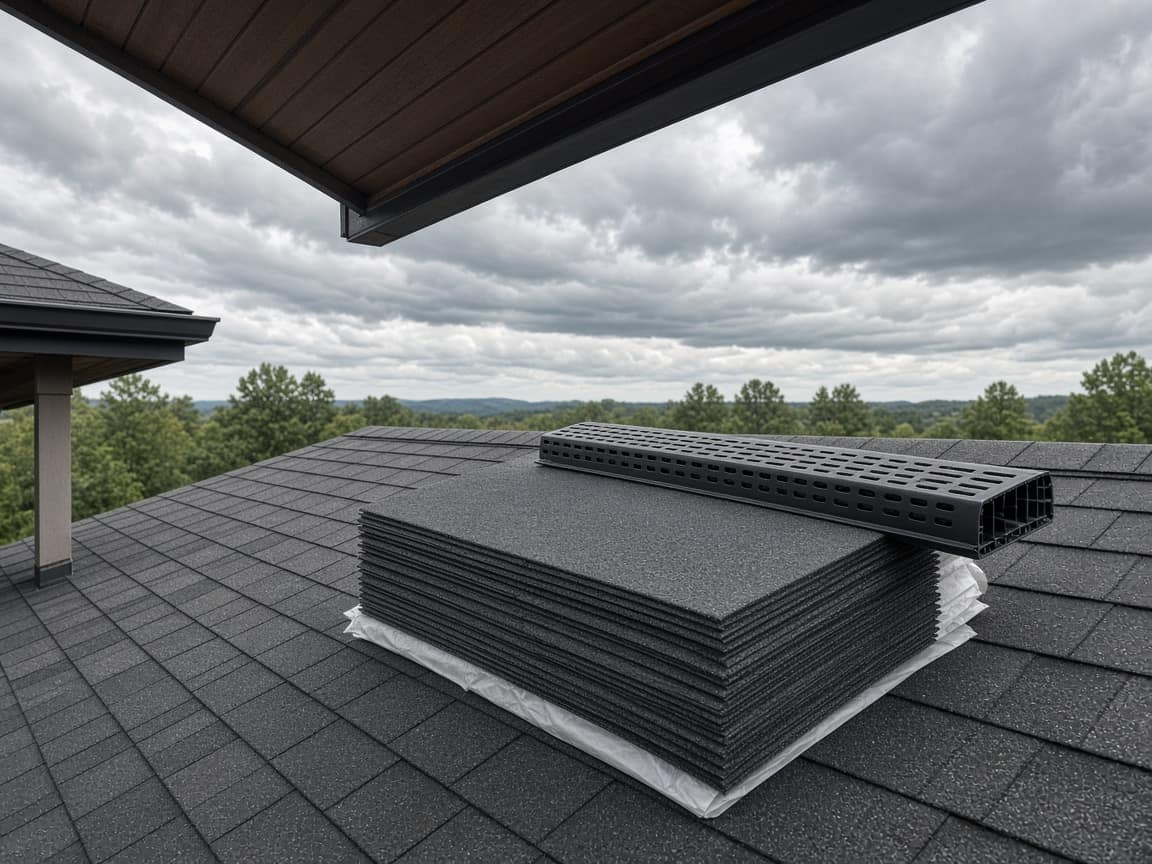
Shingles
Architectural bundle is on the roof, still wrapped. We do not open it in the rain.
Vents and cleanup
Pipe boots, ridge vent, and the ground cleaned up. Not started.
Was that stain already in the attic, or did it start when you pulled the shingles?
The ceiling and attic photos are from Monday, before we climbed. The valley photo is from the same morning, shingles still on. The stain was already there.
Are we open to the rain tonight?
No. Dry-in is down: drip edge, ice and water, and underlayment. Those photos are on Dry-in. Shingles start Friday if it stays dry.
The template
The same roof, the same steps, every time you open a job.
01
The leak, the soft spot, the hail. A photo while the shingles are still on, so “this was already there” is not a conversation in the driveway.
02
What you found once the roof was open, and the flashing as it goes in. The homeowner opens the link instead of asking for a ladder photo over the phone.
03
Field, ridge, vents. A short clip if you take one. The step sits on the timeline with the earlier photos still above it.
04
Rain is a Delayed status and a reason. They read it on the link the next time they open it.
The leak
Hail, a stained ceiling, a soft deck. Those frames stay on the job after the new roof is on. The dispute does not depend on who remembers Tuesday.
The sky
Mark the job Delayed and write why. The amber note is on their link the next time they open it. Opeo does not call them and does not send the text.
The question
“Was that stain already in the attic?” sits next to Tuesday’s photo. Your reply stays on the same page. It is not a quote and not a claim form.
This is not estimating software, an insurance claim file, or a place to order shingles. Quotes and materials stay in the tools you already use.
Your logo and colors on the link are on Pro. A crew login and a work log are on Pro and Scale.
Run your service business from your pocket. Start strictly free. Upgrade when you need to scale your team.
No hidden fees or "contact us" for basic features.
Perfect for trying out Opeo.
No credit card required
For solo entrepreneurs.
About $0.97/day · less than one disputed job
For growing teams.
Equivalent to $17.80 / user · pays for itself after one repeat job
For large operations.
Granular breakdown of feature availability per tier.
| Feature | Free | Starter | Pro | Scale |
|---|---|---|---|---|
| Core Capabilities | ||||
| Monthly Jobs | 5 | 50 | 300 | 1000 |
| Status Job Pages | ||||
| Starter templates included | ||||
| Unlimited Job Templates | ||||
| Real-time Updates | ||||
| Search & Filters | ||||
| Customer CRM | ||||
| Team Members | 1 | 1 | 5 | Unlimited |
| Work Log & Audit | ||||
| Media & Storage | ||||
| Photos per Job | 15 | 30 | 60 | 150 |
| High-Res Downloads | ||||
| Branding & Customization | ||||
| Custom Logo | ||||
| Custom Branding | ||||
| Support & Security | ||||
| Secure Cloud Storage | ||||
| Daily Database Backups | ||||
| Encrypted Data Transfer | ||||
| Support Level | Priority | Priority | ||
| Priority Processing | ||||
Common questions about billing and features.
Photos from before tear-off, then a reason when the weather stops the job. Free to start.
Create the job link free