Before the roll
Chips while the paint is still bare
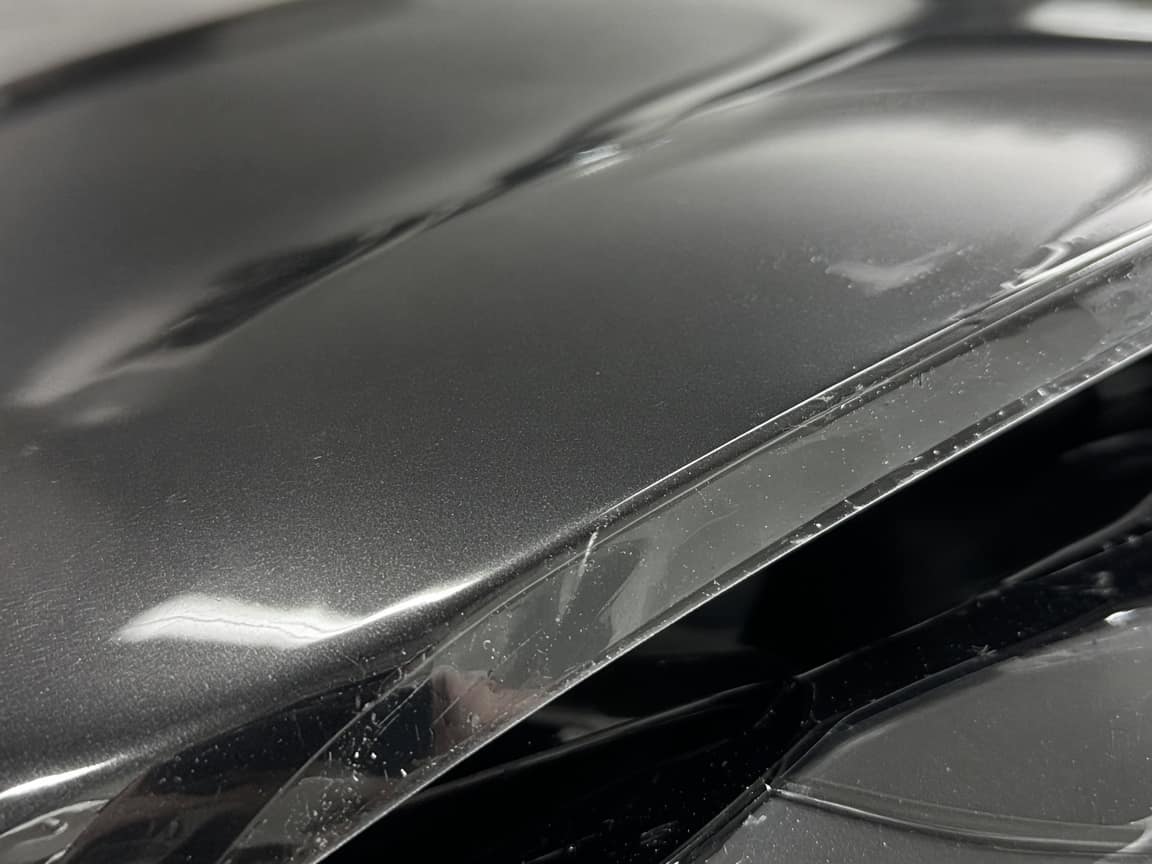
A close-up on the first step. The install photos sit underneath it, not instead of it.
Paint protection film
The dispute is the chip under the film: it was not there, they say, until you installed it. A PPF link starts with the paint before the film is cut, then the panels as they go on. Hood one day, bumper and fenders the next. They follow one URL. A partial front is written on the job. It is not its own module, and Opeo does not plot film.
How to document a PPF install — what a solid timeline, photo set, and customer text look like.
No credit card · customer needs no account
Send the link at drop-off, from your phone. They reopen it while the car is in the bay. Opeo does not text them.
Clearlane PPF
In progressHood, fenders, bumper, mirrors. Rock chips photographed before film left the roll. Hood is down. Bumper and the passenger fender are today’s work.
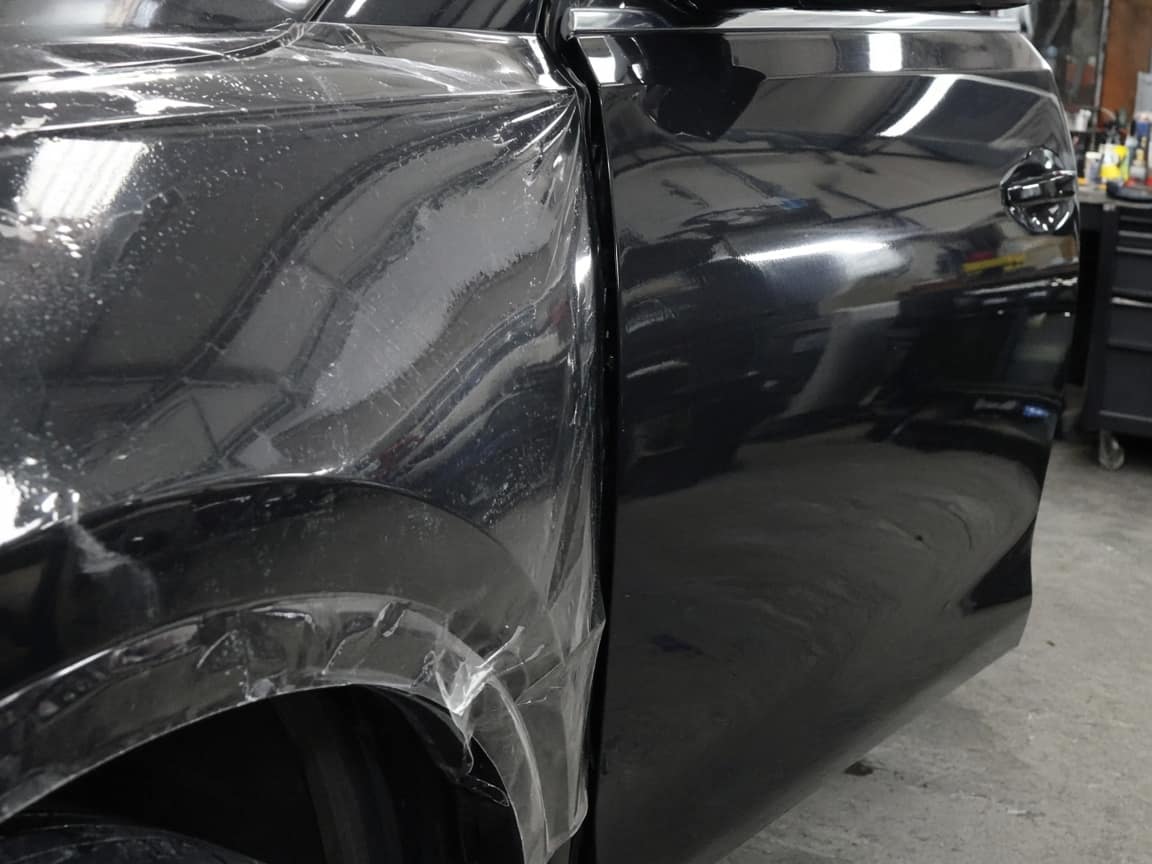
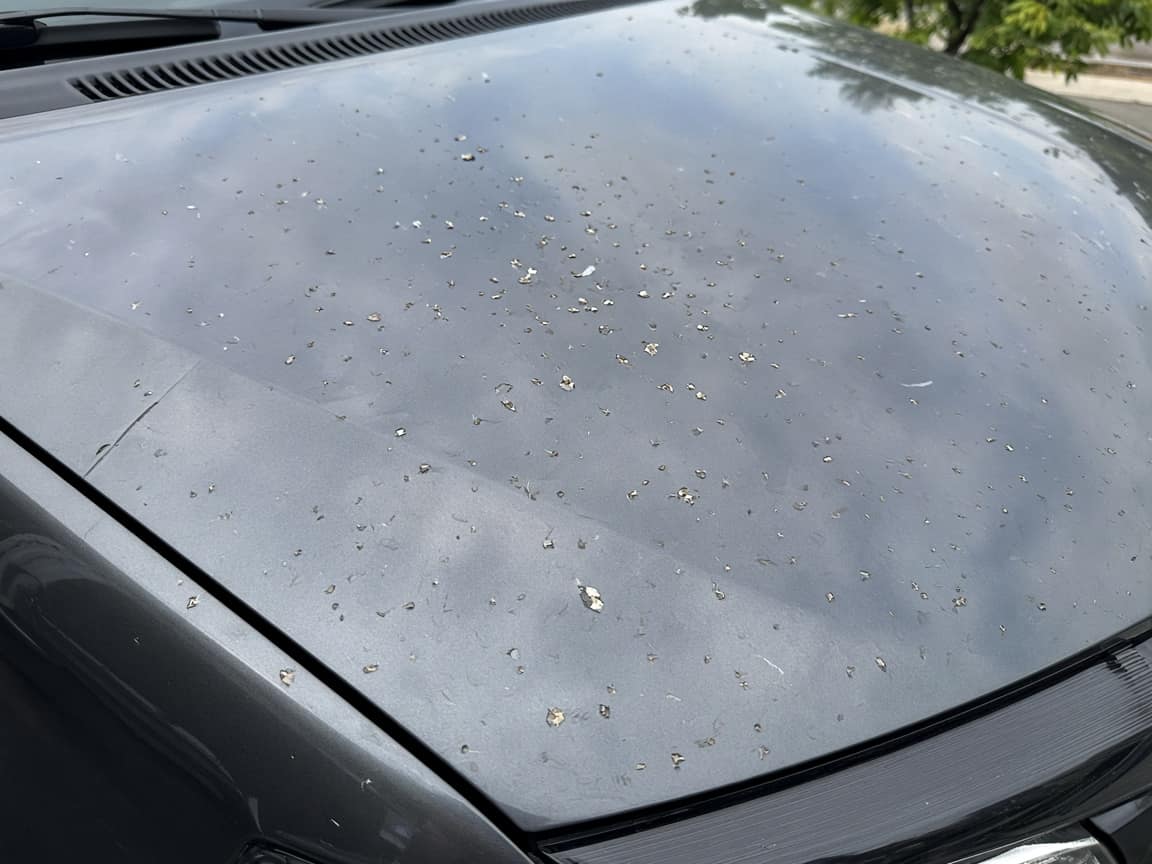
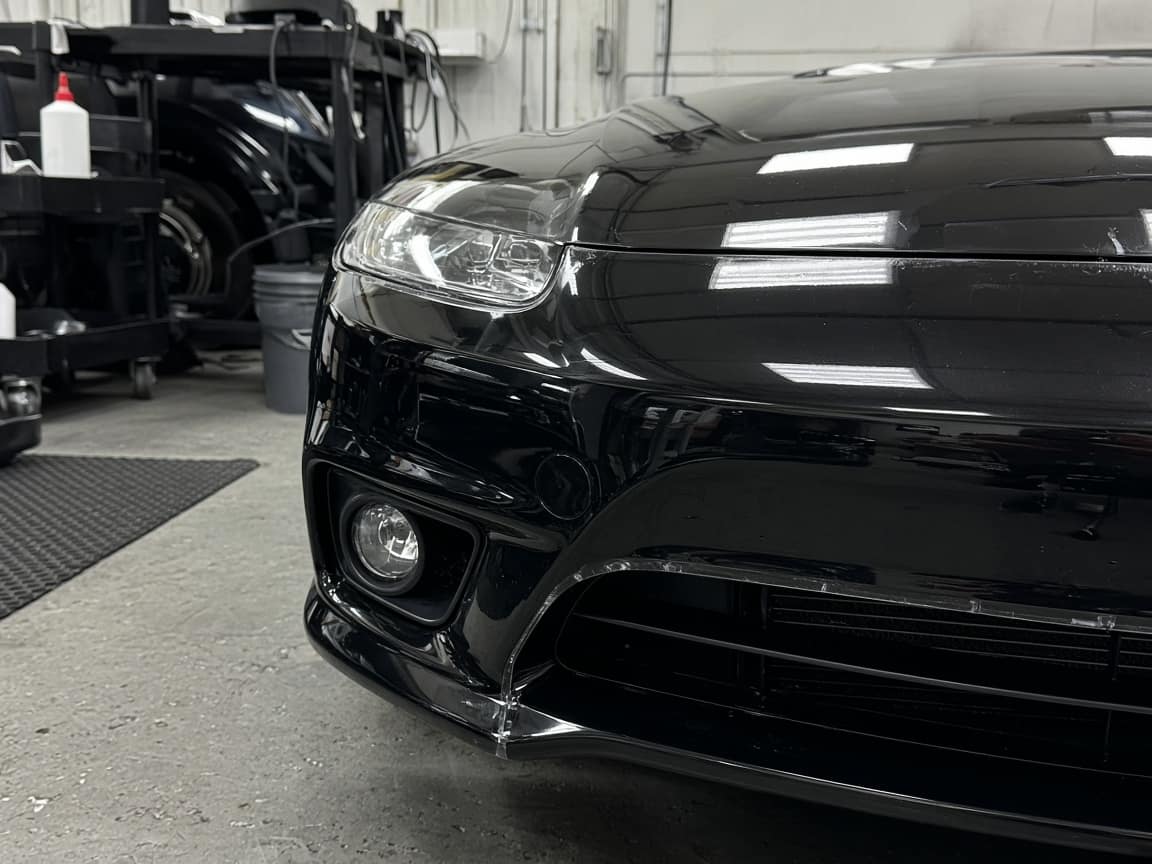
Paint before film
Chips on the hood and the leading edge, photographed before the film was cut. This is the frame for “you did that.”
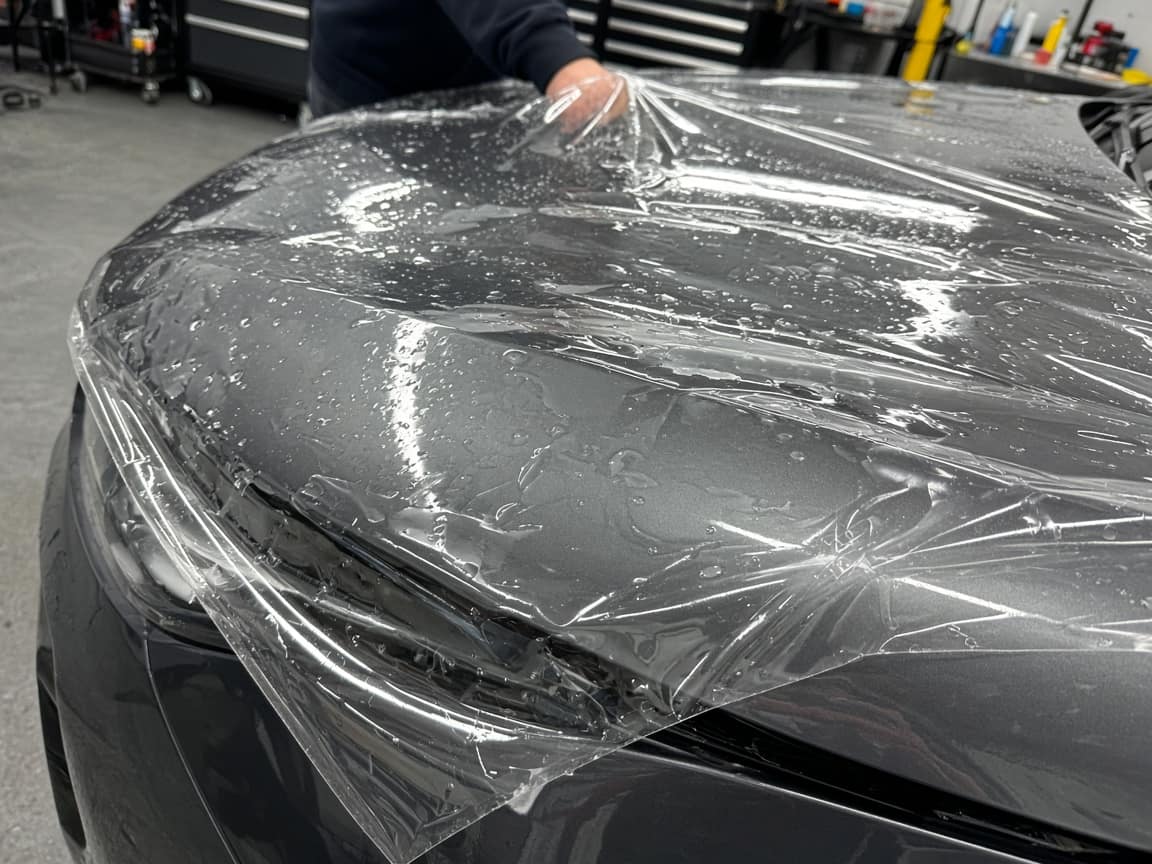
Hood
Hood laid and the edge wrapped at the lip. Day one.
Bumper and fenders
Bumper is on. Passenger fender is on, driver fender still open. That is today’s photo.
Delivery photos
Full front once the driver fender and mirrors are done. Not started.
Those chips on the hood were not there when I dropped it off.
They are the first photo, Paint before film, from yesterday morning before we cut film. Hood install is the next step. Driver fender is still open today.
The template
Chips first. Then the panels you actually filmed. Delivery photos last.
01
Chips, rash, and the edge of the hood, before anything is cut. This is the step that answers “you did that.”
02
The lay and the wrapped edge. Day one of a front clip often ends here.
03
Name the panels in the step. A partial front is that list, not a package in the software.
04
The front in the light, on the same link as the chips from day one.
Before the roll
A close-up on the first step. The install photos sit underneath it, not instead of it.
Day 2
Fender on, door still paint. They see that on the link instead of asking if the car is done.
The scope
Hood, fenders, bumper, mirrors. Written in the steps. Not a plotter and not a film catalog.
This is not a plotter, a film database, or a pattern library. Cutting stays in the tool you use now.
Your logo and colors on the link are on Pro. A crew login and a work log are on Pro and Scale.
What tends to hold up in this trade: a timeline the customer can follow, photos that match the dispute, and a text that still makes sense later. Opeo does not send that message.
paint protection film toolRun your service business from your pocket. Start strictly free. Upgrade when you need to scale your team.
No hidden fees or "contact us" for basic features.
Perfect for trying out Opeo.
No credit card required
For solo entrepreneurs.
About $0.97/day · less than one disputed job
For growing teams.
Equivalent to $17.80 / user · pays for itself after one repeat job
For large operations.
Granular breakdown of feature availability per tier.
| Feature | Free | Starter | Pro | Scale |
|---|---|---|---|---|
| Core Capabilities | ||||
| Monthly Jobs | 5 | 50 | 300 | 1000 |
| Status Job Pages | ||||
| Starter templates included | ||||
| Unlimited Job Templates | ||||
| Real-time Updates | ||||
| Search & Filters | ||||
| Customer CRM | ||||
| Team Members | 1 | 1 | 5 | Unlimited |
| Work Log & Audit | ||||
| Media & Storage | ||||
| Photos per Job | 15 | 30 | 60 | 150 |
| High-Res Downloads | ||||
| Branding & Customization | ||||
| Custom Logo | ||||
| Custom Branding | ||||
| Support & Security | ||||
| Secure Cloud Storage | ||||
| Daily Database Backups | ||||
| Encrypted Data Transfer | ||||
| Support Level | Priority | Priority | ||
| Priority Processing | ||||
Common questions about billing and features.
Bare paint, then each panel, on one link. Free to start.
Create the job link free