Drop-off
The paint, before a panel is touched
A ding on the driver door is a photo on the first step. The reveal does not have to relitigate it.
Vehicle wrapping
A color change takes more than a day, and the argument is almost always the same: that scratch was not there when I dropped it off. A wrap link starts with the paint, panel by panel, before the first piece of film. Then each day. They reopen one URL instead of calling. You send it from your phone. A comment on the job is how they react to a photo of the design. It is not an e-signature.
How to document a vehicle wrap — what a solid timeline, photo set, and customer text look like.
No credit card · customer needs no account
Send the link once, from your phone, on drop-off day. Copy, QR, or a message draft. Opeo does not email them each morning.
Harbor Vinyl
In progressWhite sedan, three days. Every panel photographed before the first piece of film. Day two is half the car. The scratch on the driver door was already in the paint.
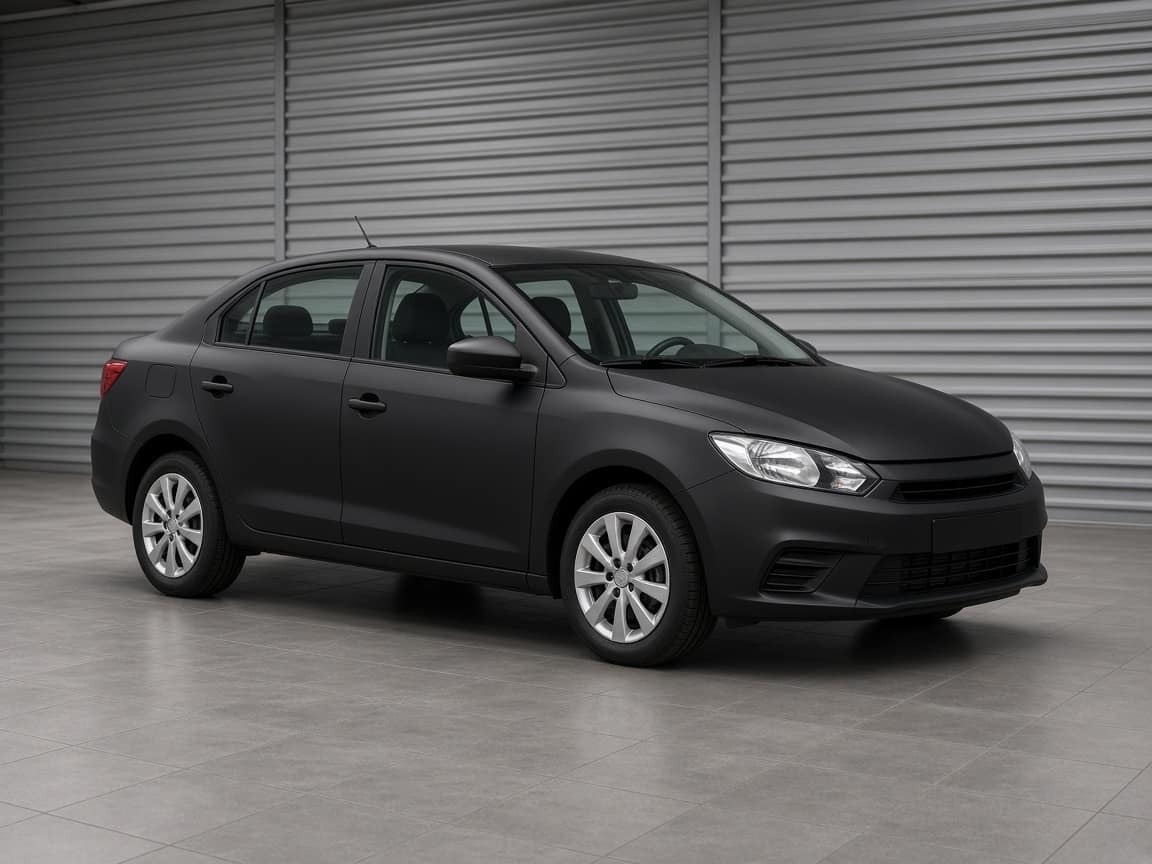
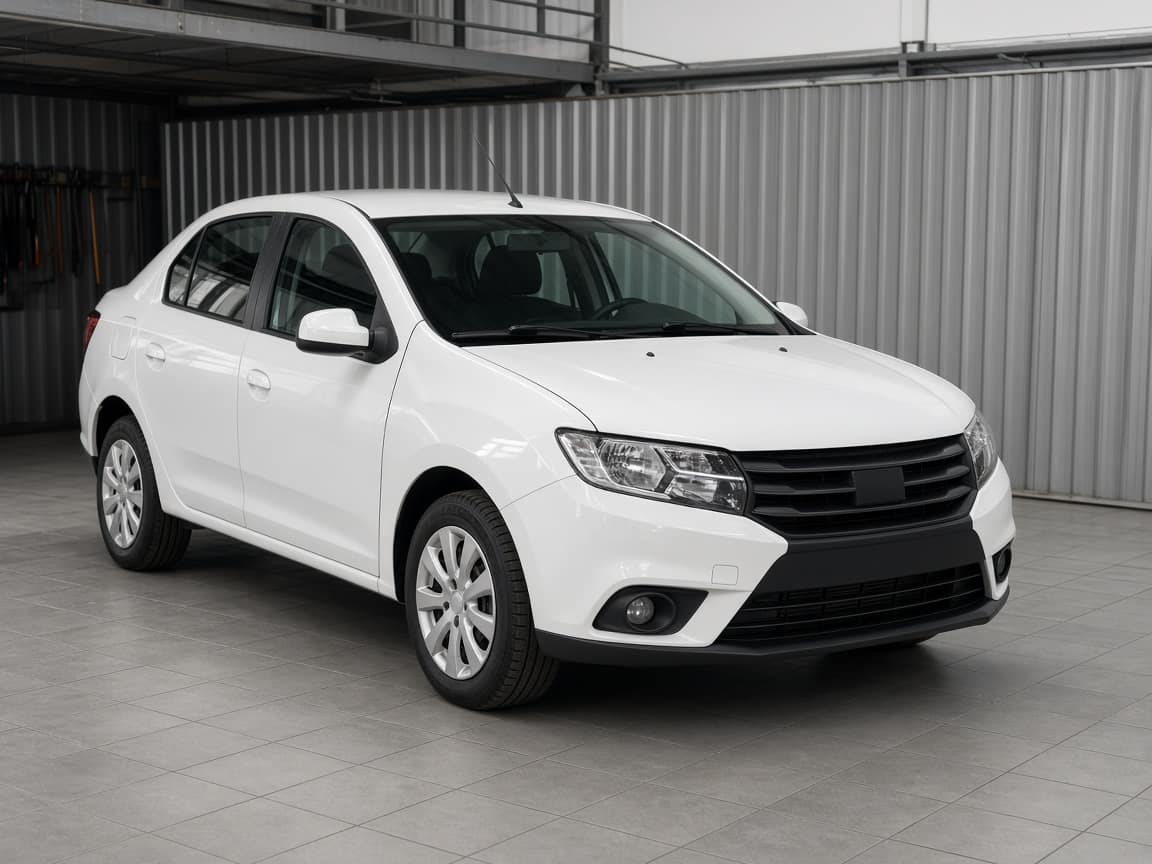
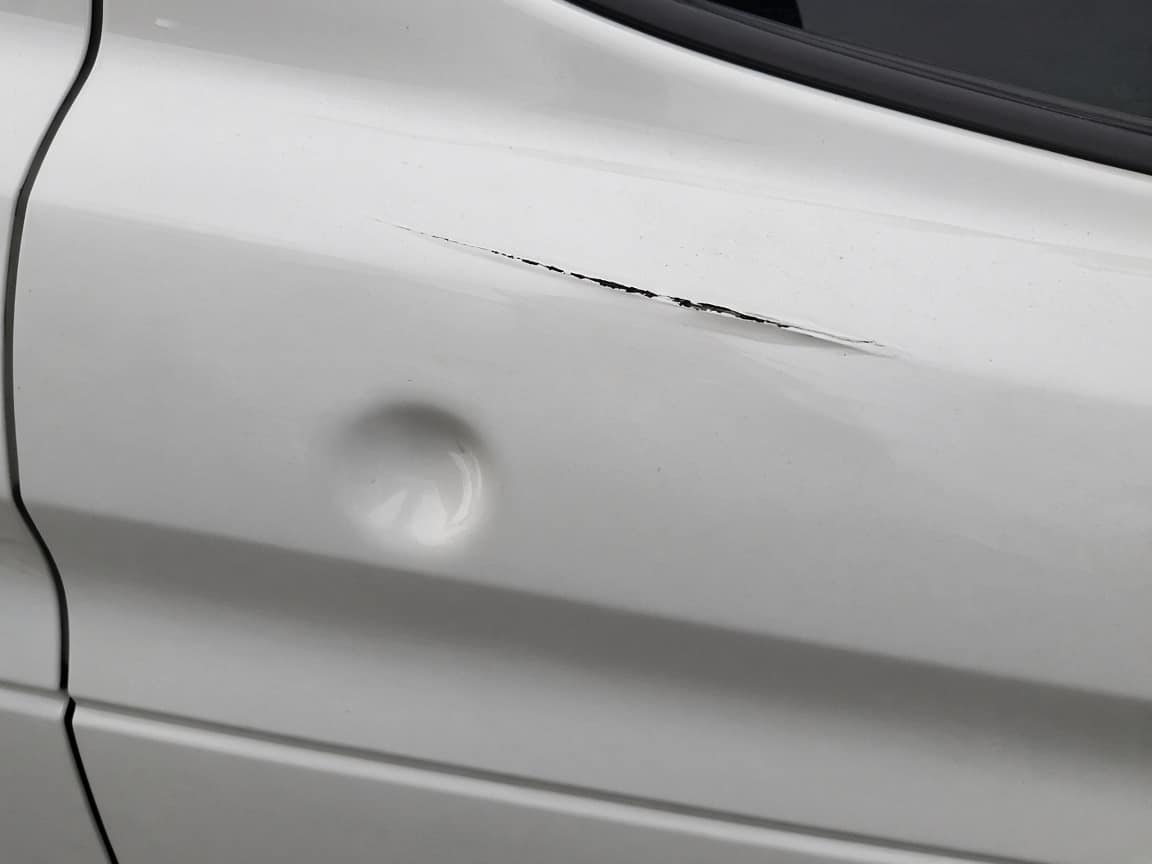
Drop-off, before film
Bare paint. The scratch and the door ding are on the driver door. Photographed before a panel was cleaned for vinyl.
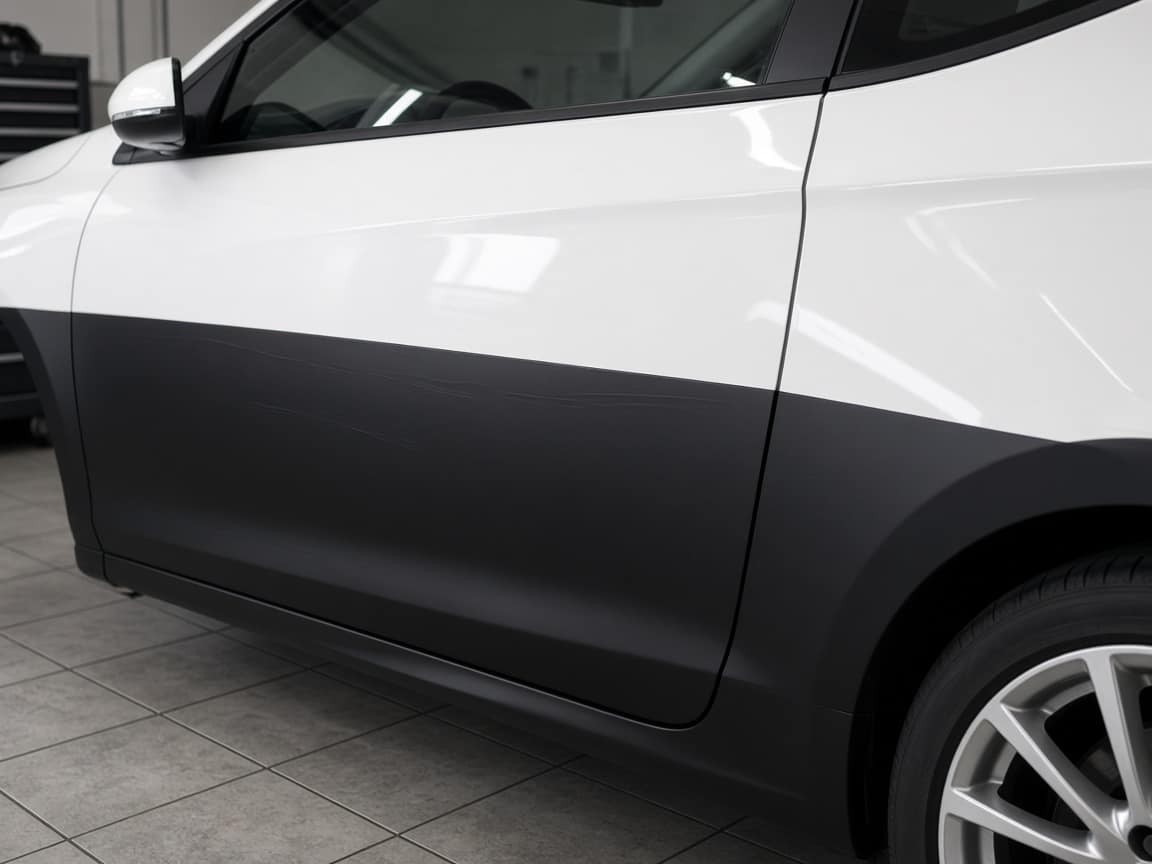
Day 1
Doors started. Hood still paint. Customer can open the link instead of calling the shop.
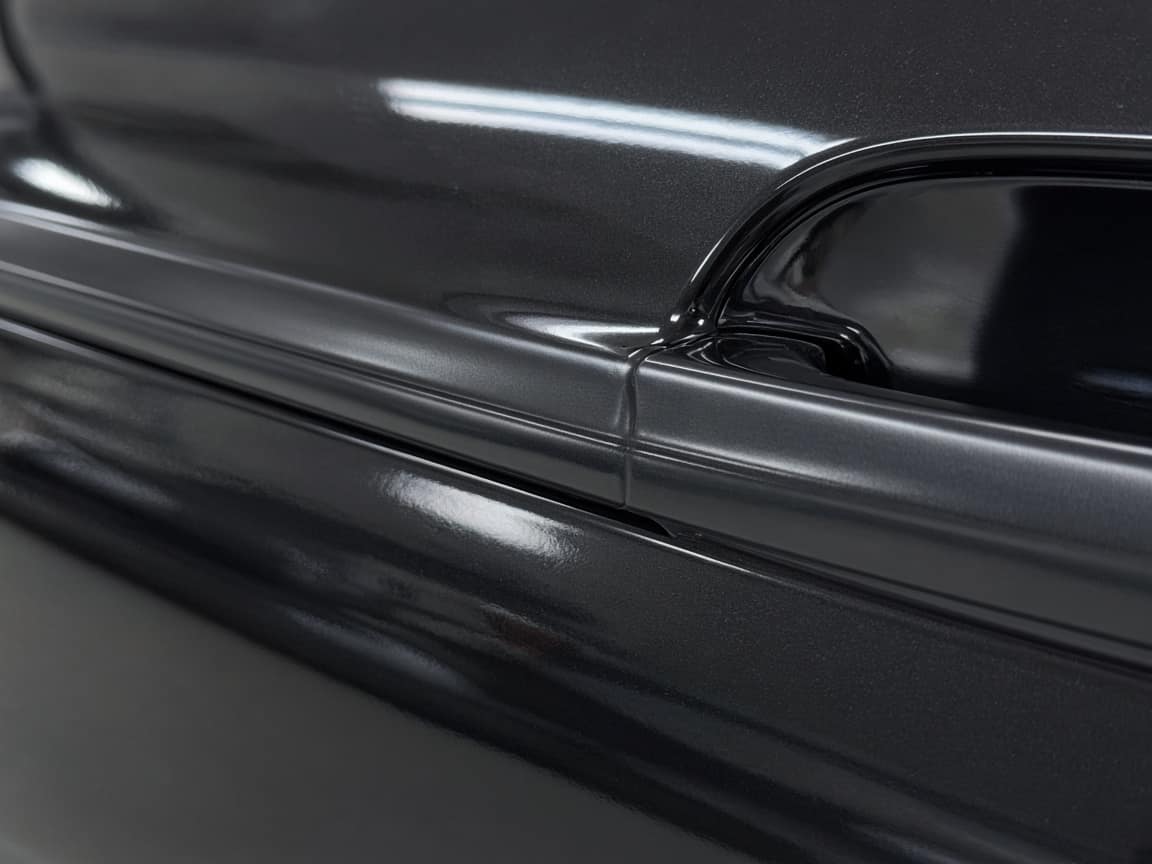
Edges and handles
Handle and door edge tucked. This is the close-up if someone later says the film lifted.
Reveal
Color change on. Final photos in the shop before it goes outside. Not a signed approval. The pictures and the comment thread are the record.
There is a scratch on the driver door under the film. That happened in your shop.
It is the close-up on Drop-off, before film, from Tuesday morning. The ding next to it is in the same frame. The reveal photos are on the last step.
The template
Bare paint first. Progress after that. The reveal is the last step, not a separate approval product.
01
Every panel, including the scratch and the ding. Taken before the car is cleaned for vinyl.
02
One photo of where the film actually is. They open the link instead of asking if the hood is done.
03
Handles, pockets, and the tucked edge. The close-up you will want if someone says it lifted.
04
The car in the shop, film on. If they want a change, they write it on the job. You reply there, with a photo if you have one.
Drop-off
A ding on the driver door is a photo on the first step. The reveal does not have to relitigate it.
Day 2
A multi-day wrap is a timeline. Status stays in progress until the reveal. You are not publishing a shop calendar.
The design
They comment on the job. You answer on the job. There is no approval workflow and no e-sign.
This is not a design-approval tool, a print estimator, or a plotter. Mockups can be a photo on the job. The print stays in your current setup.
Your logo and colors on the link are on Pro. A crew login and a work log are on Pro and Scale.
What tends to hold up in this trade: a timeline the customer can follow, photos that match the dispute, and a text that still makes sense later. Opeo does not send that message.
vehicle wrapping toolCustomer job links, photo proof, and a live timeline — start free. Upgrade for your logo, more jobs, or a crew.
No hidden fees or "contact us" for basic features.
Perfect for trying out Opeo.
No credit card · 5 jobs, 15 photos each
For solo operators who need more volume.
About $0.97/day · one ~$420 job covers a year+
For growing teams.
Up to 5 people · your logo on every job link
For large operations.
Granular breakdown of feature availability per tier.
| Feature | Free | Starter | Pro | Scale |
|---|---|---|---|---|
| Core Capabilities | ||||
| Monthly Jobs | 5 | 50 | 300 | 1000 |
| Status Job Pages | ||||
| Starter templates included | ||||
| Unlimited Job Templates | ||||
| Live job page updates | ||||
| Search & Filters | ||||
| Customer list | ||||
| Team Members | 1 | 1 | 5 | Unlimited |
| Work Log & Audit | ||||
| Media & Storage | ||||
| Photos per Job | 15 | 30 | 60 | 150 |
| High-Res Downloads | ||||
| Branding & Customization | ||||
| Custom Logo | ||||
| Custom Branding | ||||
| Support & Security | ||||
| Secure Cloud Storage | ||||
| Daily Database Backups | ||||
| Encrypted Data Transfer | ||||
| Support Level | Priority | Priority | ||
| Priority Processing | ||||
Common questions about billing and features.
Drop-off, each day, then the reveal. Free to start.
Create the job link free