In the light
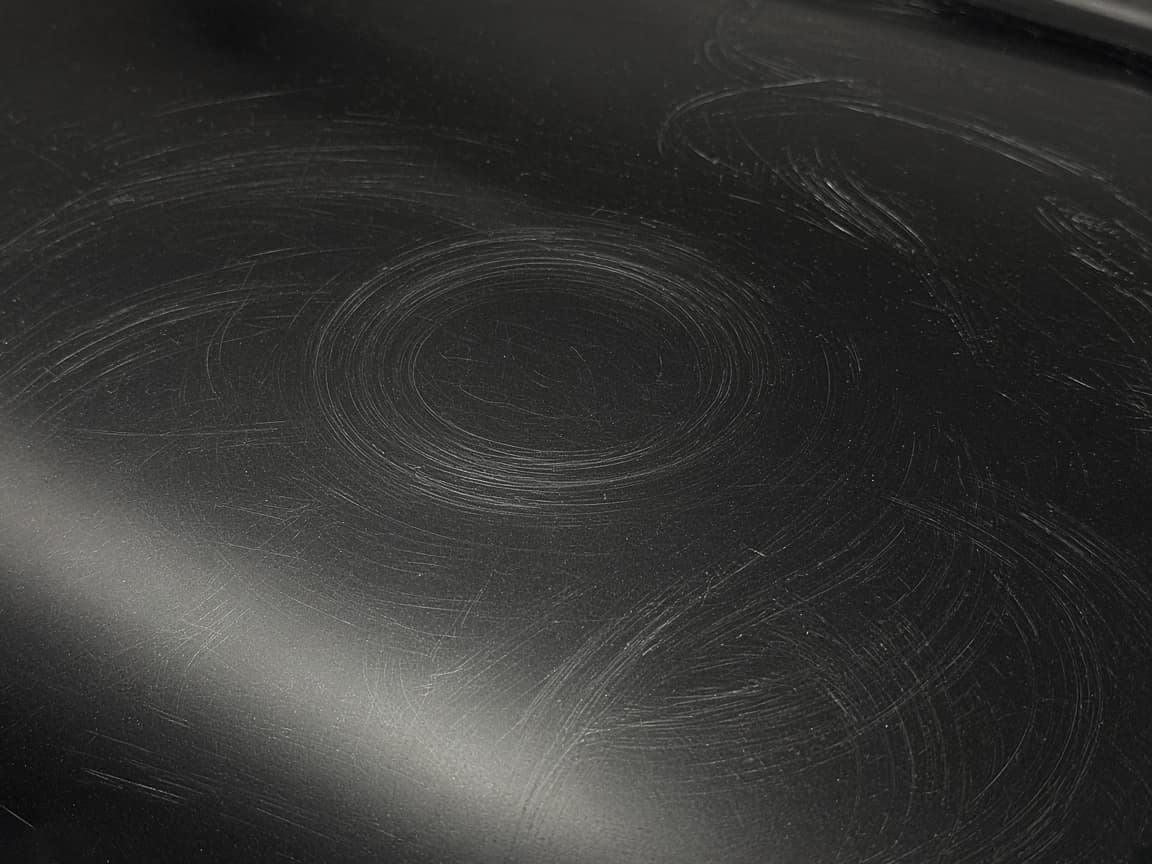
Swirls before a pad
A close-up of the defect is how the correction is explained at pickup, without a speech in the driveway.
Car detailing
The price argument happens at pickup: the paint does not look like the price, or a chip “was not there this morning.” A detail link is the defects at drop-off, the correction, and a photo of water on the panel if you coated it. One URL. They do not need an account. You send it from your phone. The coating brand’s warranty portal is still the coating brand’s.
How to document a detailing job — what a solid timeline, photo set, and customer text look like.
No credit card · customer needs no account
Leave the link when the car is ready. Copy, QR, or a WhatsApp draft on your phone. Opeo does not message them.
Lane Detail
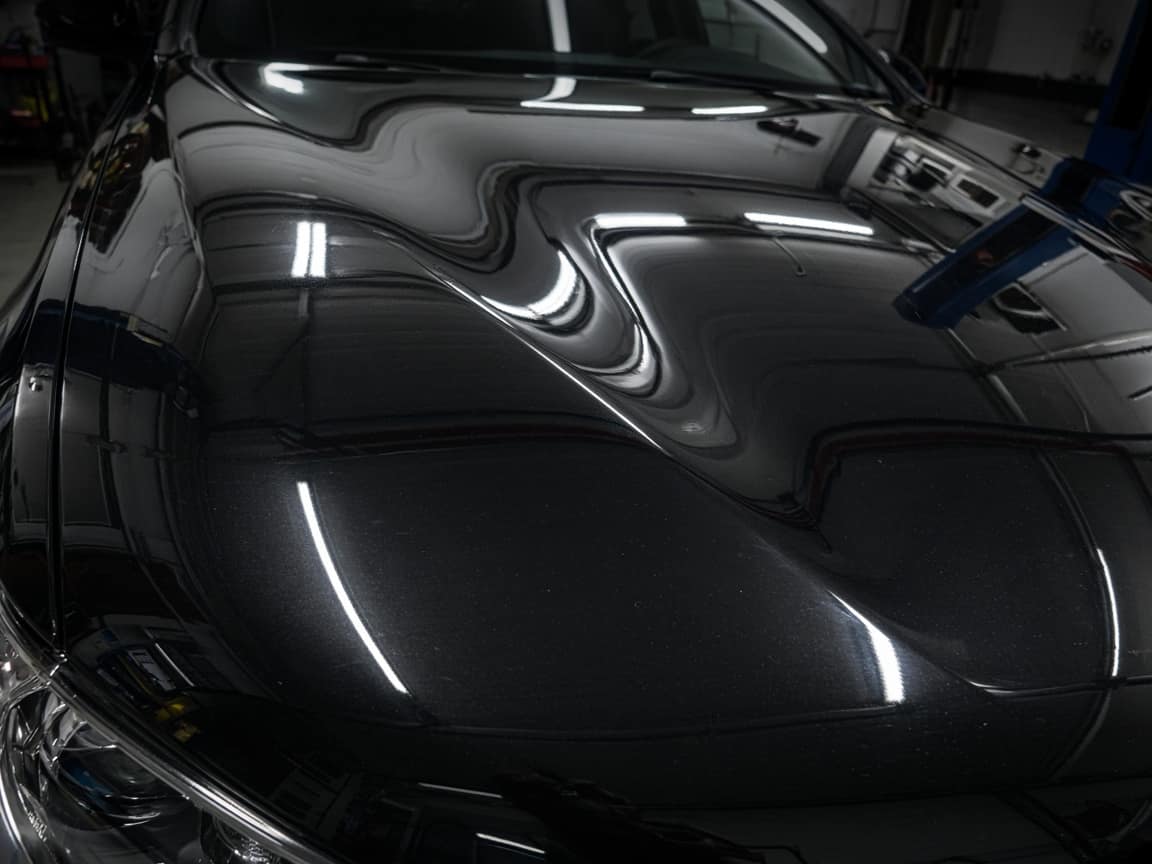
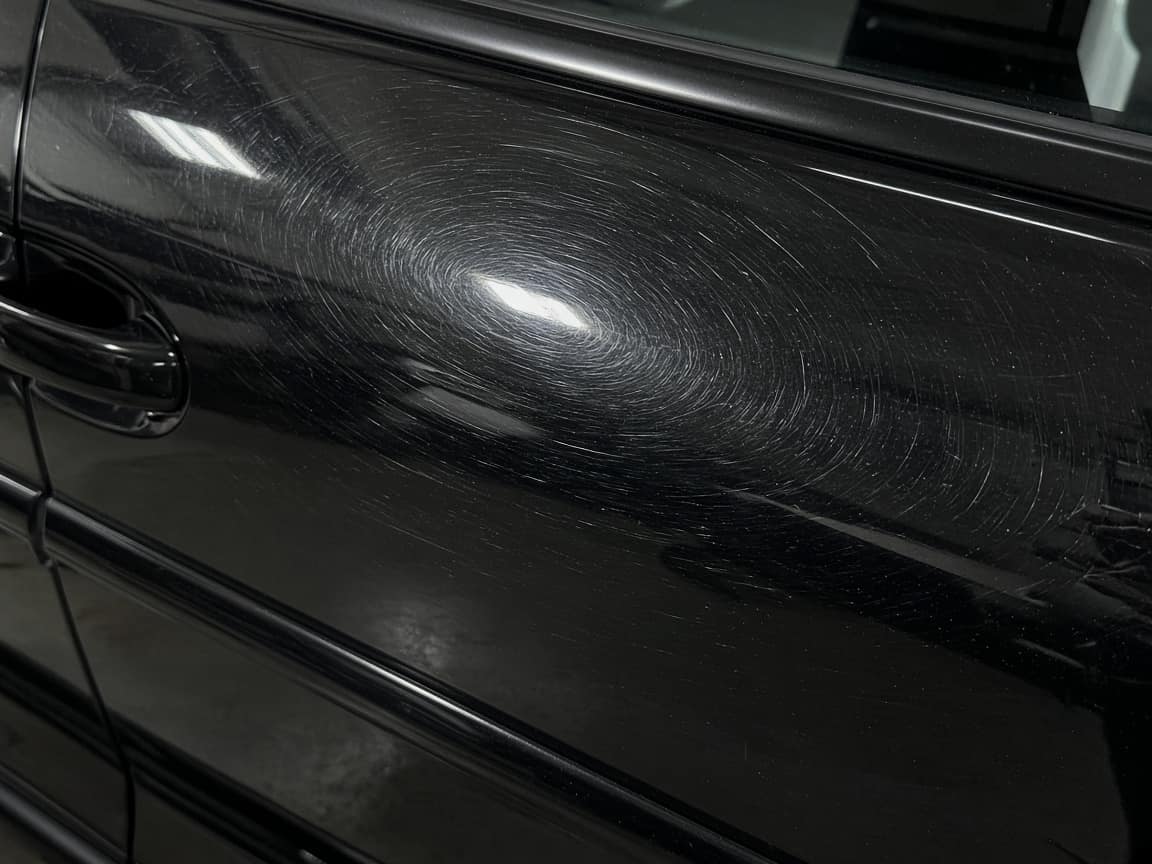
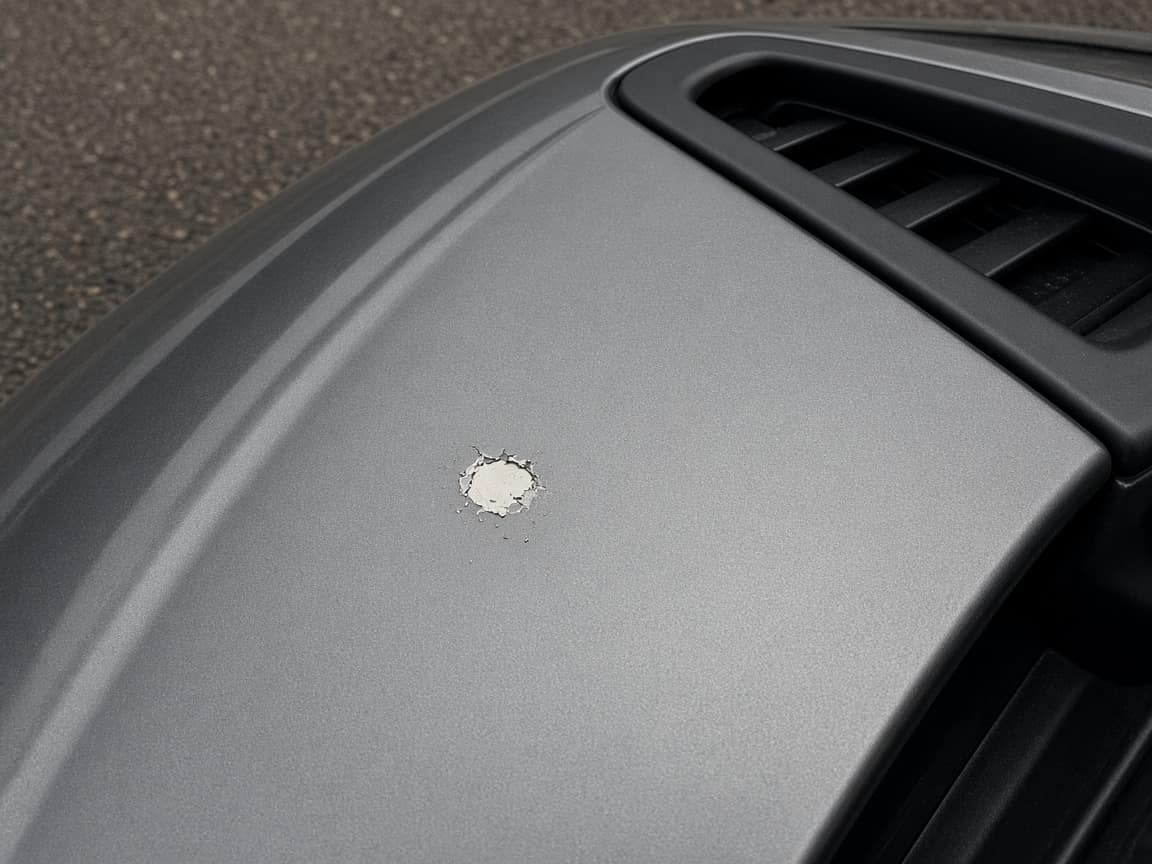
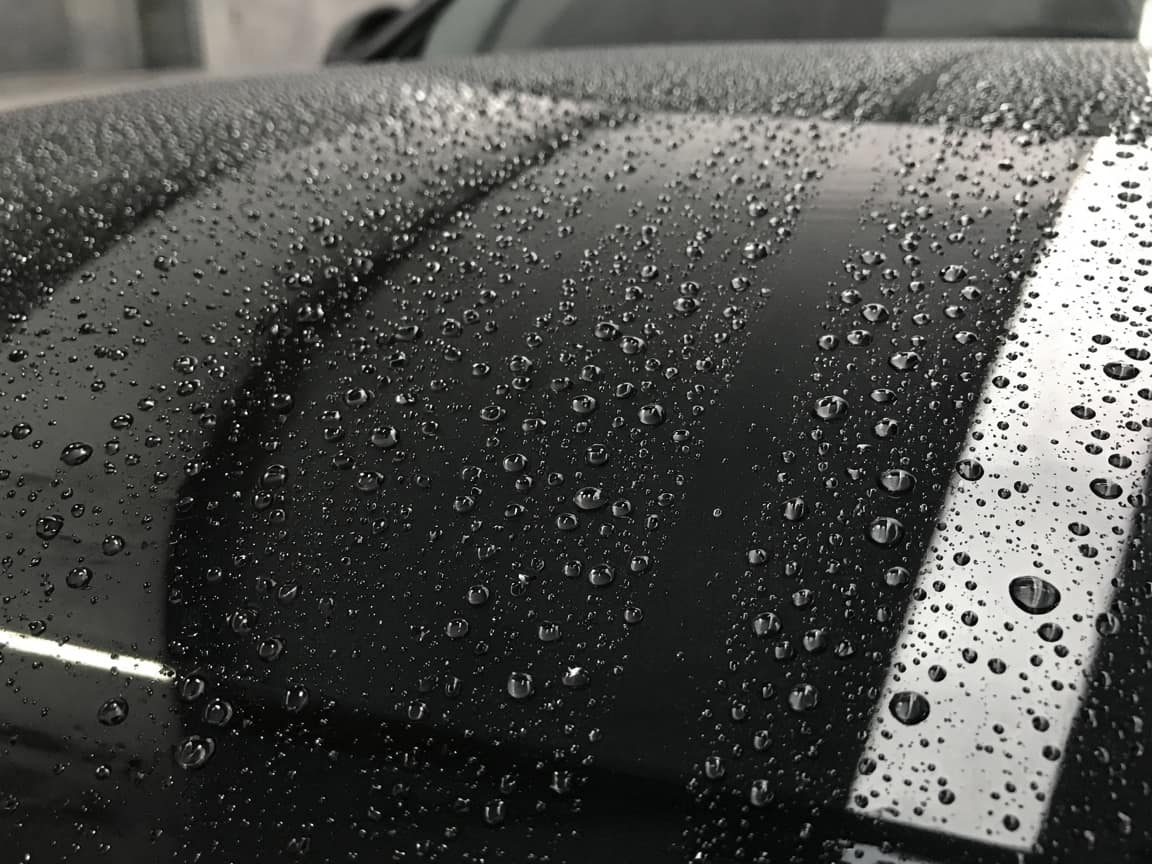
In progressBlack sedan. Swirls on the hood before correction, gloss after, water on the panel once the coating is down. The stone chip on the hood edge was there at drop-off.
Drop-off defects
What we found before a pad touched the paint. Swirls across the door, and a stone chip on the hood edge.
Correction
Hood finished. Doors still in progress. The gloss photo is the hood only.
Coating
Water on the panel after the coating. A photo, not a warranty portal from the coating brand.
The chip on the hood edge was not there this morning.
It is the close-up on Drop-off defects, taken when the car came in, before correction. The swirls on that same step are why the correction was on the job.
The template
What was already in the paint, then what you did to it, then the car as they will see it.
01
Swirls, chips, and anything you are not fixing. Close enough to see. This step is why the correction was on the job.
02
The dull panel and the gloss, on the same job. They can move between them later instead of trusting a memory of the bay.
03
Water on the panel is a photo on the step. Care notes can sit in the step description or a comment. It is not the coating company’s portal.
04
A maintenance wash is a new job and a new link. It is not a subscription module.
In the light
A close-up of the defect is how the correction is explained at pickup, without a speech in the driveway.
Drop-off
Photographed when the car arrived. The reply on the job points at that frame.
After
They reopen it. You do not attach a folder to a text they will lose.
This is not a coating warranty system, a chemical inventory, or invoicing. The bill and the brand portal stay where they are.
Your logo and colors on the link are on Pro. A crew login and a work log are on Pro and Scale.
What tends to hold up in this trade: a timeline the customer can follow, photos that match the dispute, and a text that still makes sense later. Opeo does not send that message.
car detailing toolCustomer job links, photo proof, and a live timeline — start free. Upgrade for your logo, more jobs, or a crew.
No hidden fees or "contact us" for basic features.
Perfect for trying out Opeo.
No credit card · 5 jobs, 15 photos each
For solo operators who need more volume.
About $0.97/day · one ~$420 job covers a year+
For growing teams.
Up to 5 people · your logo on every job link
For large operations.
Granular breakdown of feature availability per tier.
| Feature | Free | Starter | Pro | Scale |
|---|---|---|---|---|
| Core Capabilities | ||||
| Monthly Jobs | 5 | 50 | 300 | 1000 |
| Status Job Pages | ||||
| Starter templates included | ||||
| Unlimited Job Templates | ||||
| Live job page updates | ||||
| Search & Filters | ||||
| Customer list | ||||
| Team Members | 1 | 1 | 5 | Unlimited |
| Work Log & Audit | ||||
| Media & Storage | ||||
| Photos per Job | 15 | 30 | 60 | 150 |
| High-Res Downloads | ||||
| Branding & Customization | ||||
| Custom Logo | ||||
| Custom Branding | ||||
| Support & Security | ||||
| Secure Cloud Storage | ||||
| Daily Database Backups | ||||
| Encrypted Data Transfer | ||||
| Support Level | Priority | Priority | ||
| Priority Processing | ||||
Common questions about billing and features.
Defects, correction, and the handoff. Free to start.
Create the job link free