Intake
The glass, before film
A scratch in the door glass is a photo on the first step. Later it is not “you did that with the film.”
Window tinting
The call comes a week later: there is a bubble, and it was not there when they drove off. A tint job link is the glass before the film, the meter on the pane, and the edges, pane by pane, shot in the bay. They open one URL. No account. You copy it, show a QR, or send a text draft from your own phone. Opeo does not text them, and it does not track rolls of film.
How to document a window tint job — what a solid timeline, photo set, and customer text look like.
No credit card · customer needs no account
Copy the link or open an SMS or WhatsApp draft on your phone before they pull out. Opeo does not send the message.
Northglass Tint
In progress2019 Camry, charcoal. Glass photographed before film, meter on the rear door, edges checked before the car leaves the bay.
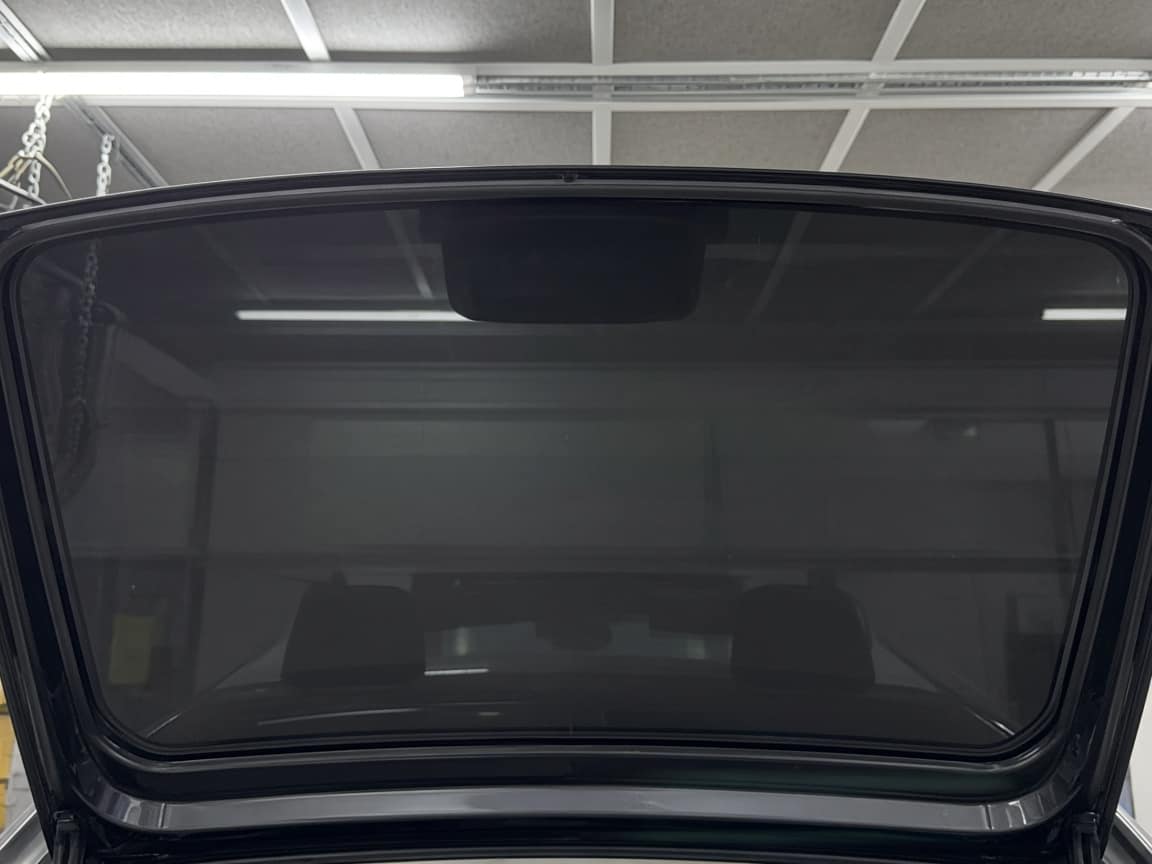
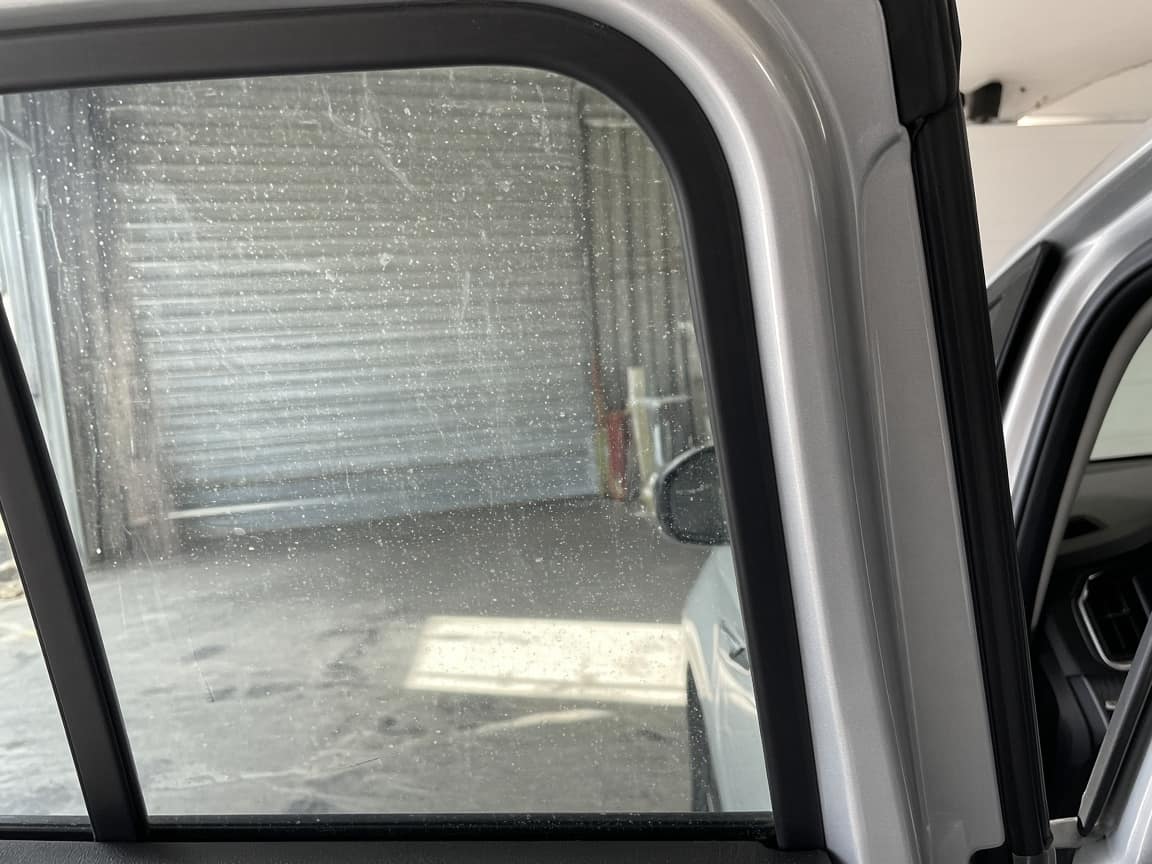
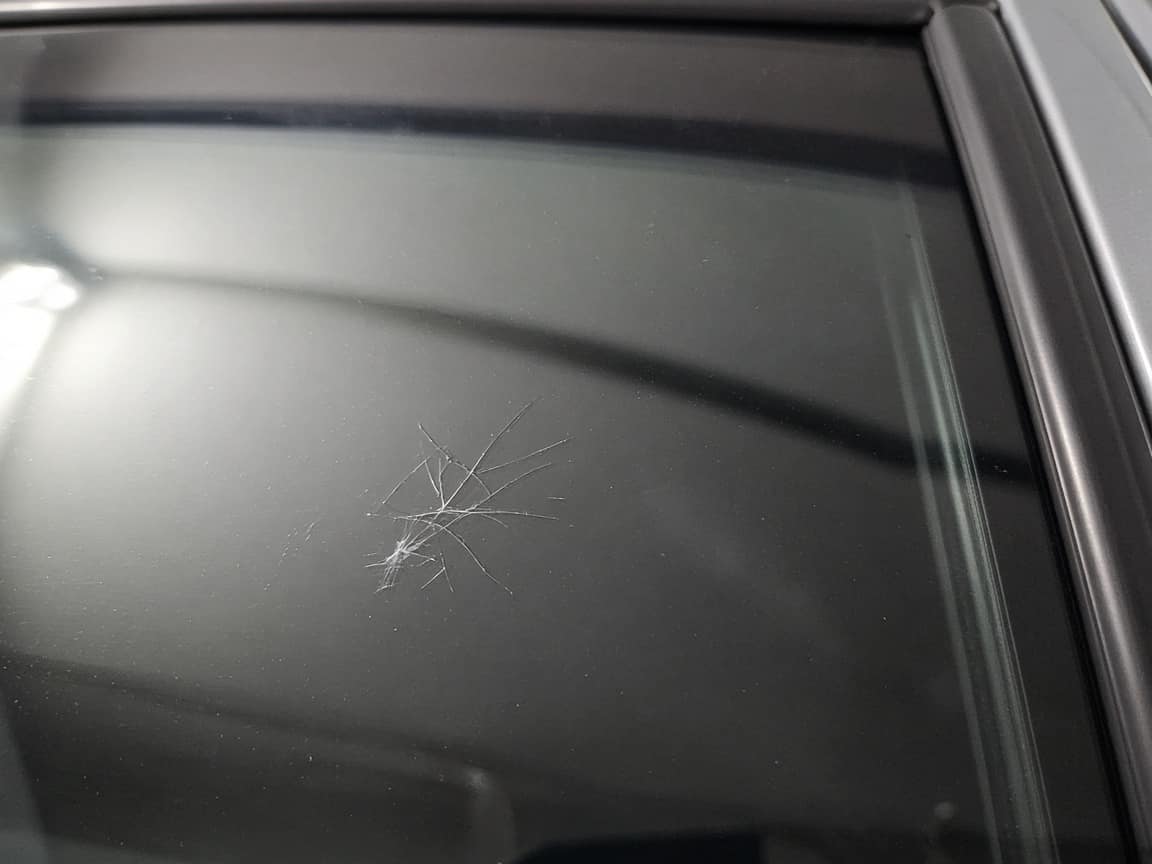
Glass before film
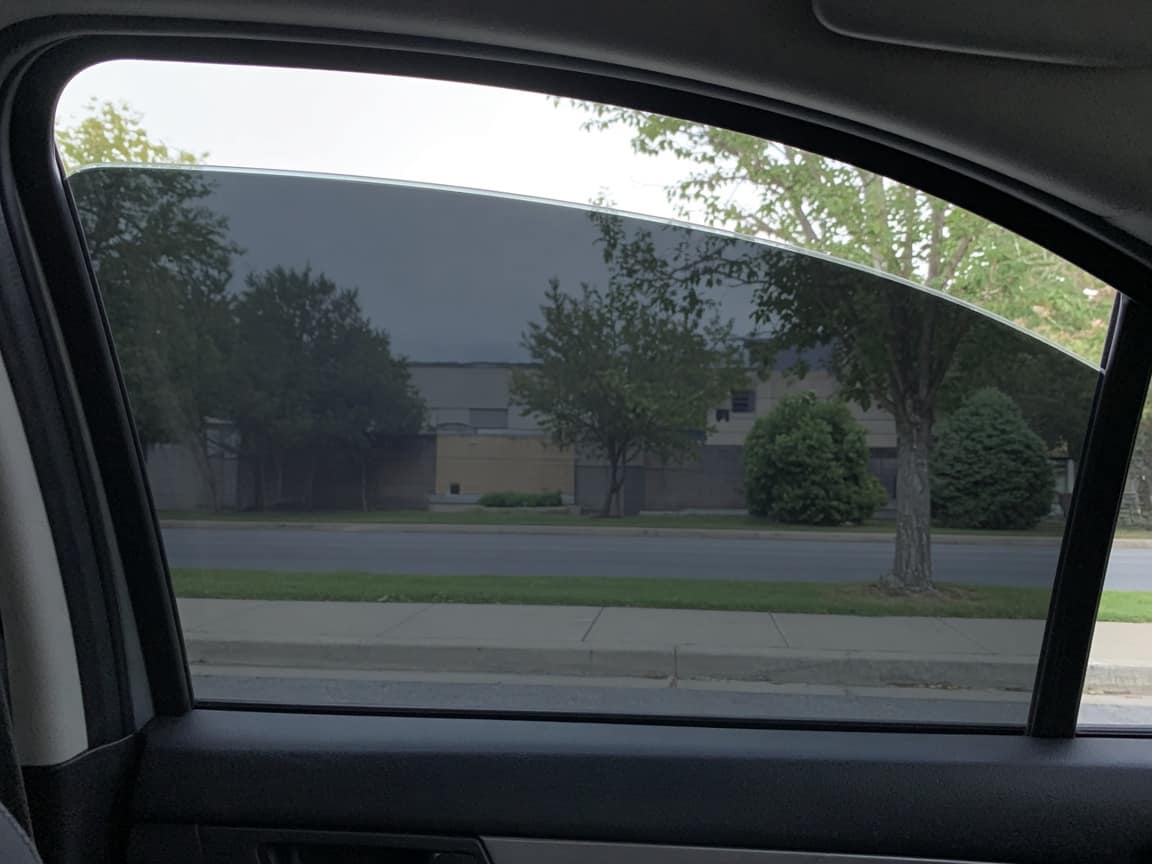
Every pane photographed before the film came off the roll. The scratch on the driver door glass was already there.
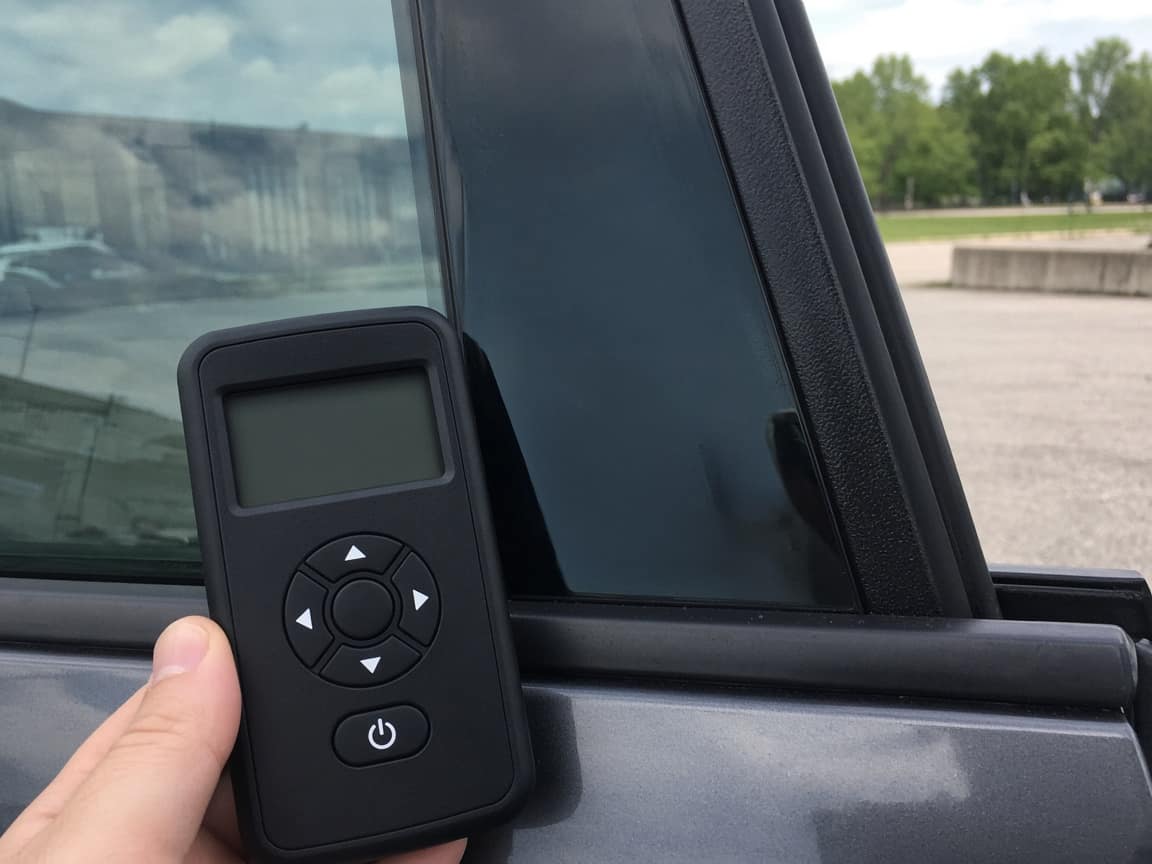
Film and meter
Meter on the rear door after the film set. The reading and the film are in the same photo, on this job, not in a roll inventory.
Edges, pane by pane
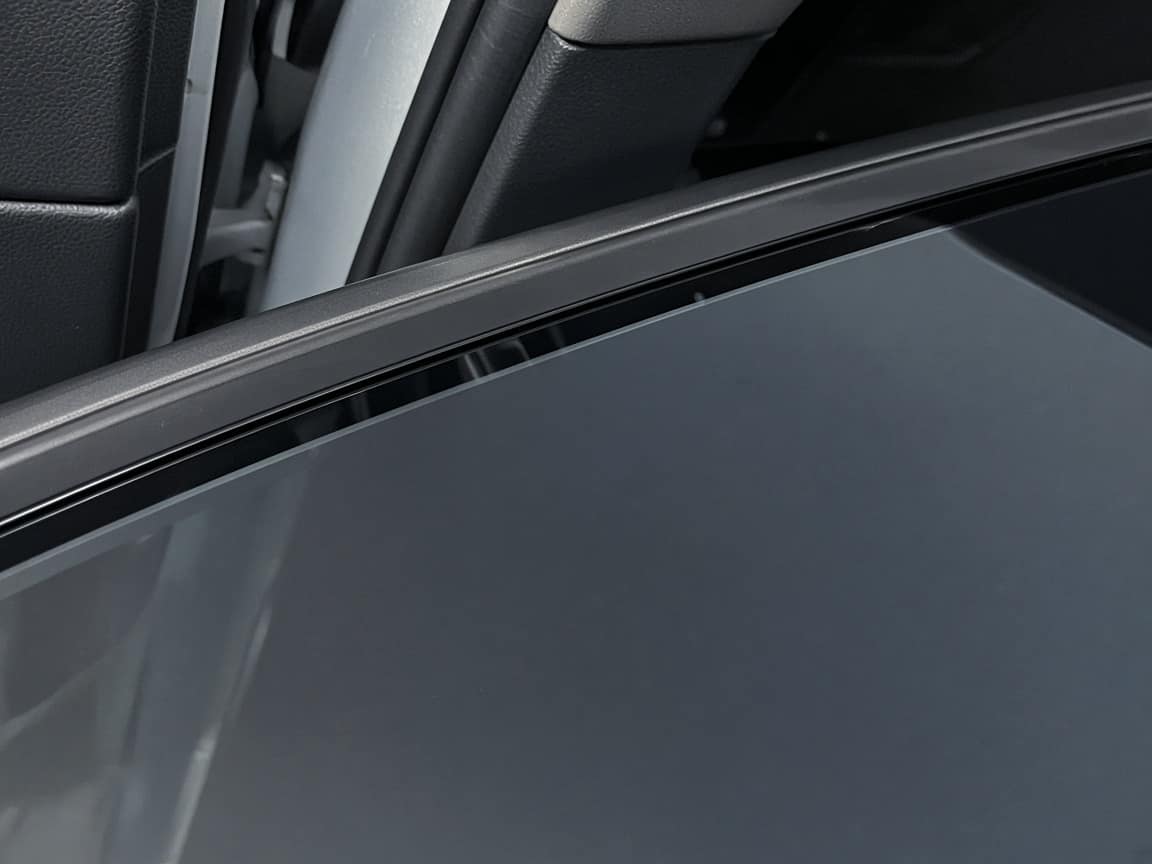
Door glass from inside and the edge along the felt. This is the set they can reopen if someone says the film bubbled on the way home.
Rear glass
Rear glass shrunk and set. Photo from outside before the defroster lines disappear into the shop lights.
Before the car leaves
Last look in the bay. Customer has the link. We do not text it for them.
There is a bubble on the driver window. It was not there when I picked the car up.
The edge photo on Edges is from the bay, before you left. The scratch above it is on Glass before film, from intake. Bring the car by and we will look at it next to those frames.
The template
The same glass, in the same order, every car. The meter reading is a photo on the job.
01
Each pane, plus anything already in the glass. A scratch photographed now is not a bubble argument next week.
02
The reading and the film in one photo on this step. That is the record. It is not a shelf of rolls.
03
Door by door, from inside the car, before they leave the bay. Those frames are what you send when someone says it bubbled on the drive home.
04
Rear glass last. Copy the link onto their phone from yours. One car is one job. A fleet is one link per vehicle, not a fleet dashboard.
Intake
A scratch in the door glass is a photo on the first step. Later it is not “you did that with the film.”
The bay
The walkaround happens before they drive off. The link holds it. You do not need them to make an account to see it next Thursday.
A week later
They write on the page. You point at the edge photo from the bay. The film brand stays a line on the step, not a warehouse.
This is not a film inventory, a cut catalog, or a warranty portal from the film brand. Rolls and quotes stay where you keep them now.
Your logo and colors on the link are on Pro. A crew login and a work log are on Pro and Scale.
What tends to hold up in this trade: a timeline the customer can follow, photos that match the dispute, and a text that still makes sense later. Opeo does not send that message.
window tinting toolCustomer job links, photo proof, and a live timeline — start free. Upgrade for your logo, more jobs, or a crew.
No hidden fees or "contact us" for basic features.
Perfect for trying out Opeo.
No credit card · 5 jobs, 15 photos each
For solo operators who need more volume.
About $0.97/day · one ~$420 job covers a year+
For growing teams.
Up to 5 people · your logo on every job link
For large operations.
Granular breakdown of feature availability per tier.
| Feature | Free | Starter | Pro | Scale |
|---|---|---|---|---|
| Core Capabilities | ||||
| Monthly Jobs | 5 | 50 | 300 | 1000 |
| Status Job Pages | ||||
| Starter templates included | ||||
| Unlimited Job Templates | ||||
| Live job page updates | ||||
| Search & Filters | ||||
| Customer list | ||||
| Team Members | 1 | 1 | 5 | Unlimited |
| Work Log & Audit | ||||
| Media & Storage | ||||
| Photos per Job | 15 | 30 | 60 | 150 |
| High-Res Downloads | ||||
| Branding & Customization | ||||
| Custom Logo | ||||
| Custom Branding | ||||
| Support & Security | ||||
| Secure Cloud Storage | ||||
| Daily Database Backups | ||||
| Encrypted Data Transfer | ||||
| Support Level | Priority | Priority | ||
| Priority Processing | ||||
Common questions about billing and features.
Before-film photos, the meter, and the edges. Free to start.
Create the job link free