Pricing
Field service management software free plans, and the limits
9 min read
Field service management software free, as a search, usually means one of three things: a time-limited trial of a scheduling suite, a thin plan that gates the features you actually wanted, or a download you have to host. Opeo’s Free plan is a fourth thing. It stays at $0. It includes 5 jobs a month, 15 photos on each job, templates, and a customer job link. No card. It does not include a dispatch calendar, invoices, your logo, or extra seats.
That is enough to run the habit on real jobs: a roof, a kitchen, a service call, or a car in a bay. It is the wrong tool if “free” for you means a full suite. The category is mapped in field service management software. This page is only the price and the cap.
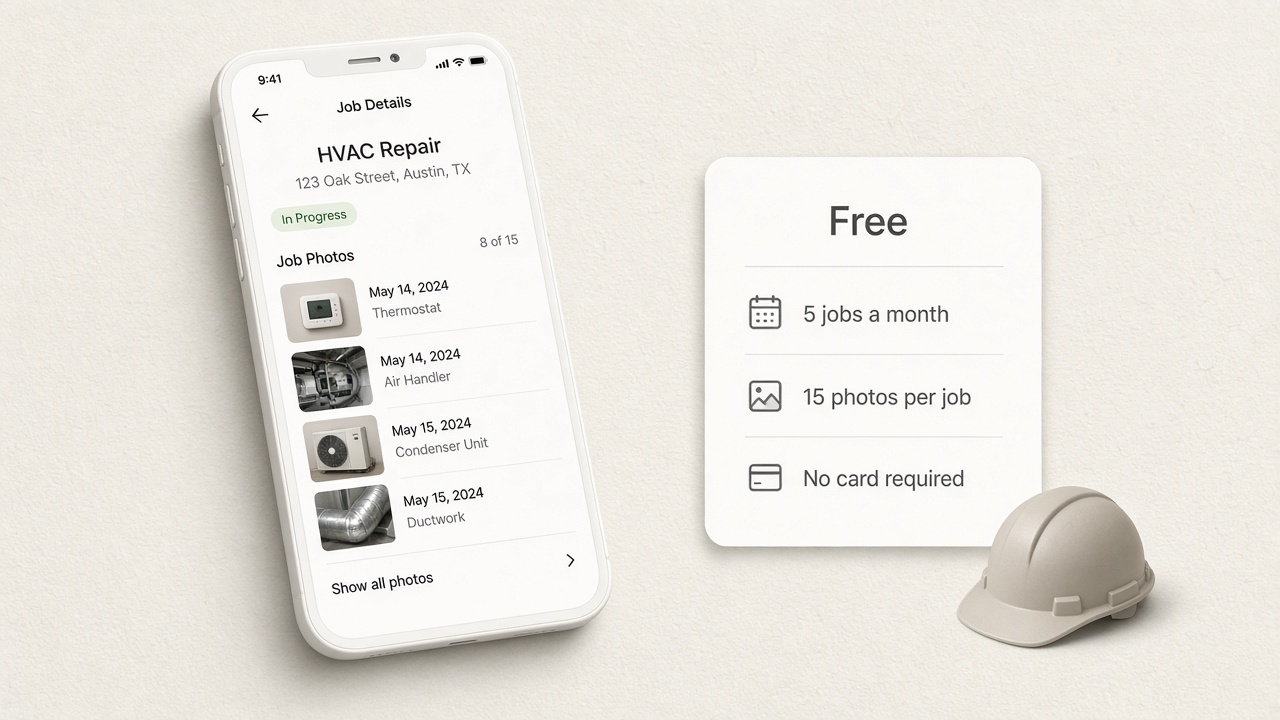
What people mean by free field service software
Free field service management, free field service software, and free field management software get typed by owners who want to see the product on a Tuesday, not in a demo. A trial answers that for a suite: you click around a calendar and an invoice screen, then the trial ends. A hosted free plan answers a different question. Can this crew put five real jobs on a page the customer reopens, and is that the missing piece?
Best field service management software, most popular field service management software, and best field service management apps are ranking searches. The lists are full of suites because the lists are about running the office. Use them for that. “Best” for a two-person crew that loses arguments about existing damage is a page with the photos, which is a smaller product on purpose.
What the Free plan includes
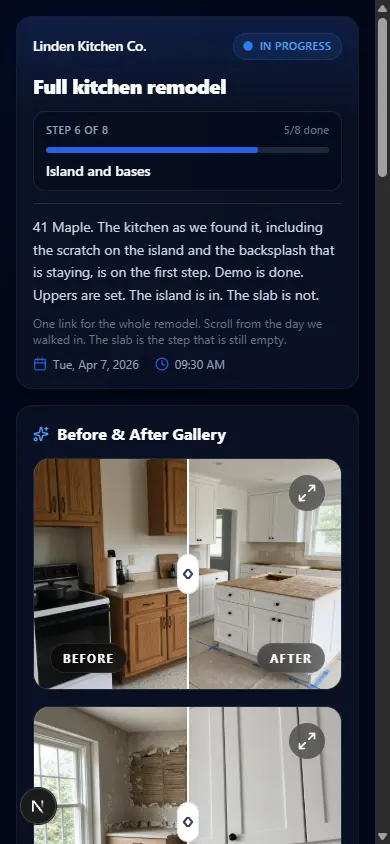
- 5 jobs a month. A job is the customer-facing page, not a seat and not a text message.
- 15 photos on each job. A short video uses one of those slots.
- Status on the page, including Delayed with a reason you write.
- Templates, including ones you create. The steps can match a roof, a remodel, or a detailing bay.
- A customer list and search on your account.
- One seat. A second person logging in is a Pro or Scale question.
- No card to start. Upgrade, downgrade, or leave from the account settings.
Free, Starter, Pro, and what never shows up
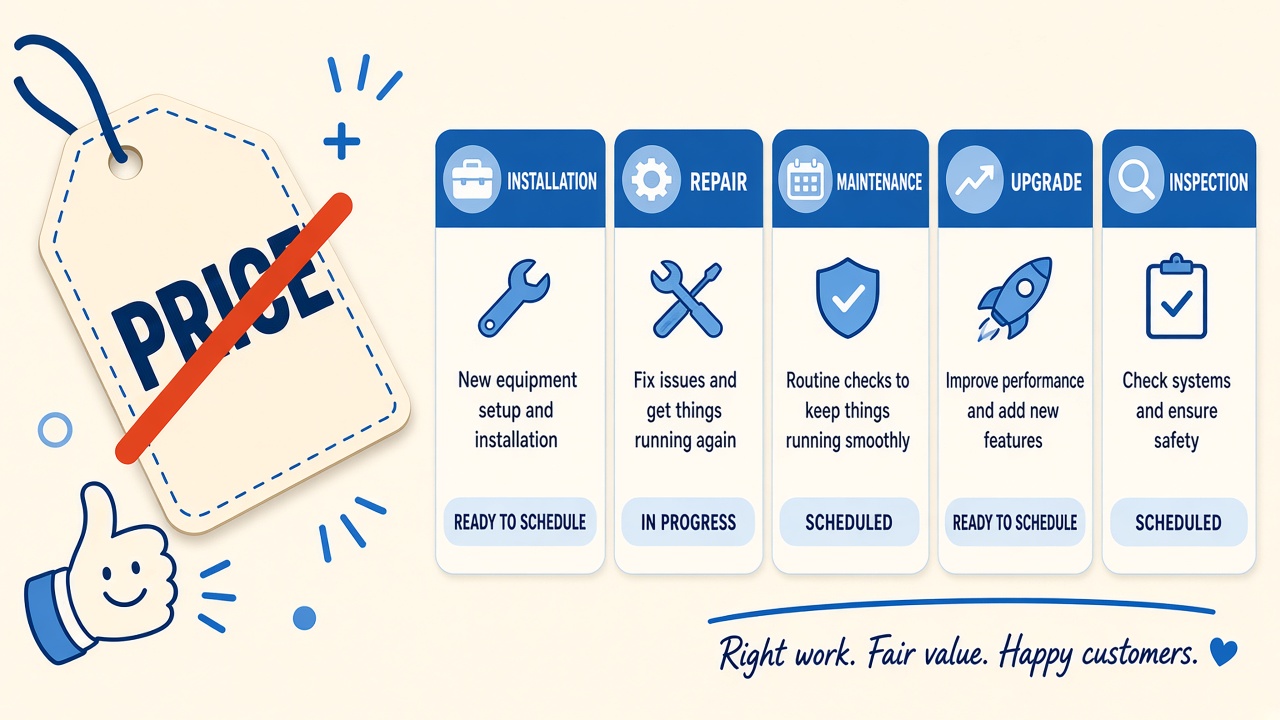
Starter is the solo step up: $29 a month, or $24 a month on the yearly price ($288 billed yearly), 50 jobs, 30 photos each. Pro is $89 a month, or $74 yearly ($888 billed yearly), for up to 5 seats, 300 jobs, 60 photos, your logo and colors on the link, and the work log. Scale is $149 a month, or $124 yearly ($1,488 billed yearly), for 1,000 jobs, 150 photos, and unlimited seats. The live grid is on pricing.
| Feature | Free | Starter | Pro |
|---|---|---|---|
| Price | $0 | $29/mo | $89/mo |
| Jobs / month | 5 | 50 | 300 |
| Photos / job | 15 | 30 | 60 |
| Customer job link | Yes | Yes | Yes |
| Templates | Yes | Yes | Yes |
| Seats | 1 | 1 | 5 |
| Your logo on the link | No | No | Yes |
| Work log | No | No | Yes |
| Invoices and a dispatch calendar | No | No | No |
Caps on the public plans
The last row stays “No” on Scale as well. Paying more raises volume, seats, photos, branding, and the audit trail. It does not turn the product into invoicing software or a crew calendar. If that is the purchase, look at a suite. Public starting prices we checked in June 2026 were $39 a month for Jobber (one user), $49 a month for Housecall Pro, and $39 per user per month for Tradify. Confirm those on their sites before you budget.
When a free plan is the wrong tool
You need the office stack
Quotes, invoices, online booking, route planning, and a board of technicians are what “best software for managing field operations” usually refers to. Free field service scheduling software, in particular, is a calendar problem. Opeo will not become that calendar on a higher tier. Keep the suite, and add the job link when the customer needs the photos.
You will pass five jobs this month
Five jobs is a real cap, not a slogan. A detailer on a busy Saturday, or a roofer with a week of repairs, hits it. Starter is the honest next step for one person. Pro is the step when a second person has to sign in, or when the link should wear your logo instead of the default Opeo mark.
You wanted freeware or open source
Field service management software freeware, in the old sense, means a program you install. Open source means a codebase you host. Opeo is neither. Free field service management software for small business, here, means the hosted Free plan. If the requirement is a binary or a server you control, stop on this page and pick that path on purpose.
How to judge “best” for a small crew
Best field service management, best service company software, and field technician management software recommendations collapse five different buyers into one list. Split the score so a ranking cannot talk you into a product you will not open on site.
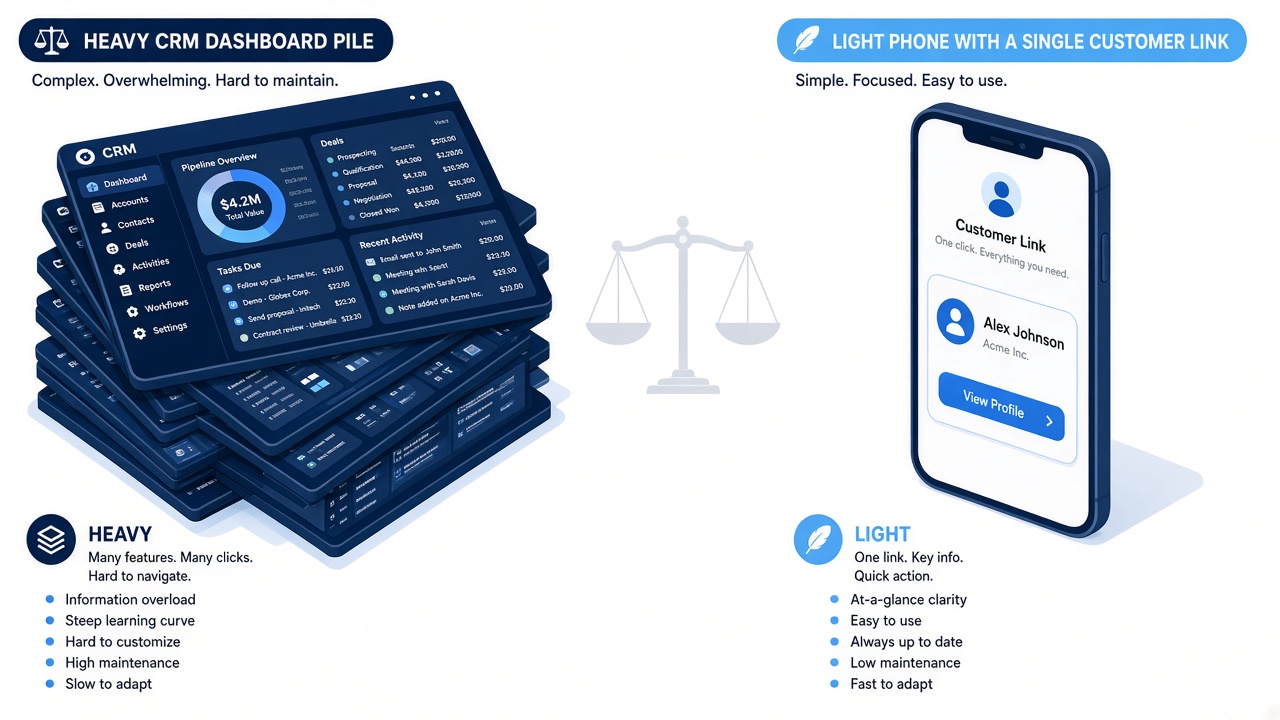
- Can the customer open the photos without an account? If the answer is a portal password, budget the phone calls that creates.
- Can the person on site add a photo to the right step in about a minute?
- When the job stops, is there a status and a sentence, or only a missed call?
- Do you still need invoices and a calendar? Keep the tool that does those. Do not grade a job link as if it were that tool.
- What does the ongoing price cover after the trial language ends? A $0 plan with a job cap is easier to plan around than a 14-day tour of a suite.
Best field service scheduling software is a fair search if the board is the pain. It is a misleading search if the pain is a customer who cannot see the dry-in. Jobsite photo documentation is the shot list. Apps for contractors separates this from drawing apps and lead apps, which also advertise themselves as free.
Use the five jobs on real work
Spend the free jobs on addresses you would be unhappy to argue about from memory. One roof with a leak photo from before tear-off. One remodel with the room as you found it. One service call with the panel or the fixture before you close the wall. One detailing or PPF job if that is the other half of the week. Leave the fifth as spare.
If the callbacks get shorter, Starter or Pro is a straightforward upgrade. If you discover you actually needed invoices, you learned that on five jobs and no card, and the suite is still the right buy. The pricing page is the source for the numbers above. This article matches it as of October 19, 2026.
Common questions
Is there a free field service management plan?
Opeo’s Free plan stays at $0: 5 jobs a month, 15 photos per job, templates, and a customer link. No card. It does not include scheduling, dispatch, or invoices.
Is the free plan a trial that expires?
No. It is an ongoing plan with a monthly job cap. You can upgrade, downgrade, or cancel paid plans from the account. The free cap remains 5 jobs and 15 photos unless you change plan.
Does the free plan send texts to customers?
No. On every plan you copy the link, show the QR code, or open a text draft on your own phone. Opeo does not send SMS, WhatsApp, or email to the customer.
Can a crew share one free account?
Free and Starter are a single seat. Pro includes up to 5 seats, and Scale is unlimited. Everyone on a team plan shares the jobs and photos.
Is Opeo freeware or open source?
No. It is a hosted product. The Free plan is a price of $0 with limits, not a download and not source code you can self-host.
Keep reading
Create the job link free
Free is 5 jobs a month and 15 photos on each job. The customer opens one page. No card.