Contractors
Apps for contractors, when the job is the thing to track
10 min read
Apps for contractors is three searches wearing one phrase. One is drawings: design, measurements, models. One is leads: apps for contractors to find work. One is the job itself: what the crew found at the address, what they did, and why they stopped. This page is the third. Opeo is the link you hand the client for that record. It is the same page a detailing shop uses for a car, which matters if you assumed the product stopped at paint protection film.
A small construction crew feels the gap in a specific way. The superintendent has the photos. The client has a text thread. The sub who opened the wall is on another phone. A week later someone asks whether the scratch on the island was already there. Field service management software is the wider category. Contractor apps are where that category meets a remodel, a roof, and a floor.
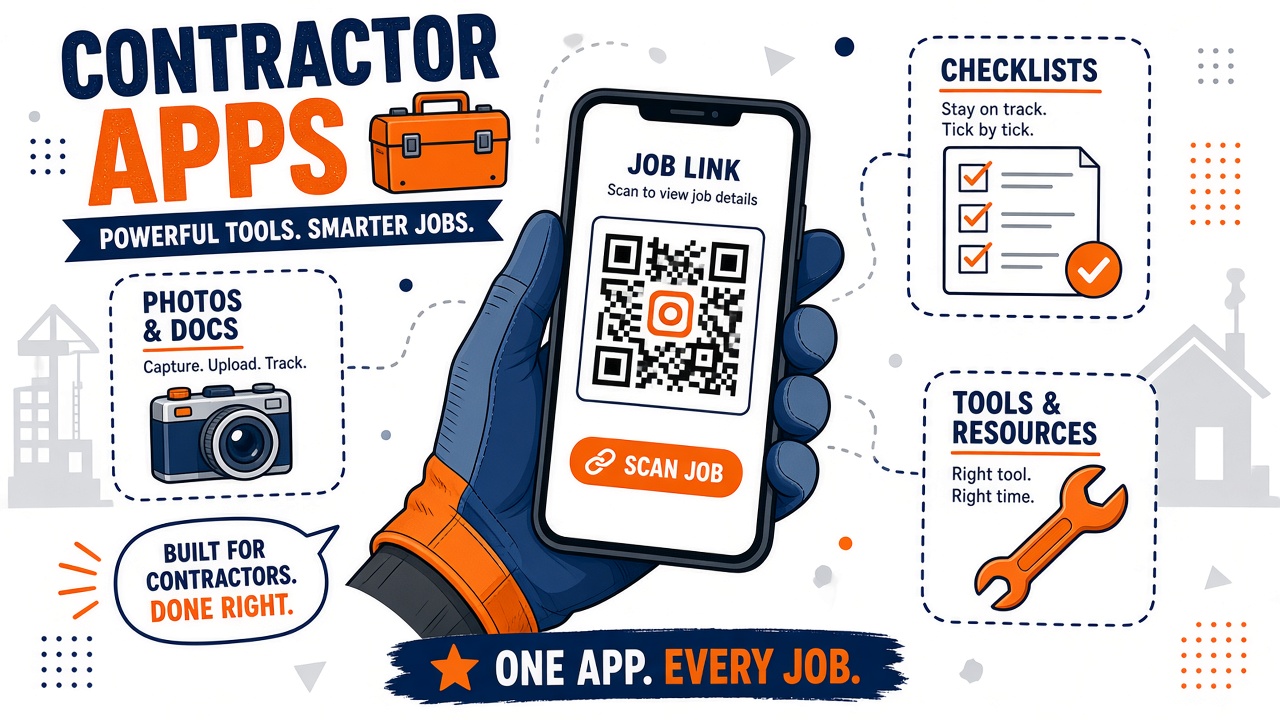
Three products hide in “construction company apps”
Drawings and design
Apps for construction design, and a building construction app in that sense, are for plans, markups, and measurements. They earn their place when the argument is the drawing. Opeo does not store a plan set, and it does not replace the tool your architect or estimator already uses. If the search was “best construction project management app” in the Procore sense, with RFIs and a document stack, you are in a different aisle.
Finding work
Best apps for contractors to find work are marketplaces and bid boards. They are useful when the problem is an empty calendar. They do not photograph the deck. Opeo does not bring you leads. It starts when you already have the address.
The job the client can open
Construction mobile apps, an app for construction workers, and construction applications, in the way a two-to-ten person crew actually talks, often mean “something we can update from the site.” The update that prevents the callback is boring: photos on a step, a status, a sentence when the slab slips a day. The client opens a link. They do not need a login to your project system.
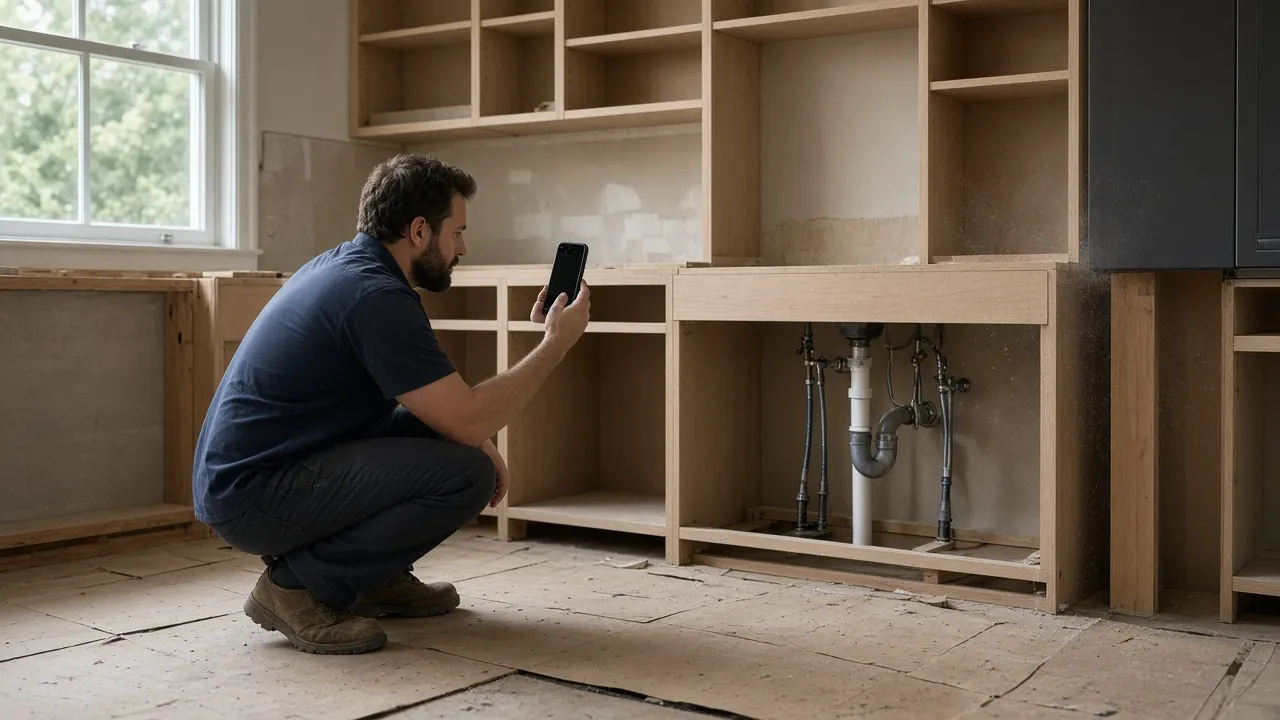
What a small crew actually opens on site
Best app for a small construction business depends on which of the three problems you have this month. For the job record, the test is whether someone standing in the room can add a photo before they cover the work, and whether the client can find that photo without joining your group chat.
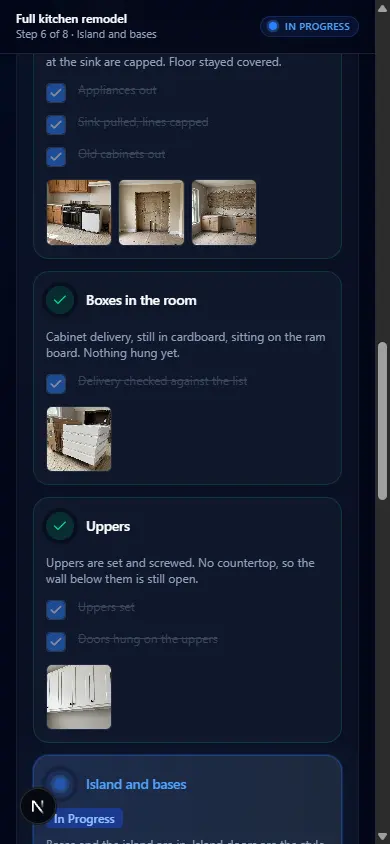
The sample is a full kitchen: the room as the crew found it, demo, boxes, uppers, then the island and the slab still ahead. One link for the whole remodel. The client scrolls. They do not collect days of texts. Flooring is the same shape over a shorter week.
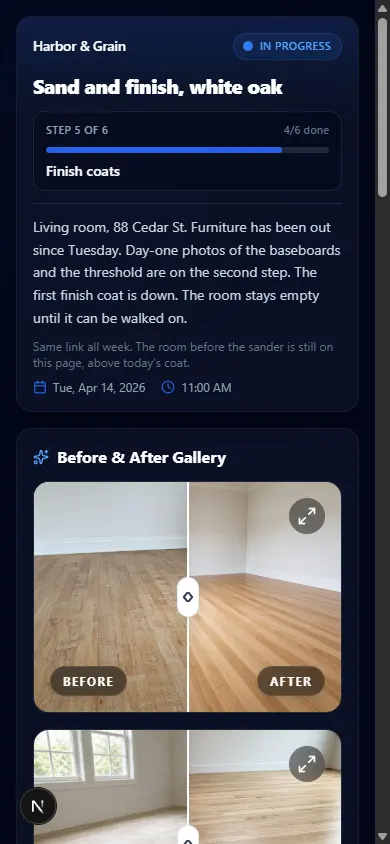
Roofing adds weather. The status goes to Delayed, and the reason is a sentence: rain, dry-in is down, shingles when it is dry. That pattern is written up on the roofing page. Service trades use it on a single visit: plumbers, electricians, HVAC, landscaping. A GC who also runs a car-related side, or who simply wants to see the product the way a bay uses it, can look at detailing and PPF. The page does not change.
Service company software versus a job link
Service company software, best field service software, and best field management software are the suite searches: schedule, quote, invoice, customer database. Contractors buy them when the office is the bottleneck. They are a poor fit when the bottleneck is a client who cannot see the work, because the suite’s client portal often means another login.
Keep the suite if you invoice and schedule in it. Put Opeo beside it for the link. The Jobber, Housecall Pro, and Tradify pages are that split, written for service companies and usable for a contractor who already runs one of them. Public starting prices move. We last checked them in June 2026.
The short shot list before you buy another app
The long version is jobsite photo documentation. For a contractor, four beats cover most callbacks:
- Existing conditions, including damage you are not fixing.
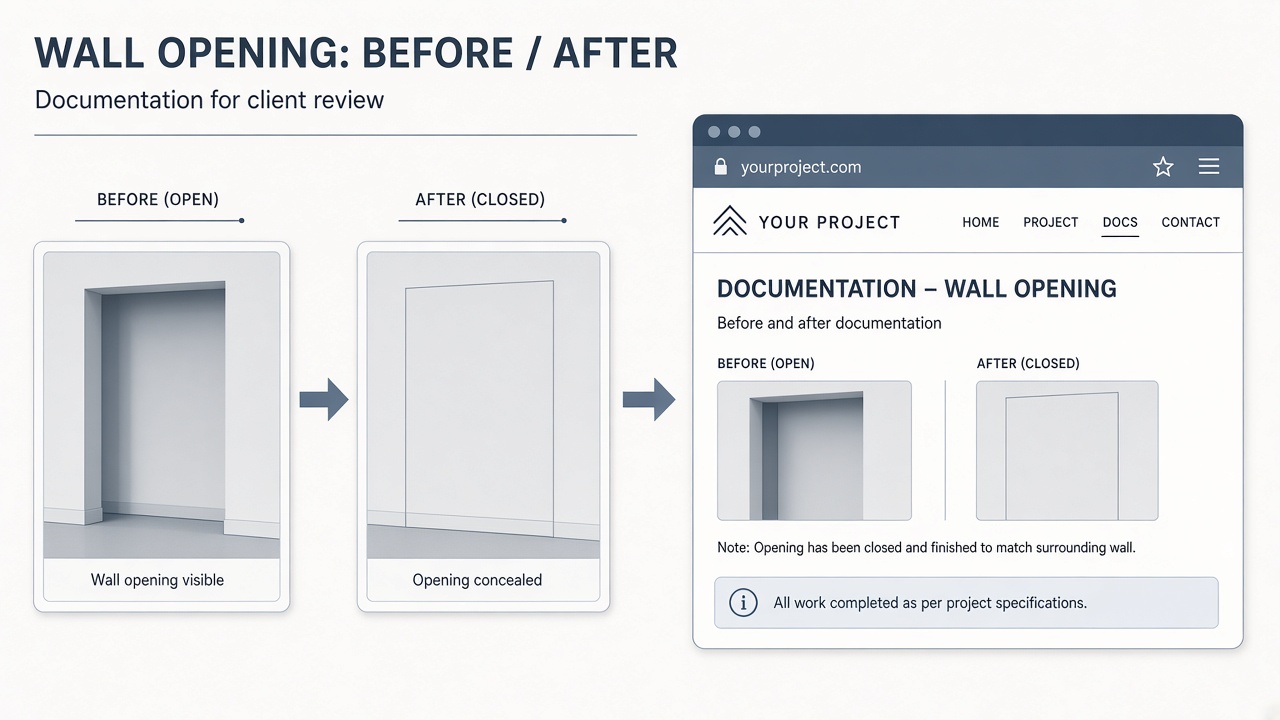
- Anything you are about to cover: decking, pipes, wiring, a trench, the floor before finish.
- The step you are actually in, so “we are on uppers” is a photo and not a mood.
- A delay written as a status, when the slab, the inspection, or the weather moves the day.
Free construction apps, in the ads, are often lead lists or drawing viewers with a paid tier behind the export. Free, here, means five jobs a month and 15 photos each, on the hosted plan, with no card. That is enough to document a remodel’s critical days, or a week of service calls, and see whether the client stops asking you to resend pictures.
How to choose without collecting six logins
- If the argument is the plan, buy the drawing tool. Do not expect a job link to mark up a PDF set.
- If the argument is an empty pipeline, buy a lead source. A job page will not find you the next house.
- If the argument is “what did you do at 41 Maple,” use one link with photos in order. That is this product.
- If you already pay for Jobber, Housecall Pro, Tradify, or a construction suite, add the link beside it instead of migrating the invoice.
- If a second person on the crew must sign in, budget Pro. Free and Starter are one seat. Your logo on the client page is Pro as well.
Top construction apps and best apps for construction business will keep publishing roundups. Read the roundup for the category it is secretly about. A list that mixes a marketplace, a drawing viewer, and an invoicing suite is not a recommendation. It is three recommendations stapled together. Pick the one that matches the call you are tired of taking.
Put one address on a link this week
Choose a job you are mid-way through. Title it with the street. Add the photos you already have into the steps they belong to, and take the one photo you will not be able to take after tomorrow’s work. Send the link from your phone once. The pricing page has the caps if that job is bigger than 15 photos. Templates mean the next kitchen, the next floor, or the next roof starts from the same steps instead of a blank page.
Common questions
Is Opeo a construction project management app?
No. It does not replace drawings, bids, schedules, or a document stack. It is the page the client opens for photos, steps, a delay reason, and comments.
Can I use it to find contractor work?
No. It is not a lead marketplace or a bid board. It starts when you already have the job and need the client to see it.
Does a subcontractor get a login?
Only if they are on a seat. Pro includes up to 5 seats and Scale is unlimited. Free and Starter are one seat. You can still add photos to the job and send the client the link either way.
Will this replace Jobber or a construction suite?
Only if you do not need quotes, invoices, and a calendar. Most crews keep those and add the job link so the client can see the work without another password.
Does the client need to install an app?
No. They open one link in the browser. You share it from your phone or show the QR code. Opeo does not text or email them.
Keep reading
Create the job link free
Free is 5 jobs a month and 15 photos on each job. The customer opens one page. No card.