Blog
Field service software is a wide category. These posts stick to what a small crew opens on site: one job link with photos, steps, and a status the customer can reopen. Clustered by progress and photo sharing, trade software (plumbing, HVAC, roofing, detailing), then suites and alternatives.

Comparisons
Jobber alternatives, when the calendar is not the whole problem
Software like Jobber, alternatives to Jobber, and free Jobber alternatives — sorted by whether you need a new suite or a customer photo page beside the calendar.

Comparisons
Housecall Pro alternatives, without pretending one app does everything
Why people search Housecall Pro alternatives, what full suites swap, and when to keep HCP for the calendar while adding a photo job link for customers.
Field service
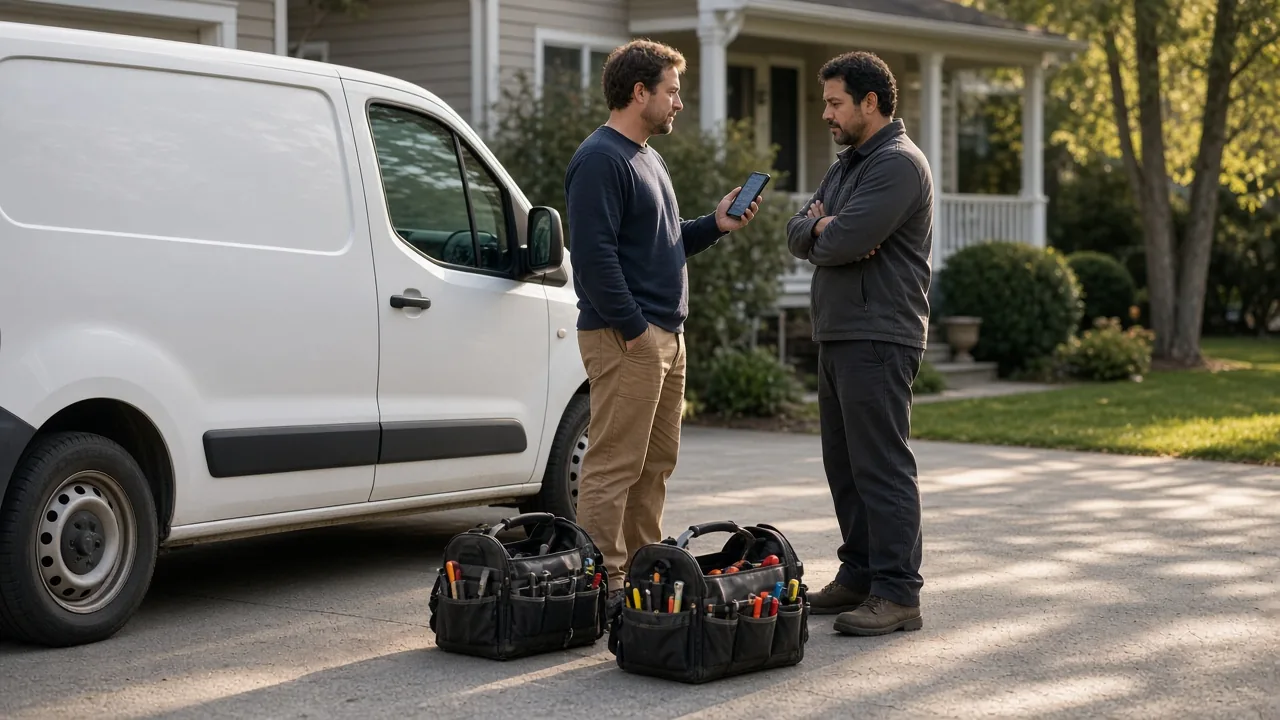
Small business field service software for crews that work on site
What a 2–10 person crew actually needs from small business field service software, how “best” lists score suites, and where a photo job link fills the gap.

Shops
Auto detailing software when the customer judges the job in different light
Car detailing software lists push booking and CRM. For intake photos, correction work, and handoff proof on one link, you need job status and pictures the customer can reopen at home.

Trades
Roofing software when the argument is the deck photo, not the pipeline
Roofing software roundups push CRM, takeoff, and estimating suites. For leak and deck proof plus honest rain delays, you need photos and status on one link the homeowner can reopen.
Trades
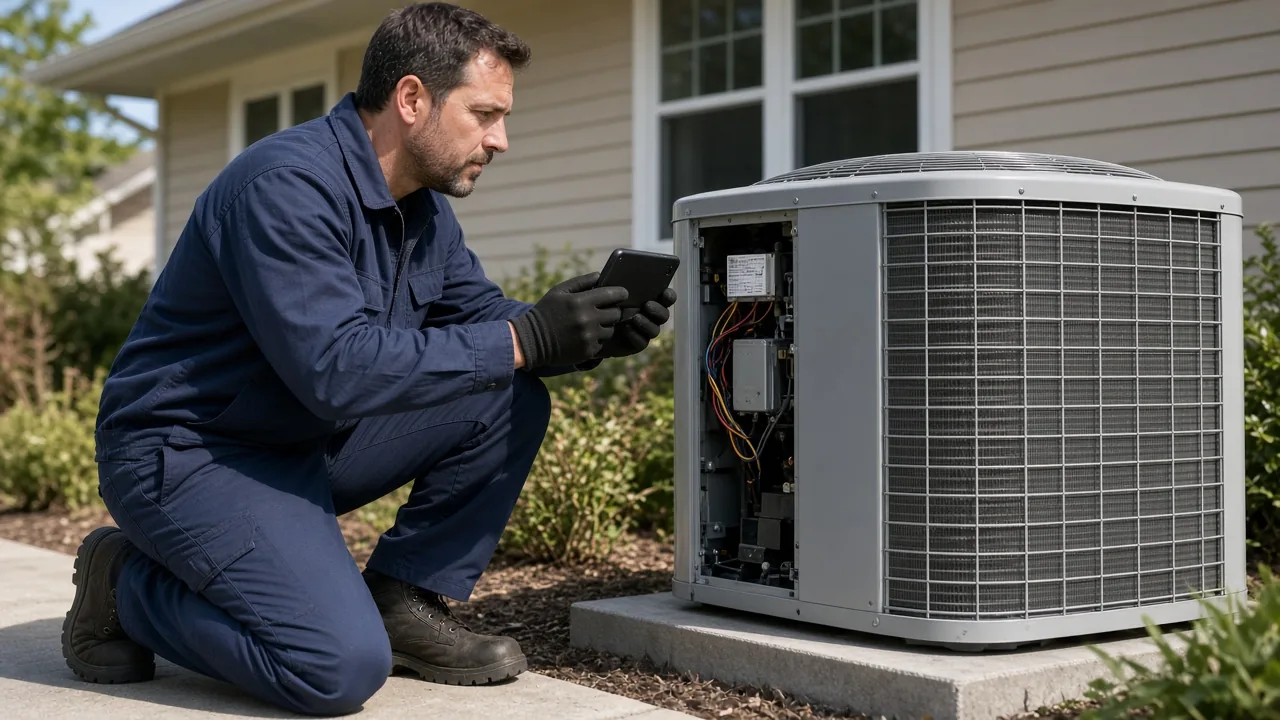
HVAC software when the customer needs to see the fix, not the duct layout
HVAC software lists mix load-calc design tools with dispatch suites. For the service call, you need job photos, steps, and a delay reason on one link the homeowner can reopen.
Trades
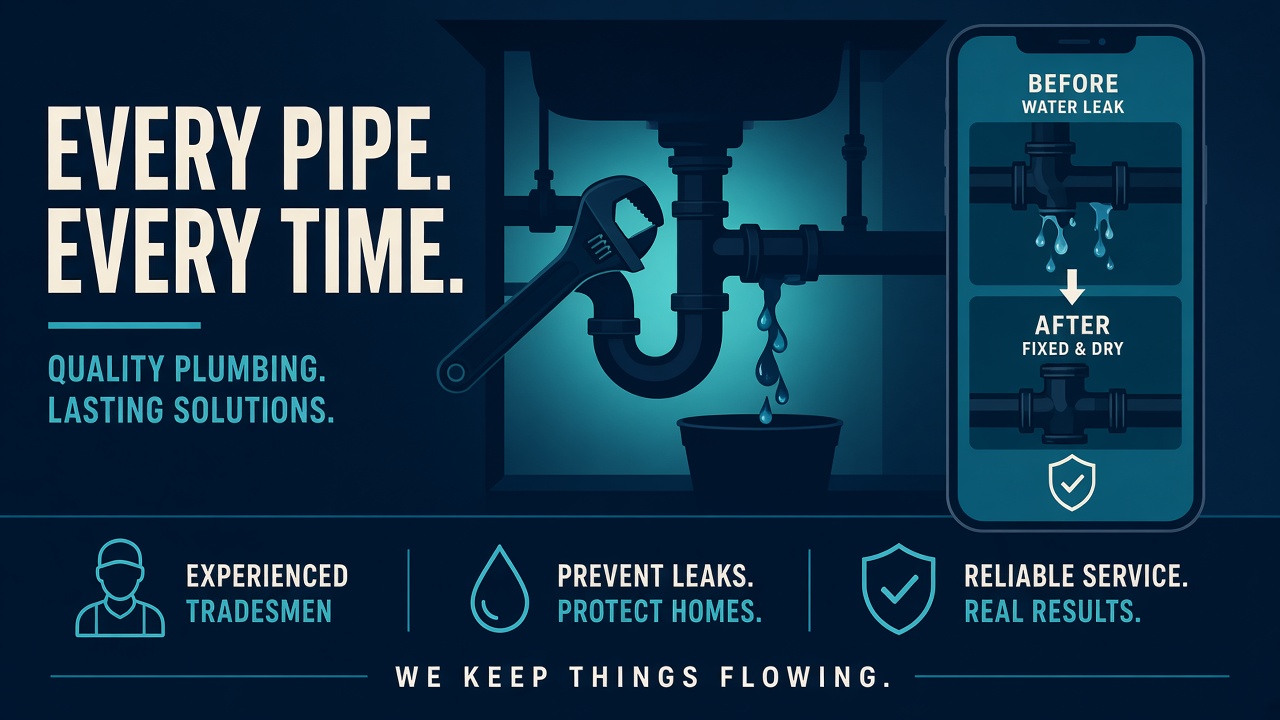
Plumbing software when the customer needs to see the work
Plumbing software usually means dispatch, invoices, and CRM. When the pain is “show the customer the leak and the fix,” a job link with photos and status may be enough—or the add-on beside your suite.
Photos
Jobsite photo documentation the customer can reopen
What to photograph on a jobsite before the work gets covered, and how those frames stay on one link for roofing, remodels, and other trades.
Photos
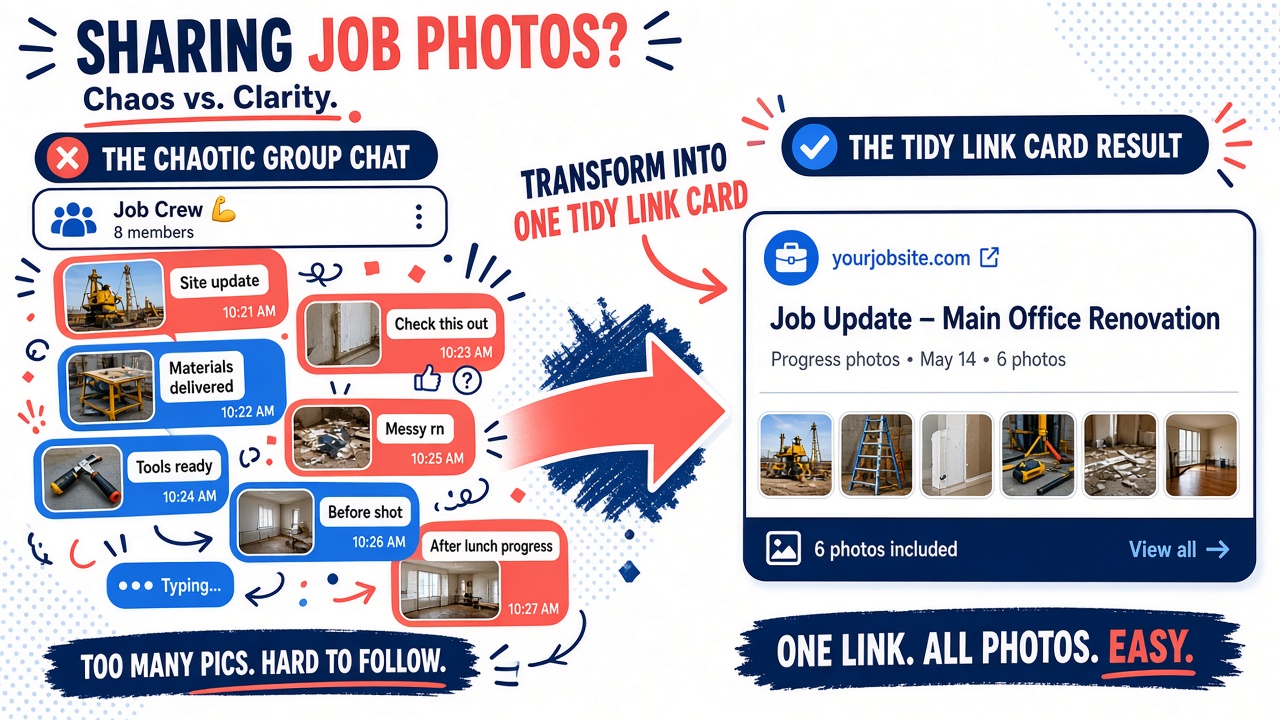
Share job photos with customers without losing them in the chat
How to share construction photo documentation with homeowners: one job link beats a WhatsApp thread. Steps, captions, and resend-free updates from your phone.
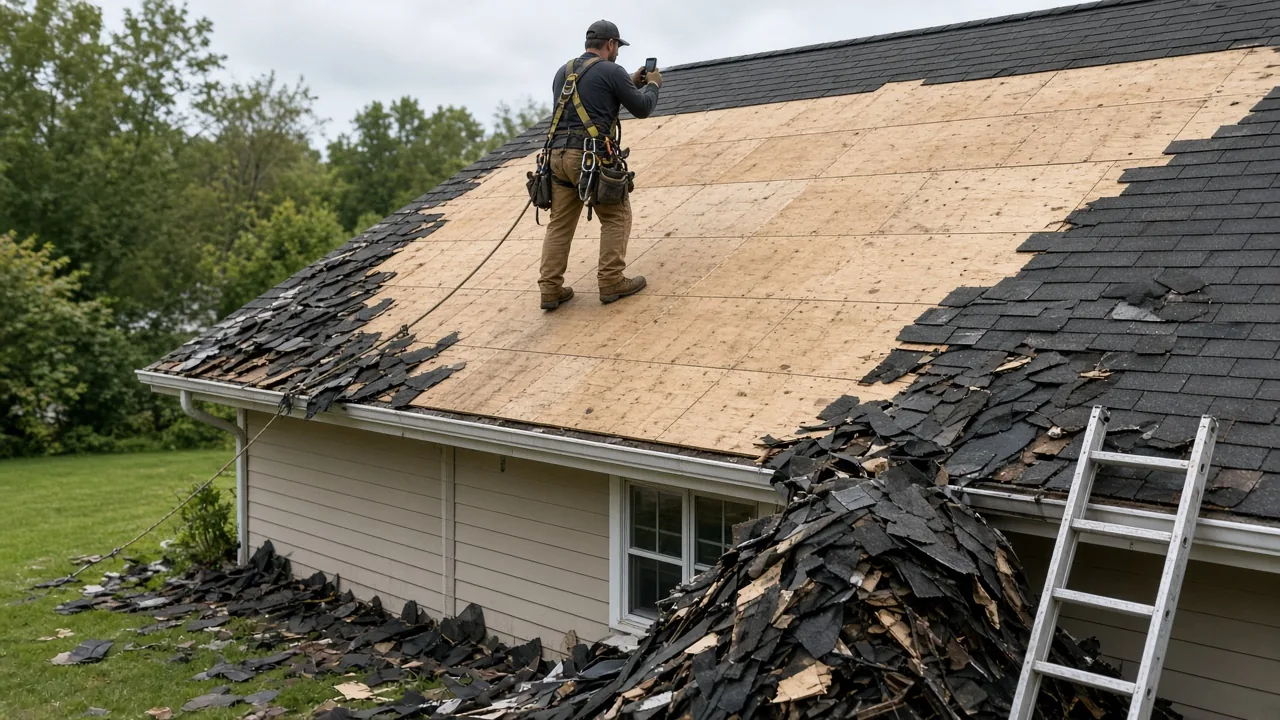
Contractors
Job progress tracking for contractors the homeowner can actually open
Construction progress tracking for small crews: steps, status, photos, and delay reasons on one client link—not a Gantt chart, GPS map, or Procore-style stack.
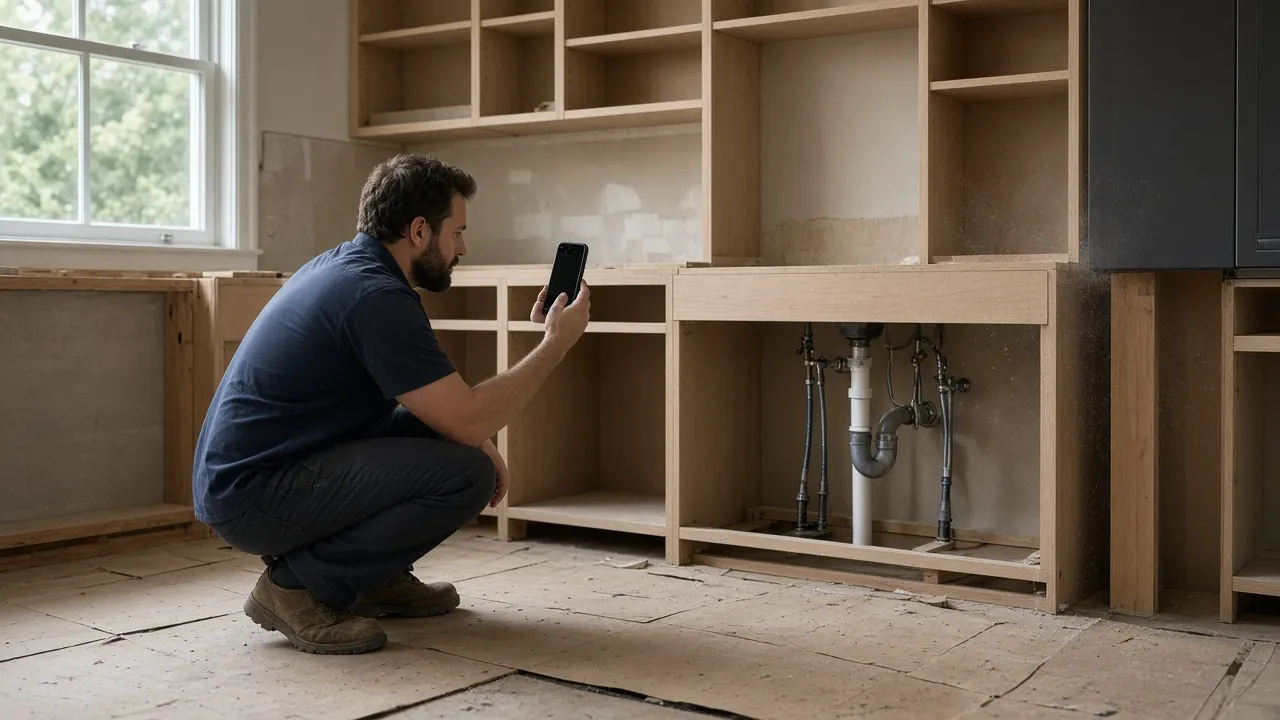
Contractors
Apps for contractors, when the job is the thing to track
Apps for contractors split into drawings, lead lists, and the job itself. Here is the documentation page a small crew can hand to a client.
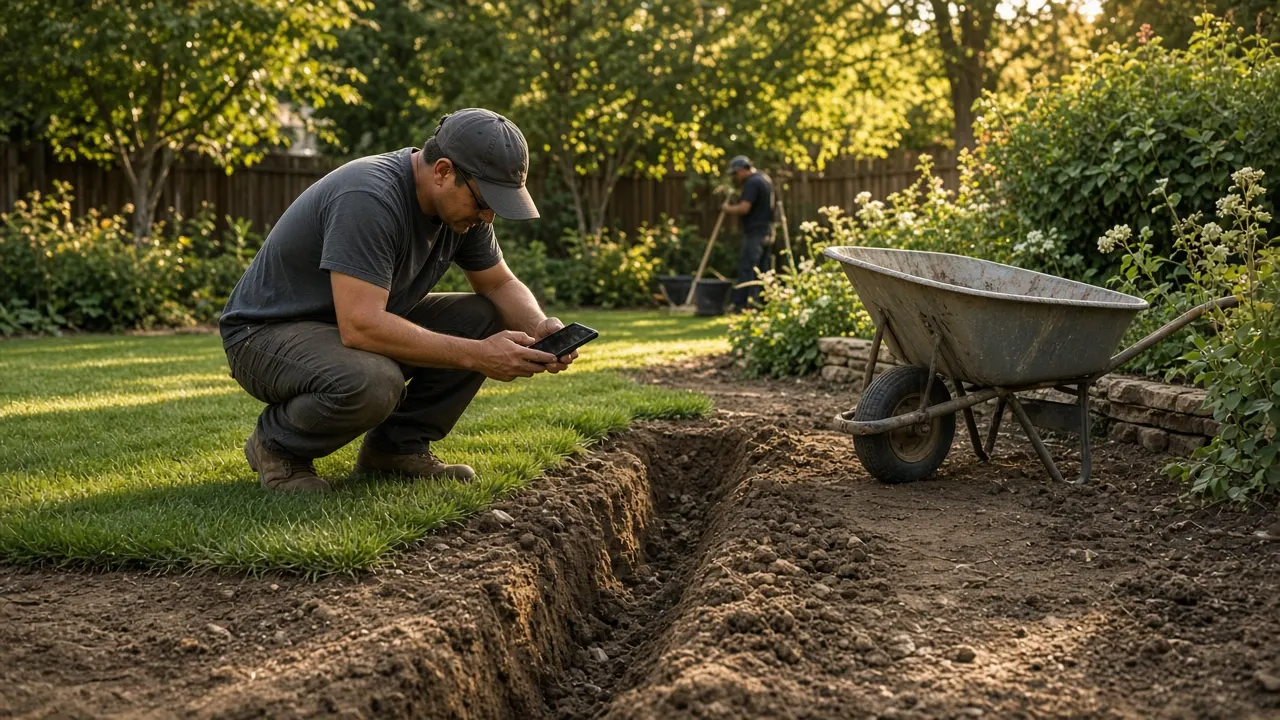
Pricing
Field service management software free plans, and the limits
A free field service plan is often a trial. Opeo's Free plan stays at 5 jobs and 15 photos a month, with a customer link and no card.
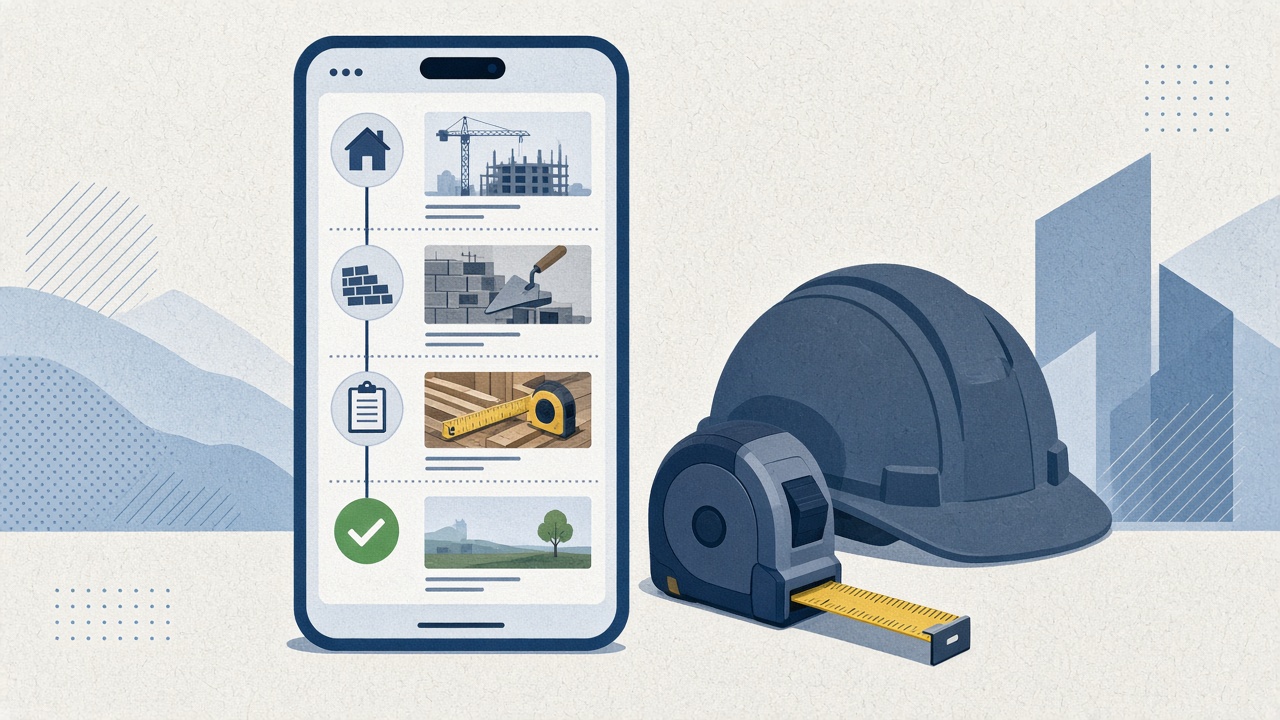
Pillar
Field service management software for crews that work on site
What field service management software includes, what a small crew can skip, and where a photo job link fits roofing, trades, and contractors.