Shops
Auto detailing software when the customer judges the job in different light
11 min read
Auto detailing software, in most roundups, means booking, packages, CRM, and sometimes fleet scheduling for mobile vans. Those products earn their fee when the fight is an empty calendar or a no-show deposit. They are a weak fit when the fight is the panel the customer swears still has swirls under the garage light—the same panel you photographed under your LEDs before and after correction. Car detailing software in that second sense is a job record: intake photos, the work in order, and a handoff the owner can reopen without downloading another app.
The product is the same one roofers and HVAC techs use—field service management software without the dispatch fiction. Apps for contractors explains why construction crews and bays share one link shape. This page is the shop angle: intake, correction, coating, and pickup on one timeline.
Car detailing software is not only booking and CRM
Search “car detailing software” or “mobile detailing software” and the top results sell online booking, customer lists, and marketing automations. Useful when you are growing fill rate. They do not automatically keep the before-and-after on the door panel together when the customer disputes scope a week later.
Opeo does not replace your booking site or your point-of-sale if those are working. It does not run ad campaigns or pipeline stages. It is the documentation layer: what the car looked like on intake, what you did in the bay, and what you want them to see at keys-back. If the search was “detailing scheduling software” only, you may still need a scheduler—but you may also need a link that survives until the customer opens the garage door in sun.
- Booking / CRM-first tools: calendar density and repeat visits.
- POS and package builders: price lines, not swirl proof.
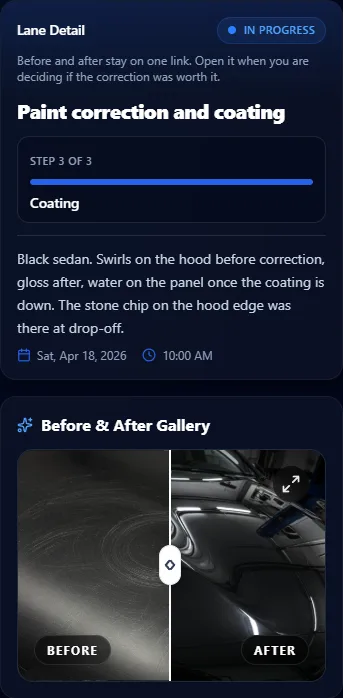
- A job link: intake, correction, coating steps with photos the customer reopens at home.
- Delayed status: ceramic cure time, PPF adhesive set, weather for mobile work—written in plain language.
Intake, work, and handoff on one link
Software for auto detailing businesses often stops at the appointment row. The bay runs on three moments that actually drive chargebacks: what you saw at intake, what changed under your light, and what you show at handoff. Steps on the timeline map to those moments so “we did the whole car” becomes photos on the steps you actually finished.
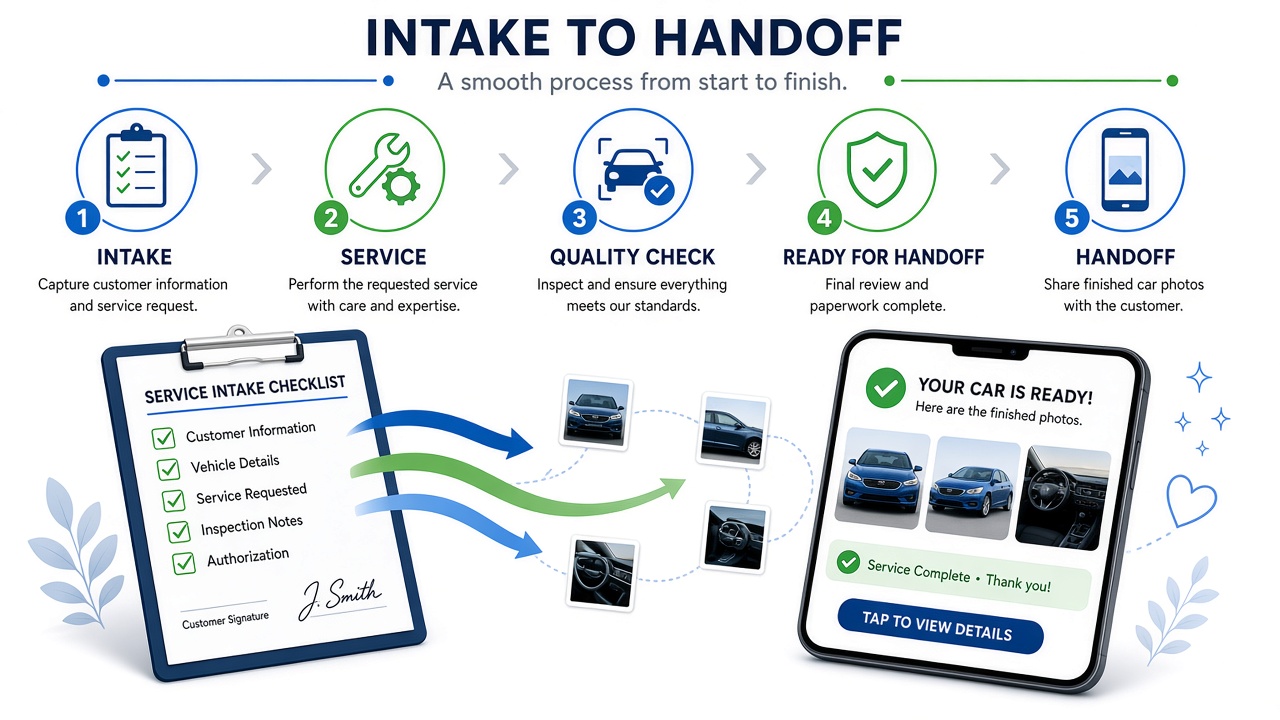
- Intake: overall walk-around, damage and scratches you are not fixing, meter readings for tint if relevant.
- Before correction on the charged panels—not three beauty shots of the badge.
- After correction or coating on the same panels while the comparison is obvious.
- Edges and tight spots for PPF or wrap—where customers look first.
- Handoff wide shot or interior if that was in scope; one frame is enough on tight plans.
- Delayed when cure time, rain on a mobile job, or a redo holds pickup—reason on the page.
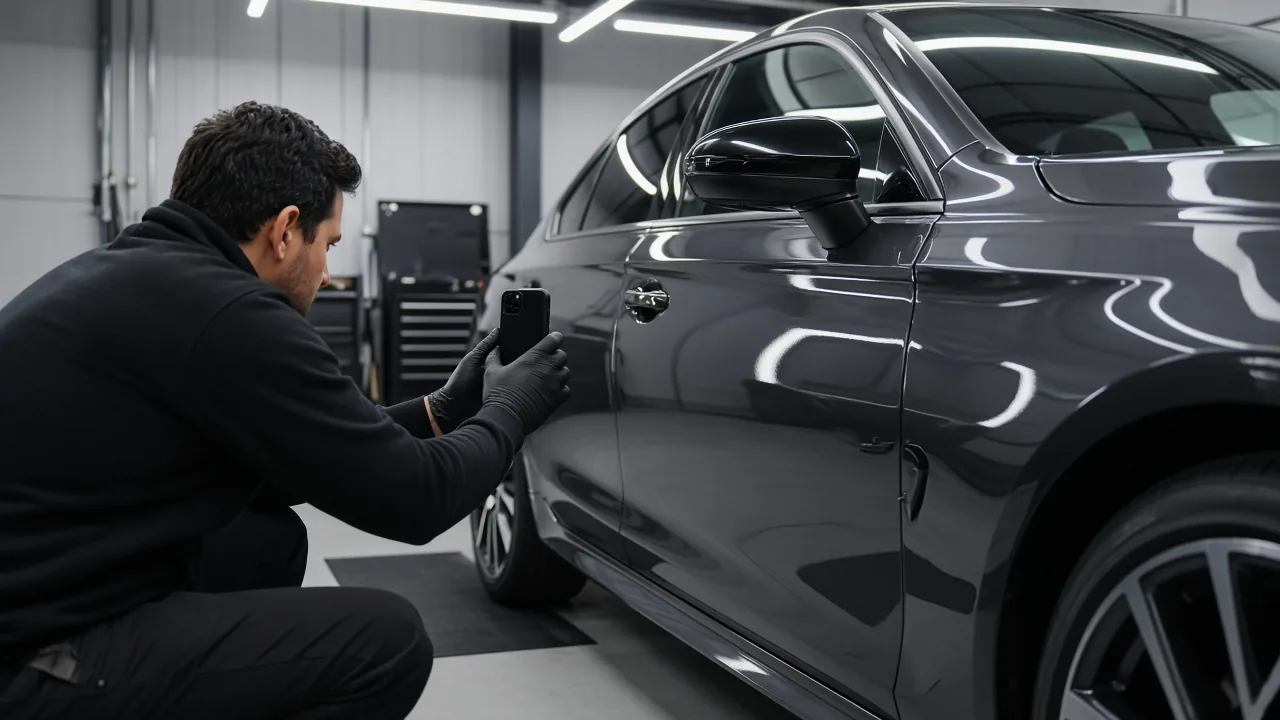
PPF and ceramic shops run the identical page. Intake film placement, slip solution stage, post-install edges—the customer reopens one link when they ask about a bubble or a line. See PPF and the shop guides for shot-by-shot habits. A GC who also details fleet vehicles does not learn a second product between jobs.
Window tint is documentation, not plotter software
Window tinting software in search often means cutting plotters and pattern libraries—Tint Tek, ComputerCut, and similar—not customer proof. Opeo does not cut film. For tint, the job link holds the glass, the meter reading, and the finished edge the customer inspects. The window tinting page stays in that lane. If you needed tint cutting software, you are shopping hardware and pattern databases, not this product.
Mobile detailing software without GPS theater
Mobile detailing software sometimes sells live maps and crew dots. Opeo does not track GPS or optimize routes. Mobile detailers still benefit from a link: the customer sees intake photos from the driveway job, status when rain moves you to the shop, and handoff frames without a thread of compressed JPEGs. You share from your phone the same way a roofer shares a dry-in photo—copy, QR, or text draft. Opeo does not message the customer for you.
| The task | Where it belongs |
|---|---|
| Online booking and reminders | Your scheduler or CRM |
| Invoices and packages | POS or accounting tool |
| Intake and correction photos the customer reopens | Job link |
| Cure-time or weather delay at pickup | Delayed status + reason on the link |
| Your logo on the customer page | Opeo Pro |
Where each detailing task belongs
Keep booking—add the handoff link
Best auto detailing software lists will keep mixing CRM, websites, and POS. Read them for fill rate. When the pain is “they said we missed the rear quarter,” the fix is ordered photos on one URL—not another pipeline stage. Share job photos with customers covers sending without becoming IT for the owner. Plumbing software is the same documentation pattern for a trade that also fights callback disputes—different vehicle, same link mechanics.
If you already use Jobber, Housecall Pro, or a shop CRM for appointments, keep it. Add Opeo beside it for the vehicle job the customer actually scrolls. The Jobber and Housecall Pro pages describe that split; public starting prices moved since we last checked them in June 2026.
Try car detailing job photos before you add another subscription
Free on the hosted plan is five jobs a month and fifteen photos per job—enough for a correction job with a disciplined shot list or a few mobile details. Short video uses one photo slot. Caps, seats, and branding tiers are on pricing and in field service management software free. Templates turn “intake → correction → coating → handoff” into the default for the next VIN.
Put one vehicle on a link before the next picky pickup
- Pick a job mid-bay or awaiting pickup—where disputes actually start.
- Name steps the way your writers talk: intake, wash, decon, correction, coating, handoff.
- Move existing photos into the right steps; capture the panel that looks different under sun.
- Send the link at intake or at handoff; point them back to the same URL if they text later.
Fleet and multi-bay shops scale jobs and seats on Pro and Scale; the customer still sees one link per vehicle. Sign up when you want the habit across the team; car detailing stays the one-screen trade summary.
Common questions
Is Opeo auto detailing booking software?
No. It does not replace online booking, CRM pipelines, or marketing automations. It is the job link for photos, steps, status, delay reasons, and comments on one vehicle.
Does Opeo cut window tint patterns or replace tint plotter software?
No. Tint cutting and pattern libraries are separate tools. Opeo holds tint documentation—glass, meter, finished edge—on the customer link.
Can mobile detailers use the same page as a fixed bay?
Yes. One link per job. Share from the driveway or the shop; the customer opens the same browser page.
Does the customer need an app or account?
No. They open one link. You share it from your phone. Opeo does not create customer logins or send texts on your behalf.
Can I invoice from Opeo?
No. Invoicing and payments stay in your POS or field service tool. Opeo is documentation and status the customer can see.
Keep reading
Create the job link free
Free is 5 jobs a month and 15 photos on each job. The customer opens one page. No card.