Field service
Small business field service software for crews that work on site
11 min read
Small business field service software is the search you run when the whiteboard stops working and the texts pile up. The results are almost always suites: calendar, dispatch, quotes, invoices, and a customer database with a monthly price that assumes someone sits at a desk all day. A crew of two to ten people often needs a narrower slice first. They need the visit on the board, the invoice out the door, and one place the customer can reopen what happened at the address without another password.
Opeo is that last piece as a job link. Photos, ordered steps, a delay with a written reason, and comments sit on one page in the browser. The homeowner does not install an app and does not create an account. You copy the link, show the QR code on the page, or open a text draft from your own phone. Opeo does not text or email the customer. It is not a replacement for Jobber or Housecall Pro when the office lives in those tools. It sits beside them when the argument is “show me the panel” or “why did shingles slip to Friday.”
This page is a spoke, not the whole map. The pillar is field service management software. Pricing caps and the free plan are in field service management software free. If you are shopping because a suite feels heavy, read Housecall Pro alternatives and Jobber alternatives for the split between replacing a calendar and adding a customer page.
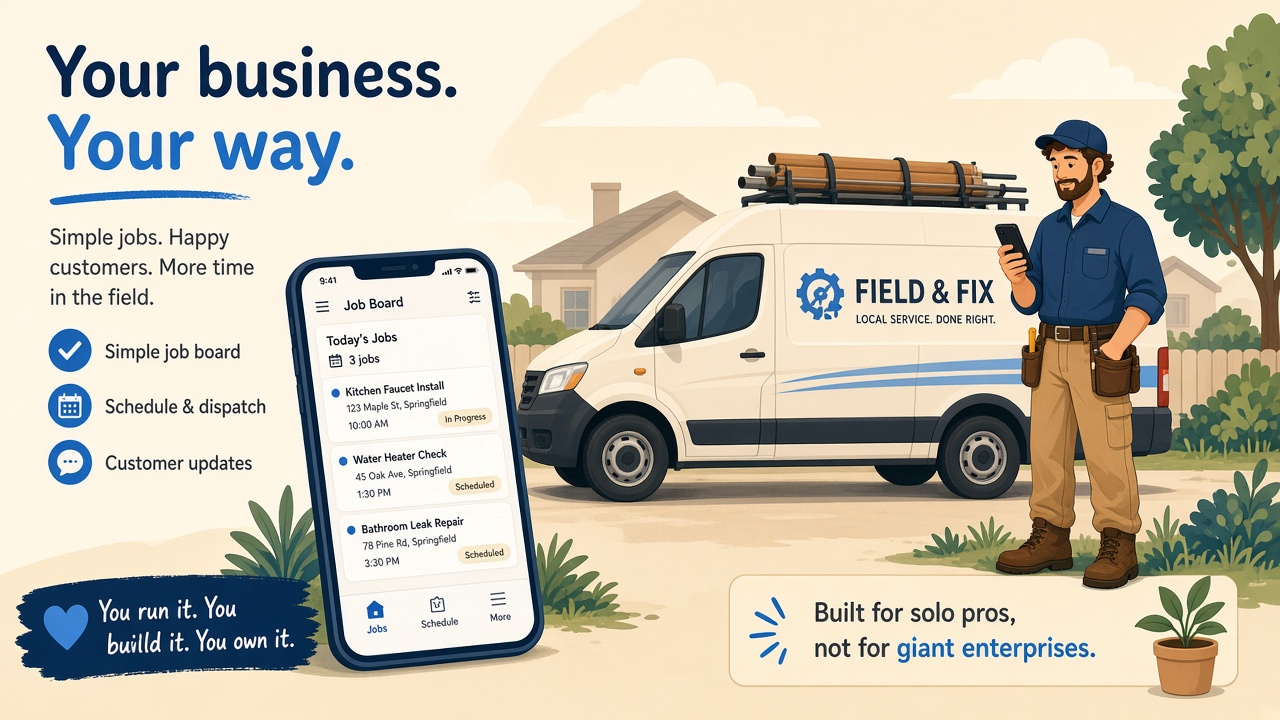
What a 2–10 person crew actually needs
At this size the owner is often on the truck. The “office” is a shared inbox, a spreadsheet, and whoever answers the phone between jobs. Full field service management software for small business teams promises one login for everything. That is true when quotes, routes, and AR aging are the daily fight. It is less true when the fight is a callback because the client cannot find the photo from Tuesday.
- A way to know who goes where today — often a suite calendar or even a shared Google Calendar for a while.
- Quotes and invoices — QuickBooks, the suite, or a template you already trust.
- Proof on the job — photos on the step, a status, a sentence when weather or parts stop work.
- A customer view that does not require training — a link, not a portal invite they ignore.
| Problem this week | Reach for | Skip until you feel the pain |
|---|---|---|
| Customer cannot find Tuesday’s photo | A job link with steps | A second CRM |
| Three vans, one dispatcher | Scheduling in a suite | Enterprise dispatch rules |
| Invoice before you leave the driveway | Your invoicing tool | Rebuilding AR inside a new stack |
| “Where are we on the kitchen?” | Ordered steps on one link | A Gantt chart the client will never open |
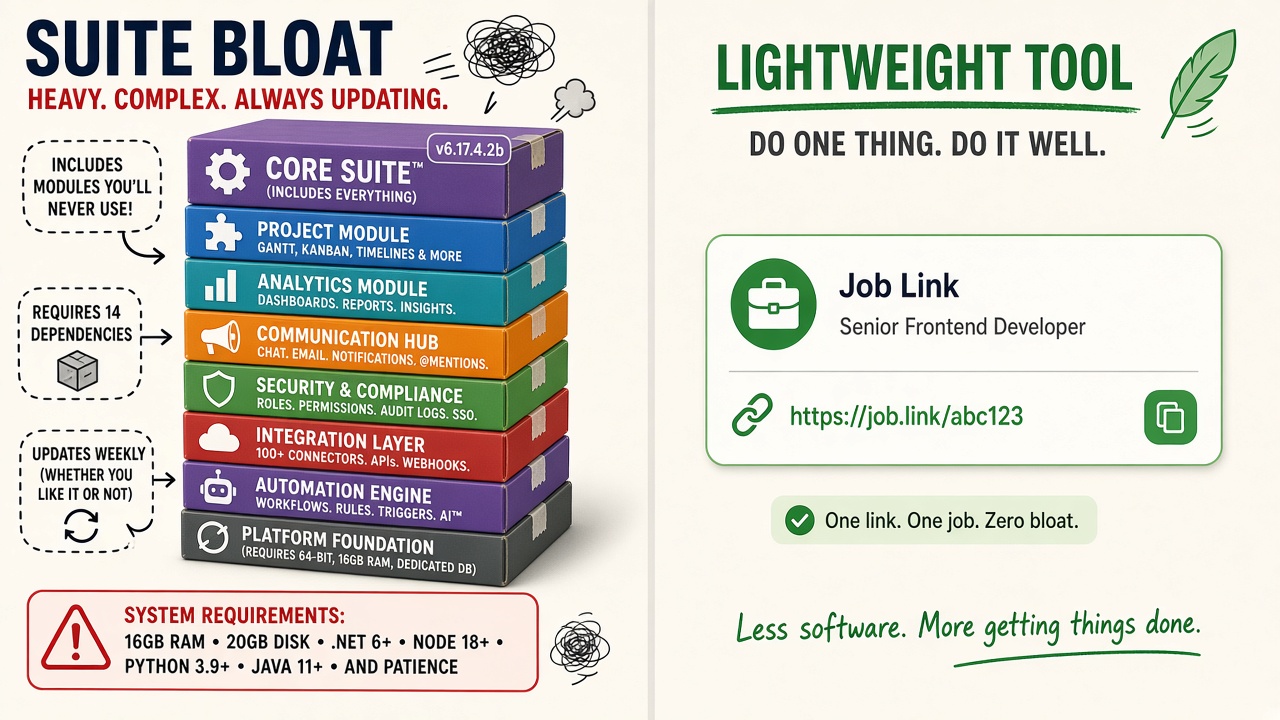
Small crew needs versus suite bloat
Best field service management software for small business
Lists that rank the best field service management software for small business usually score suites on features: online booking, GPS, marketing campaigns, inventory, and price per seat. That is a fair test when you are ready to move the whole office. It is a noisy test when you only need the customer to see the soft deck, the open panel, or the scratch on the island before cabinets go on.
When you read those rankings, ask three questions that affiliate pages rarely weight heavily:
- Will the homeowner open it without installing something? Browser links beat technician apps on the customer side.
- Does “mobile” mean your tech in a glove, or a route map the client never sees?
- If you keep Jobber or Housecall Pro for the calendar, does this product duplicate that bill or fill the photo gap?
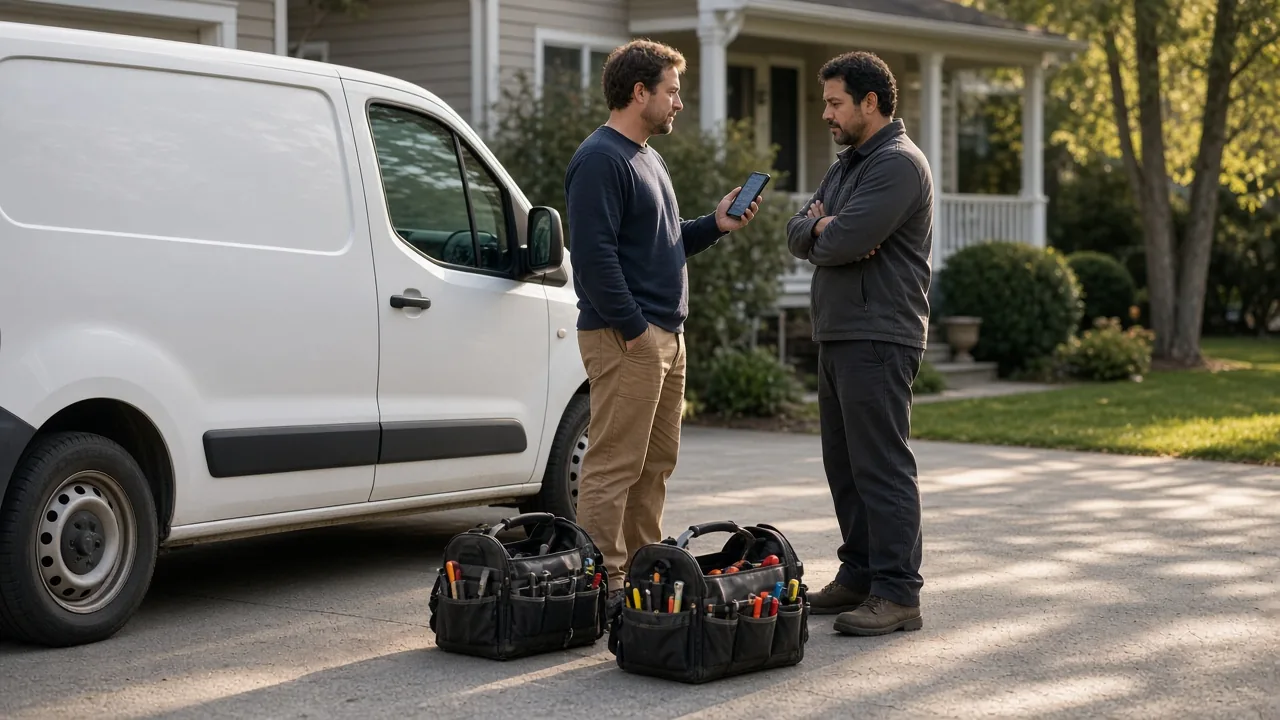
Jobber and Housecall Pro belong on many honest lists for scheduling and invoicing at small shops. Tradify and Workiz show up for trades that want a middle weight. ServiceTitan is the conversation when the shop is already big enough to staff an implementation. None of those names solve the driveway moment by themselves: the customer standing there while you say “I’ll text you a picture” and the picture disappears in a thread.
The field service management software pillar walks the full category. The Jobber and Housecall Pro pages say when to keep the suite and add a job link instead of switching twice.
Best field service app (for the phone in your hand)
“Best field service app” in a brochure means a technician app with forms and a map. On a Tuesday it means a phone in a kitchen with no counter space. You have about a minute to mark the step, attach the photo, and write a reason if the job is delayed. The best field service management apps for your crew are the ones someone on a ladder will actually touch before they cover the work.
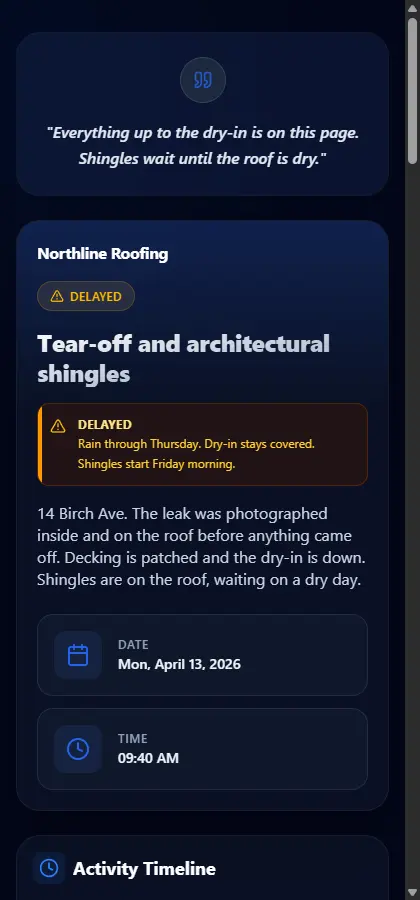
The customer’s “app” is the browser. A field service mobile app that asks them to download something will sit unopened. Your side is also the browser on your phone. There is no separate install for the homeowner, and Opeo does not work offline. Add the photo when you have signal.
The job link gap
Suites store job notes internally. Clients live in texts, email forwards, and “check your portal” emails they never click. The gap is a single URL that matches how they already behave: tap a link, scroll photos in order, read why the slab is late. That is small business field service software in the narrow sense — not less serious, just scoped to proof and progress.
How to score “best” lists without buying twice
Treat a “best field service software” article like a menu, not a verdict. Give points to anything that shortens the callback. Give points to anything your tech will use with gloves on. Subtract points for features you already pay for elsewhere.
- Keep one system of record for money and time on the calendar.
- Add a job link when customer visibility is the missing layer.
- Switch suites when the office truly outgrows the current tool — not when a list says you should.
Free plans matter at this size. Opeo’s free tier is five jobs a month with photo caps — enough to learn whether links calm the “send it again” texts. Details sit in field service management software free so this page does not repeat the pricing table.
A sane first week on a small crew
- Pick one live job the customer already asks about — the remodel, the roof, the repeat service call.
- Mirror the steps you say out loud: before, during, after, plus a delay step when weather or parts can stop work.
- Add the photos you would want during a callback. The shot list lives in jobsite photo documentation.
- When work stops, set Delayed and write the reason in a sentence.
- Share from your phone. Copy the link, show the QR code, or paste into your own text draft.
If you are comparing suites while you try this, read Housecall Pro alternatives and Jobber alternatives before you cancel a calendar you still need.
Common questions
What is the best field service software for a small business?
It depends which problem you are solving this month. Suites like Jobber and Housecall Pro fit scheduling and invoicing. If the pain is customer visibility — photos, status, delay reasons — a job link beside the suite often fixes that without a full migration.
Is Opeo field service management software?
Opeo is the customer job link: photos, steps, a delay reason, and comments. Scheduling, dispatch, quotes, and invoices stay in your suite or accounting tool when you need them.
Do customers need to download an app?
No. They open the link in the browser without an account. Opeo does not text or email them. You share the link from your phone.
Can I use Opeo on the free plan while I keep Jobber or Housecall Pro?
Yes. Many small crews keep the suite for the calendar and add Opeo for the page the customer reopens. The free plan is five jobs a month with limits on photos per job.
Does Opeo replace GPS, dispatch, or payroll?
No. It does not track vans, run payroll, or send automated texts. It is the photo and status page for one job at a time.
Keep reading
Create the job link free
Free is 5 jobs a month and 15 photos on each job. The customer opens one page. No card.